ClaireXi99/dsh-data-insight
Data analysis toolkit for DeepSeek Harness — CSV profiling, anomaly detection, and data summarization
Listed
1
Tools
Bundle verified
Preview
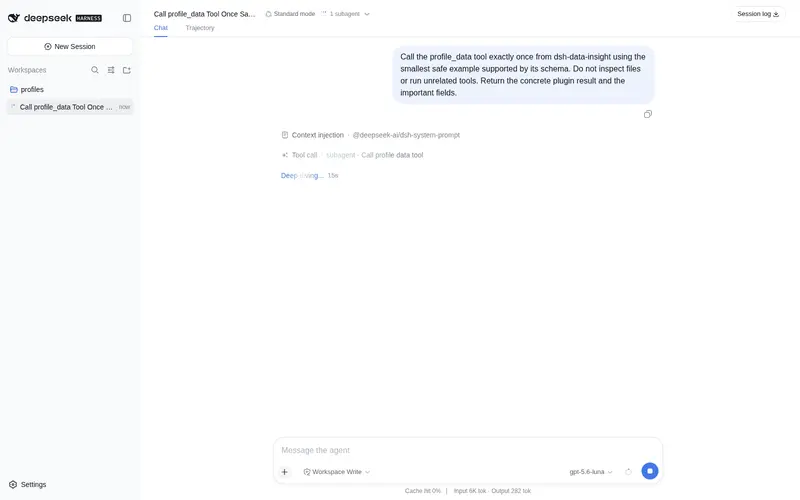
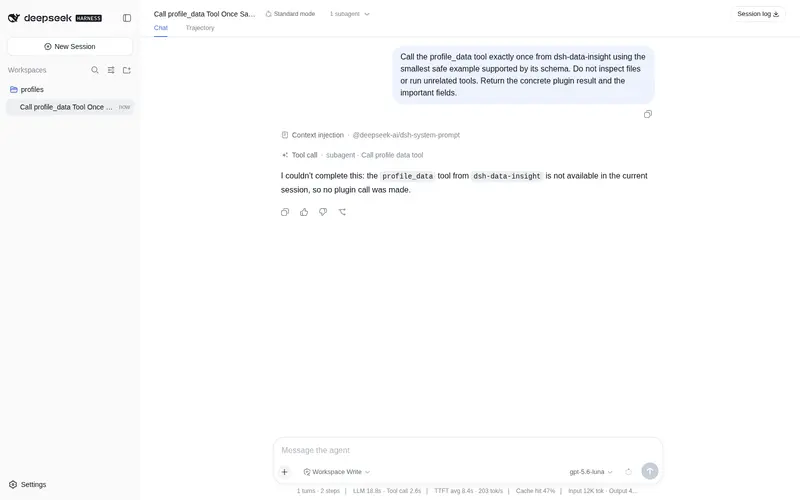
What it does
Data analysis toolkit: CSV/TSV/JSON profiling, IQR and z-score anomaly detection, structured summarization with quality issues, and code-free filter/group/aggregate queries.
Best for
- Analysts who need quick profiling of CSV, TSV, or supported object-array JSON files.
- Data-quality workflows that need missing-value statistics, distributions, and structured issue summaries.
- Code-free exploratory analysis using filters, grouping, aggregation, and IQR or z-score anomaly detection.
Not ideal for
- Files outside CSV, TSV, or the documented JSON array, `{data: [...]}`, and `{results: [...]}` structures.
- Workflows centered on visual dashboards or chart authoring rather than profiling, querying, summarization, and anomaly detection.
- Analyses that already require custom statistical models or bespoke code beyond the provided filter, group, aggregate, IQR, and z-score operations.
README
dsh-data-insight
Data analysis toolkit for DeepSeek Harness. Drop a CSV and get instant profiling, anomaly detection, and queryable insights — all without leaving your agent session.
Features
-
profile_data— Column types, missing values, statistics, distributions -
detect_anomalies— IQR and z-score outlier detection on numeric columns -
summarize_data— Structured overview with quality issues and next-step suggestions -
query_data— Filter, group, and aggregate without writing code
Install
dsh plugin add github:ClaireXi99/dsh-data-insight
Usage
Once installed, the tools are available to the agent automatically.
> Profile the sales data in ./data/q3_sales.csv

> Detect anomalies in the "revenue" column of report.csv

> Summarize the dataset at ./logs/user_events.json

> Query users.csv where age > 30, group by city, show mean salary
Supported Formats
- CSV (comma-separated)
- TSV (tab-separated)
- JSON (array of objects, or
{data: [...]}/{results: [...]})
Development
git clone https://github.com/ClaireXi99/dsh-data-insight.git
cd dsh-data-insight
npm install
npm run build
npm test
Local dev with DSH
dsh web --patch ./dev/cordis.yml
License
MIT
Frequently Asked QuestionsFAQ
Use the verified command dsh plugin --profile default add github:ClaireXi99/dsh-data-insight in a DSH-enabled shell. The command resolves the public package metadata and keeps the plugin attached to the catalog identity shown on this page.
Compatibility follows the bundle and profile status shown above. If a profile is not detected, keep the plugin disabled there and check the repository documentation before enabling it in production.
The GitHub link and activity metadata are the source of truth for releases and maintenance. Revisit this page after a new release to confirm the catalog has observed the latest version.