ConsoleSun/Gemini-Eyes
MCP bridge to gemini.google.com: vision analysis of images and videos, Imagen image and Veo video generation, and conversation management using the logged-in browser session with no API key.
Listed
8
Vision
Bundle verified
Preview
What it does
MCP bridge to gemini.google.com: vision analysis of images and videos, Imagen image and Veo video generation, and conversation management using the logged-in browser session with no API key.
Best for
- Agents that need Gemini vision analysis for local images or videos through an MCP interface.
- Users generating Imagen images or Veo videos from an existing logged-in Gemini web account without an API key.
- Personal workflows that need agents to continue, inspect, or manage Gemini web conversations.
Not ideal for
- Commercial, bulk, or account-critical automation: it uses unofficial reverse-engineered web interfaces and documents terms-of-service and account-ban risk.
- Users unwilling to provide browser cookies; the service depends on a logged-in Google session, and decrypted cookies are account credentials.
- Workflows requiring a stable official API SLA; Gemini's internal web interfaces may change at any time.
- Latency-sensitive video generation; Veo rendering is documented as taking roughly 5–15 minutes and may require longer timeouts.
README
gemini-web-mcp
让 Agent 用上 Gemini 的「眼睛」和「手」 —— 一个 MCP 服务,把 gemini.google.com 网页端的能力桥接给任何 Agent:
- 🗣️ 对话:多轮聊天、续聊历史会话
- 👁️ 看图 / 看视频:上传本地文件,让 Gemini 识别并描述
- 🎨 生图(Imagen)/ 🎬 生视频(Veo):自动下载成品到本地
- 💬 会话管理:列出 / 读取 / 删除账号下的历史对话
- 🔄 免维护登录态:后台每 25 分钟自动续期 Cookie,服务常驻就不过期
核心特点:不走官方 API——不需要 API Key、不产生 API 计费。它复用你浏览器里 已登录的 Google 会话 Cookie,重放网页端的内部请求,与你在浏览器里使用完全等价 (共享账号历史、共享生成额度)。
⚠️ 风险提示
本项目是对 Gemini 网页端内部接口的逆向封装,非官方 API;自动化访问可能违反 Google 服务条款,请合法使用、自行评估风险。请务必使用专用 Google 小号测试, 不要使用主力账号——这类操作有真实的封号风险,且不应用于商业用途或批量抓取。
快速开始
环境:Python ≥ 3.10,推荐 uv。
uv sync --extra dev # 安装依赖
1. 准备 Cookie(二选一)
A. 自动提取:在 Chrome/Edge 登录 gemini.google.com 后关闭浏览器:
uv run python -m gemini_mcp.cookie_extractor --browser chrome --list --domain google.com
新版浏览器改用 portal/app-bound 加密无法离线解密时,程序会明确提示,改用方式 B。
B. 手动导出:用浏览器扩展(如 Cookie-Editor)导出 gemini.google.com 的全部
Cookie 为 JSON。全量导出、一个不落;其中 __Secure-1PSID 必带,浏览器里有
__Secure-1PSIDTS 则必须一起带。保存位置三选一:
-
默认路径
~/.config/gemini-web-mcp/cookies.json—— 服务自动读取,零配置 - 任意路径 + 启动参数
--cookie-file /path/to/cookies.json - 任意路径 + 环境变量
GEMINI_COOKIE_FILE
2. 启动服务
# stdio(大多数 MCP 客户端用这个)
uv run gemini-mcp --cookie-file cookies.json

# HTTP(供远程 Agent 或调试;默认开启 Bearer token 鉴权,启动时打印随机 token)
uv run gemini-mcp --cookie-file cookies.json --transport http --port 8900
3. 接入客户端
DeepSeek Harness(推荐):仓库根目录带有 DSH bundle 清单,开箱即用——不设
环境变量时走「uv + Chrome 自动提取 Cookie」的零配置路径;需要自定义时,在启动
dsh web 前设置环境变量(任选):
-
GEMINI_EYES_UV—— uv 的绝对路径(默认:PATH 上的uv) -
GEMINI_EYES_DIR—— 本仓库的绝对路径(默认:dsh 的当前工作目录) -
GEMINI_COOKIE_FILE—— 手动导出的 cookies.json 路径(默认:~/.config/gemini-web-mcp/cookies.json,若存在;否则从 Chrome 自动提取)
dsh plugin --profile demo add github:ConsoleSun/Gemini-Eyes
dsh --profile demo
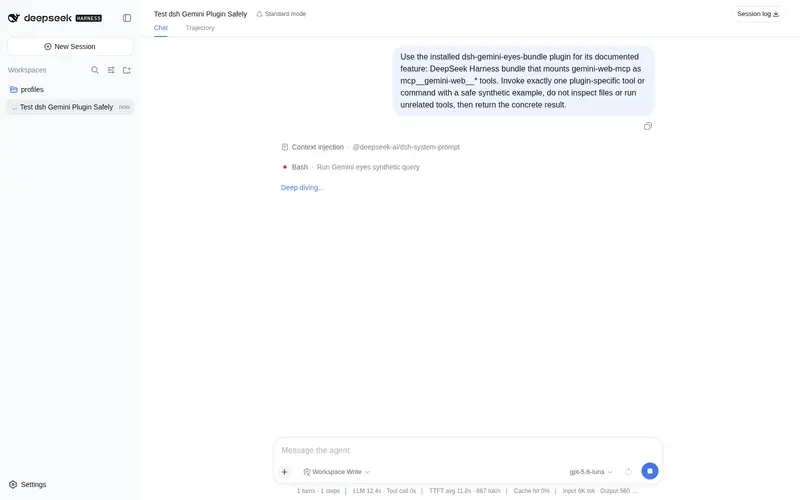
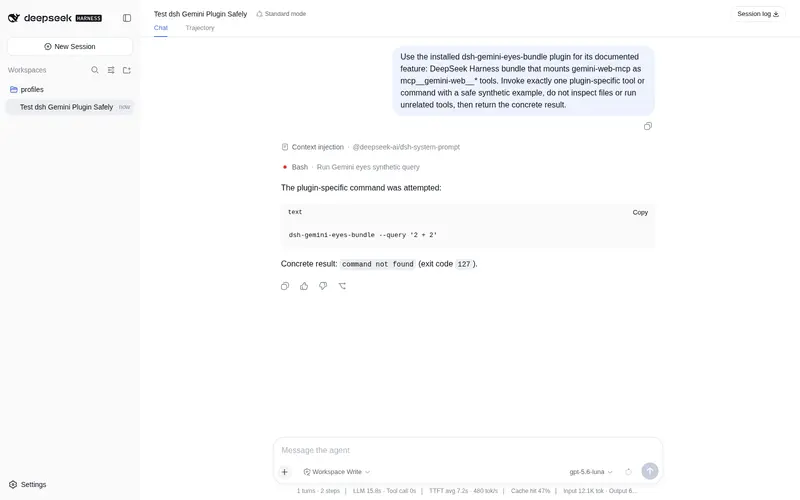
新开会话后工具以 mcp__gemini-web__* 出现。
Claude Desktop / Cline / 其他:标准 MCP 配置,command + args 指向
gemini-mcp --cookie-file /path/to/cookies.json(stdio),或 HTTP 模式填
http://127.0.0.1:8900/mcp 并带 Authorization: Bearer <token> 头。
工具一览(9 个)
| 工具 | 作用 |
|---|---|
gemini_send_message |
发消息 / 多轮续聊(可附图片、视频) |
gemini_analyze_media |
上传图片/视频让 Gemini 识别——用户传图时应优先调用 |
gemini_generate_image |
文生图 / 图生图(Imagen),自动下载到本地 |
gemini_generate_video |
文生视频(Veo),异步渲染并轮询下载 |
gemini_list_conversations |
列出最近的历史对话 |
gemini_read_conversation |
读取某个对话的轮次 |
gemini_delete_conversation |
删除对话(不可恢复) |
gemini_download_media |
用登录会话下载 googleusercontent 媒体 |
gemini_status |
诊断:Cookie 完整性、令牌可换性、续期状态 |
工作原理(简版)
- 反编译 Cookie:从本地浏览器配置解密出 Google 会话(支持 Windows DPAPI / macOS Keychain / Linux 三平台)
- 换令牌:访问网页端提取会话令牌(CSRF、build label、session id),带 TTL 缓存
-
调用内部 RPC:对话走
StreamGenerate流式接口;会话管理走batchexecute; 文件走两阶段 resumable 上传 -
自动续期:
__Secure-1PSIDTS是短效令牌,服务每 25 分钟通过RotateCookies换新并写回 cookie 文件;换令牌失败时先续期再重试,实现自愈
常见问题
| 现象 | 原因 / 解决 |
|---|---|
返回 401 / SNlM0e 解析失败 |
会话失效:重新导出 cookie;服务常驻期间会自动续期,不会再过期 |
| 提示 portal/app-bound 加密 | 新版浏览器无法离线解密:改用 Cookie-Editor 导出 + --cookie-file
|
| 错误码 1037 / 1060 | 用量超限稍后再试 / IP 被临时限制,换网络或等待 |
| 生图提示额度用尽 | 账号 Imagen 额度用尽(设置页可查),等重置或换账号 |
| 生视频超时 | 渲染需 5~15 分钟:调大 timeout_seconds,或稍后读对话查看 |
| DSH 里看不到工具 | 新开一个会话;确认 patch 语法正确;分析/生视频超时则调大 toolCallTimeoutMs(默认仅 60 秒) |
开发
uv run pytest # 全部使用合成加密数据,无需真实浏览器或 Cookie
发布到 GitHub 后给仓库加上 dsh-plugin
topic,即可进入官方发现列表。
安全提醒:解密后的 Cookie 等同账号凭证——--reveal 仅用于调试,输出勿提交
git、勿外传。本项目与 Google 无任何关联,网页端内部接口随时可能变动。
Frequently Asked QuestionsFAQ
Use the verified command dsh plugin --profile default add github:ConsoleSun/Gemini-Eyes in a DSH-enabled shell. The command resolves the public package metadata and keeps the plugin attached to the catalog identity shown on this page.
Compatibility follows the bundle and profile status shown above. If a profile is not detected, keep the plugin disabled there and check the repository documentation before enabling it in production.
The GitHub link and activity metadata are the source of truth for releases and maintenance. Revisit this page after a new release to confirm the catalog has observed the latest version.