fengMax1997/dsh-line-select
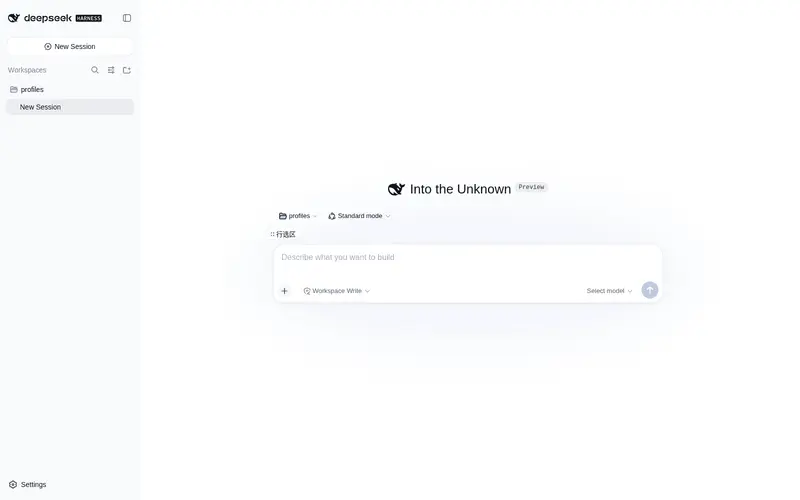
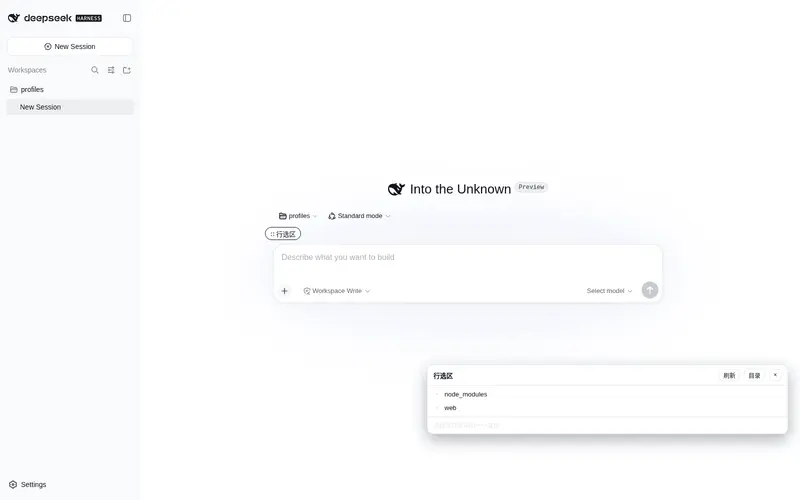
Line-range selection: browse workspace files, preview code with line numbers, visually select a line range, and write a `@path:start-end` reference into the composer; the agent receives the exact selected lines on send.
Listed
0
Ui
Bundle verified
Preview
What it does
Line-range selection: browse workspace files, preview code with line numbers, visually select a line range, and write a `@path:start-end` reference into the composer; the agent receives the exact selected lines on send.
Best for
- Developers who need to reference an exact code line range in a DSH conversation.
- Code review or targeted-edit workflows that benefit from visual file browsing and numbered previews.
- Users who want selected source lines injected into agent context without asking the agent to read the file separately.
Not ideal for
- Large-file inspection beyond the documented 1 MB file, 800-line preview, or 400-line injection limits.
- Workflows requiring file editing or execution inside the panel, because it is read-only.
- Selecting paths outside the session working directory or traversing with `..`, which is explicitly rejected.
- Whole-repository exploration where manually selecting individual ranges adds unnecessary interaction.
README
dsh-line-select · 行选区插件


DeepSeek Harness Web GUI 插件:浏览当前工作区文件、带行号预览代码、可视化选中行范围,并把 @相对路径:start-end 引用写入输入框——agent 发送消息时会自动拿到所选行的原文,精准修改第 10–50 行这类区间。
功能
- 文件树浏览:输入框上方新增「⛶ 行选区」按钮,面板内浏览工作区目录(隐藏文件跳过、目录优先)
- 带行号预览:点击文件打开只读代码视图(语法纯文本 + 行号,深色/浅色主题自适应)
- 行范围选择:点击行号选起点,再点一次定终点(双向都行,自动取 min–max),选区高亮显示
-
写入输入框:一键把
@src/app.ts:10-50追加到当前草稿;Host 端在发送前自动把该引用展开为<workspace-selection>注入,agent 无需自己读文件就能看到第 10–50 行原文 -
选中文件(整文件引用):底部「选中文件」按钮把
@src/app.ts写入草稿,让 agent 用 read 工具读整个文件(不把大文件内容灌进上下文) - 也支持手写引用:直接在输入框输入
@src/app.ts:10-50、@src/app.ts:10(单行)或@src/app.ts(整文件),无需打开面板
安装
dsh plugin --profile web add <本目录或 tarball 路径>
安装后重启 dsh web。
卸载:
dsh plugin --profile web remove dsh-line-select
工作原理
| 层 | 说明 |
|---|---|
Host(lib/index.js) |
lineSelect Typert Remote 服务(strict manifest):list 列目录、read 带行号读文件;agent/pre-step 扫描用户消息里的 @path:start-end,读取行范围并注入 <workspace-selection path="…" start-line="…" end-line="…"><line n="…">…</line></workspace-selection>
|
Client(lib/client.js) |
conversation.input.dock 条目:面板 UI + 选区交互;通过 inputActions.setDraft 写入草稿(官方公开 seam) |
安全
- 所有路径经
confine()强制限制在会话 cwd 内(拒绝绝对路径、盘符与..穿越) - 只读:不写盘、不执行任何文件内容
- 上限:单文件 ≤ 1MB(超限只读头部)、预览 ≤ 800 行、单次注入 ≤ 400 行
- 零第三方运行时依赖(仅
@deepseek-ai/dsh-typert-protocol与@deepseek-ai/dsh-llmpeer 依赖,由 DSH profile 提供)
许可
MIT
Frequently Asked QuestionsFAQ
Use the verified command dsh plugin --profile default add github:fengMax1997/dsh-line-select in a DSH-enabled shell. The command resolves the public package metadata and keeps the plugin attached to the catalog identity shown on this page.
Compatibility follows the bundle and profile status shown above. If a profile is not detected, keep the plugin disabled there and check the repository documentation before enabling it in production.
The GitHub link and activity metadata are the source of truth for releases and maintenance. Revisit this page after a new release to confirm the catalog has observed the latest version.