kelearns/dsh-token-usage
Token usage heatmap for the Web UI: daily/weekly/cumulative views over a 12-month window with light/dark themes.
Listed
1
Usage
Bundle verified
Preview
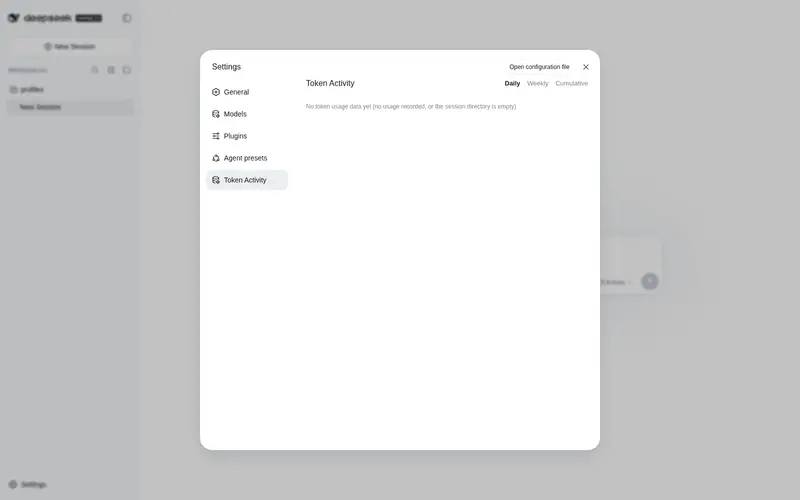
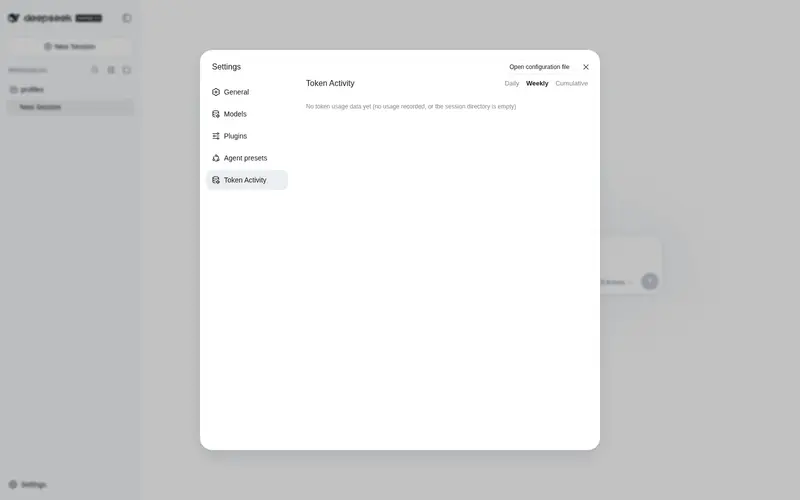
What it does
Token usage heatmap for the Web UI: daily/weekly/cumulative views over a 12-month window with light/dark themes.
Best for
- DSH Web users who want a year-scale visual overview of token consumption.
- Users comparing daily, weekly, and cumulative usage patterns.
- Users who want activity insights such as peak periods, streaks, and frequently used models or tools.
Not ideal for
- Workflows needing records older than the available 12-month window.
- Environments below Node 22.2, which cannot use the required zstd decompression support.
- Usage sources that do not produce compatible DSH session-log usage events.
README
| **English | 简体中文** |
@kelearns/dsh-token-usage



Token usage heatmap for the DeepSeek Harness (dsh) web GUI — a GitHub-style
contribution graph for daily / weekly / cumulative token consumption, with a
summary bubble, hover details, and activity insights. Mounted through the
official dsh plugin mechanism (dsh plugin add) — no dsh source changes.
A “Token Activity” entry appears in the settings sidebar.
Screenshots
Daily heatmap — dark theme, English (12-month window)

Three views — dark theme, English
| Daily | Weekly | Cumulative |
|---|---|---|
|
 |
 |
Light theme & Chinese UI
| Light (English) | 深色主题(简体中文) |
|---|---|
 |
 |
Features
- Summary bubble — one rounded container with 5 statistics divided by vertical rules: total / peak-day / longest session / current streak / longest streak;
- Three views — Daily (per-day color levels), Weekly (per-week stacked cells: week total ÷ (max week / 7) cells, deepest color), Cumulative (per-week cumulative stack: total ÷ 7 per cell, newest column always full);
- Window switch — last 3 / 6 / 12 months (default 12); fixed 12px cells, 12-month view scrolls horizontally and auto-scrolls to the latest week;
- Hover details — hovering a cell shows that day’s total, that week’s total, or the week-to-date cumulative as of that day (localized zh/en);
- Activity insights — most used model / reasoning effort / tool, peak hour, daily & monthly averages, most active weekday, most active day; sorted by label length, two equal columns with a continuous center divider;
- i18n — zh / en, follows the document language live;
- Themes — light & dark palettes, follows the dsh application theme;
- Auto refresh — re-scans changed session files every 60s and on focus;
-
Cross-platform — pure Node stdlib on the host side (
fs/path/os/zlib), works on Windows, macOS and Linux; the browser half is platform-agnostic.
Install (official mechanism)
Requires pnpm on PATH:
npm install -g pnpm
From npm (recommended):
dsh plugin --profile web add @kelearns/dsh-token-usage
Listed in awesome-dsh-plugin curated registry; also searchable as
token-usagein the Plugin Market tab of dsh settings (dsh-market).
Local development install (run from this repository’s root — link:.
resolves to the current directory):
dsh plugin --profile web add link:.
Remove:
dsh plugin --profile web remove @kelearns/dsh-token-usage
The installer reads
cordis.patch.yml(thedsh.bundle.patchmanifest field) and applies the plugin row automatically — no manual patch editing. Restart dsh web to activate.
Manual equivalent (no CLI)
- Put the package into the profile node_modules:
$DSH_HOME/profiles/web/node_modules/@kelearns/dsh-token-usage; - Append this block to
$DSH_HOME/cordis.patch.yml(idempotent):
- insert:
    - id: dsh-token-usage
      name: '@kelearns/dsh-token-usage'
- Restart dsh web.
Data source
$DSH_HOME/sessions/
Token usage is folded from assistant/chunk events with
chunk.type === "usage" (usage { inputTokens, outputTokens, cacheReadTokens })
attributed to local days by event time (epoch ms). Total = input + output + cache read.
Insights additionally read request/header (model / reasoning effort),
tool/call (tools) and usage timestamps (peak hour / weekday).
Per-file results are cached by (size, mtimeMs); rescans only re-decode
changed (active) sessions.
Routes (same-origin)
| Method | Path | Description |
|---|---|---|
| GET | /dsh-token-usage/stats | Full statistics: { totals, stats, insights, today, days:[{d,i,o,c,a}], scan }
|
| POST | /dsh-token-usage/refresh | Force cache invalidation and rescan |
| GET | /dsh-token-usage/status | Cache / last scan state |
Configuration
- insert:
    - id: dsh-token-usage
      name: '@kelearns/dsh-token-usage'
      config:
        refreshIntervalMinutes: 5   # background rescan interval (default 5)
Tests
node test/mock.test.mjs                                   # synthetic full pipeline
node test/mock.test.mjs "$env:USERPROFILE\.dsh"  # real-data smoke (any DSH_HOME)
node test/layout-algo.mjs                                  # layout algorithm matrix
Known limitations
- Counts sessions that carry usage events (dsh session log format, verified on 0.1.0-rc.6);
- Days are attributed in the process local timezone; weeks start on Monday;
- zstd decompression requires Node >= 22.2 (satisfied by the official dsh runtime);
- Missing/unreadable session directories yield empty statistics without affecting the GUI.
License
MIT
Frequently Asked QuestionsFAQ
Use the verified command dsh plugin --profile default add github:KeLearns/dsh-token-usage in a DSH-enabled shell. The command resolves the public package metadata and keeps the plugin attached to the catalog identity shown on this page.
Compatibility follows the bundle and profile status shown above. If a profile is not detected, keep the plugin disabled there and check the repository documentation before enabling it in production.
The GitHub link and activity metadata are the source of truth for releases and maintenance. Revisit this page after a new release to confirm the catalog has observed the latest version.