kinmat-A/dsh-theme-switch
一款轻量级的 DSH 主题外观切换插件:自动检测已装皮肤,一键互斥切换,全部停用时回退官方外观,即时生效、重启保留。
Listed
1
Market
Bundle verified
Preview
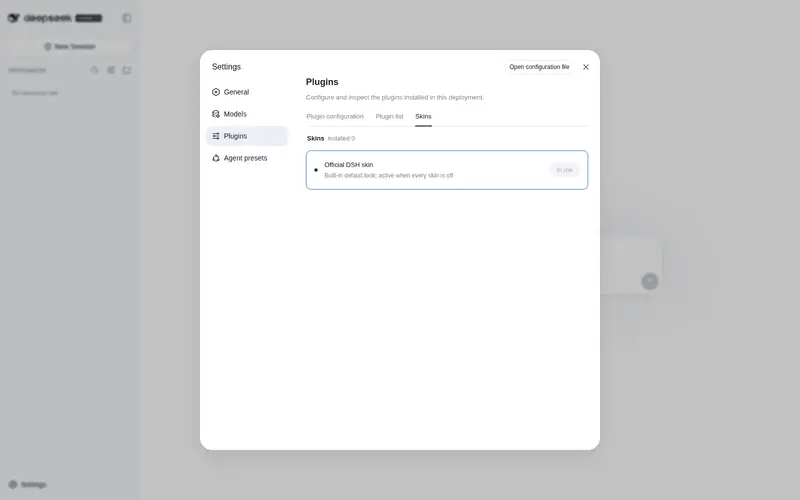
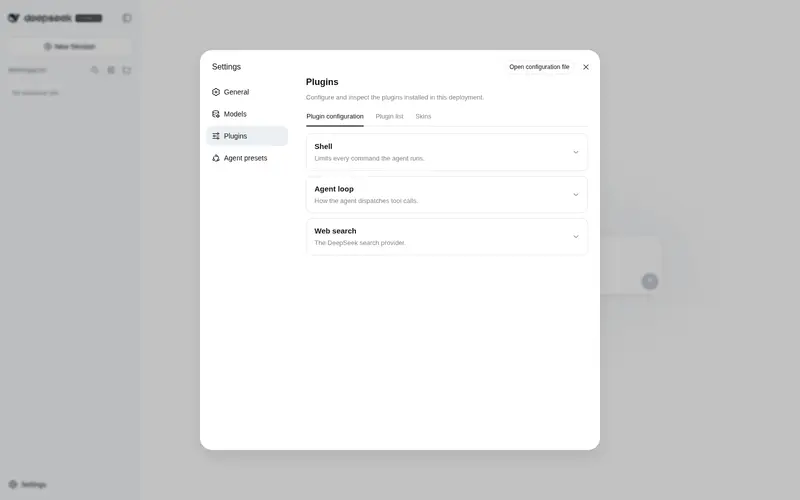
What it does
One-click skin switching for DSH Web settings: auto-detects installed themes, keeps exactly one active at a time, and falls back to the official look when all are off. Changes apply instantly and survive restarts.
Best for
- Users with several installed DSH themes who want a single place to switch among them.
- Administrators who want exactly one third-party skin active at a time with an official-theme fallback.
- Users who want theme activation choices retained across DSH restarts.
Not ideal for
- Installations with no third-party themes, where the switcher adds little beyond the official appearance.
- Theme packages that cannot be identified by its package-name, skin metadata, or bundle-patch heuristics unless manually configured.
- Users seeking to design or edit themes; this plugin manages activation rather than creating palettes.
README
@dsh-external/dsh-theme-switch
DSH 主题切换:自动检测已安装的主题/皮肤插件,在 设置 → 插件 → 皮肤 里提供官方风格的一键开关。

安装
dsh plugin --profile web add github:kinmat-A/dsh-theme-switch
装完重启 dsh web(或由 dsh-market 插件市场安装并热激活),打开 设置 → 插件 → 皮肤。
使用
在 设置 → 插件 → 皮肤 点击按钮即可切换皮肤;切换后刷新一下浏览器页面(Ctrl+F5),新皮肤才会显示。
截图
「皮肤」标签页(设置 → 插件 → 皮肤),深色主题:
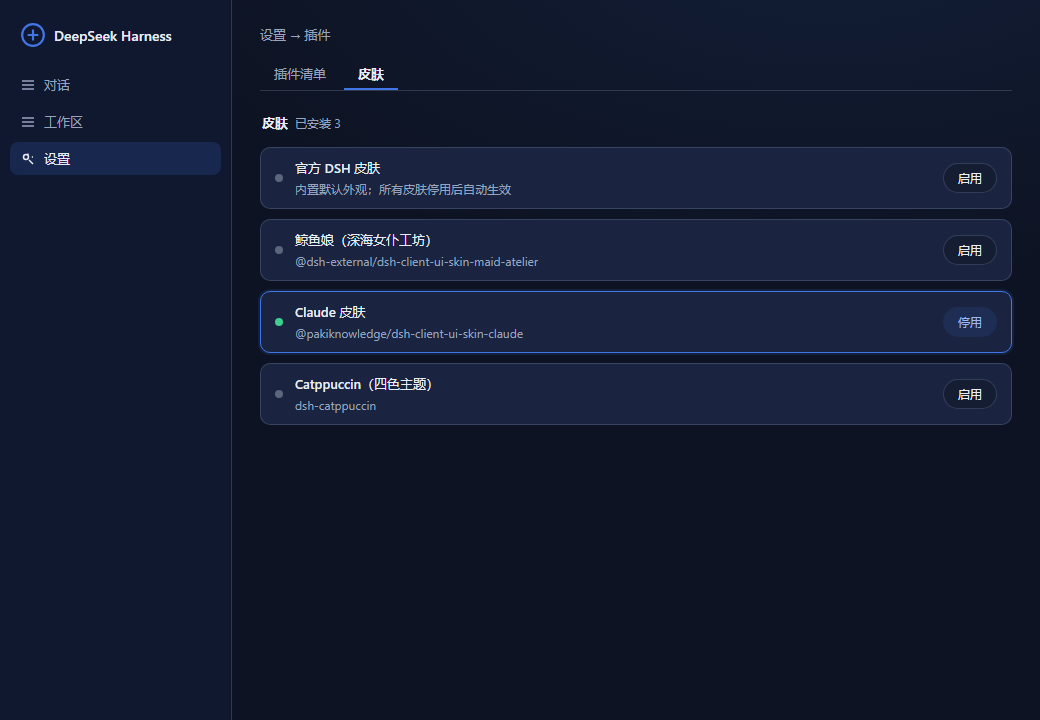
注:图片中出现的主题外观仅为展示用。
特性
-
自动检测:扫描 profile 的 dependencies + bundles,按包名 /
skin.json/ bundle patch 行启发式识别皮肤(可用config.themes手动补充)。 - 互斥切换:点击某套皮肤的按钮即启用它并自动停用其余所有皮肤;再点一次则停用它。
- 官方回退:所有皮肤都停用时自动回到官方默认外观(面板里的「官方 DSH 皮肤」行有对应按钮)。
-
即时生效 + 跨重启保留:开关状态写入 home 层补丁
~/.dsh/cordis.patch.yml,由 dsh 启动流程实时监听并每次启动重放;修改后无需重启。
开发
pnpm install          # 首次(需网络)
pnpm run build:client # 编译 client(tsdown)
结构
-
lib/index.js— host 入口(纯 ESM,零依赖):皮肤检测、home 补丁读写、HTTP API。 -
src/client/index.tsx→lib/client.js— 官方风格设置标签页(--dsw-alias-*token + primitives)。 - API:
GET /@dsh-external/dsh-theme-switch/api/themes、POST …/api/toggle {id}(id为__official__时停用全部皮肤)。
License: BSD-3-Clause
Frequently Asked QuestionsFAQ
Use the verified command dsh plugin --profile default add github:kinmat-A/dsh-theme-switch in a DSH-enabled shell. The command resolves the public package metadata and keeps the plugin attached to the catalog identity shown on this page.
Compatibility follows the bundle and profile status shown above. If a profile is not detected, keep the plugin disabled there and check the repository documentation before enabling it in production.
The GitHub link and activity metadata are the source of truth for releases and maintenance. Revisit this page after a new release to confirm the catalog has observed the latest version.