mexiaosqwq/want-a-init
DSH 插件:模型驱动的 /init 命令,自动生成并持续维护 AGENTS.md。
Listed
1
Dev
Bundle verified
Preview
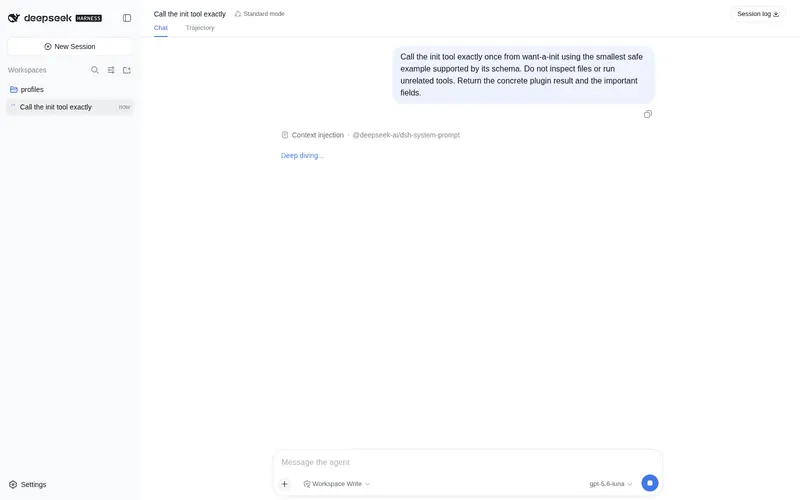
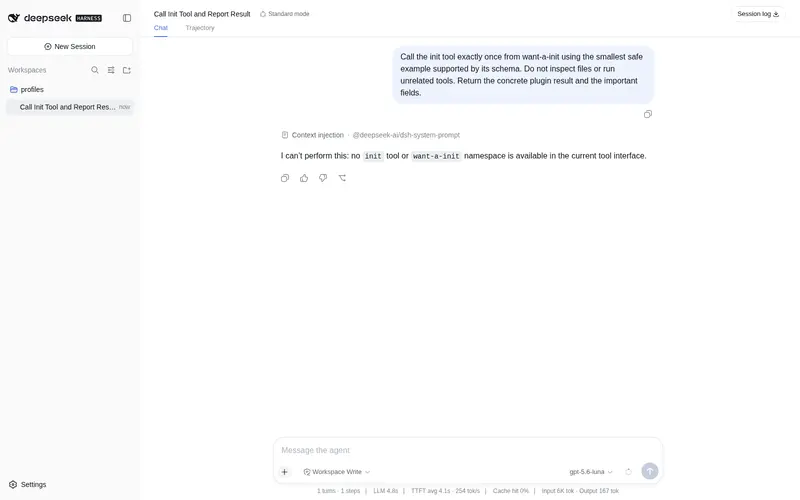
What it does
Model-driven /init command: the agent analyzes the current repo and generates/updates a high-signal AGENTS.md, with a persistent system-prompt reminder to keep it maintained.
Best for
- Repositories that lack useful agent guidance and need an evidence-based AGENTS.md generated from the project itself.
- Teams that want /init modes for merged updates, forced rewrites, compact guidance, or more detailed guidance.
- Projects that want agents reminded in every session to keep AGENTS.md current.
Not ideal for
- Projects that require CLAUDE.md generation; the plugin deliberately maintains only AGENTS.md.
- Teams that want a fixed boilerplate file without model analysis of the repository.
- Workflows that do not want a persistent AGENTS.md maintenance reminder added to the agent system prompt.
README
want-a-init
DeepSeek Harness 的模型驱动 /init 命令:让 agent 自己分析当前项目,生成/更新一份高信号、仓库特有的 AGENTS.md,并把“持续维护 AGENTS.md”写进 agent 运行逻辑。



特性
-
模型驱动初始化:不写死模板,
/init注入高信号 prompt,让 agent 分析仓库后生成/更新AGENTS.md; -
填写式归纳:提供固定骨架(
Project/Commands/Architecture/Conventions/Pitfalls/Maintenance),要求 agent 从仓库证据中逐项填写、归纳;没有可验证内容就写Not documented yet; -
模式:
/init(默认合并更新)、/init force(强制重写)、/init minimal(约 40 行内)、/init detailed(更详细但无废话); -
常驻 agent 意识:通过 DSH
systemPrompt注入agents-md-maintenance段落,让每个 agent 会话都记得维护AGENTS.md; -
只维护
AGENTS.md:刻意不创建CLAUDE.md; -
纯 host 插件:无 client/UI、无构建步骤,
lib/直接提交。
安装
从 GitHub
dsh plugin --profile web add github:mexiaosqwq/want-a-init
从本地路径
dsh plugin --profile web add /path/to/want-a-init
Frequently Asked QuestionsFAQ
Use the verified command dsh plugin --profile default add github:mexiaosqwq/want-a-init in a DSH-enabled shell. The command resolves the public package metadata and keeps the plugin attached to the catalog identity shown on this page.
Compatibility follows the bundle and profile status shown above. If a profile is not detected, keep the plugin disabled there and check the repository documentation before enabling it in production.
The GitHub link and activity metadata are the source of truth for releases and maintenance. Revisit this page after a new release to confirm the catalog has observed the latest version.