Nagi-ovo/dsh-visualize
在 DSH 对话中生成交互式可视化|Render model-generated interactive cards inside DSH conversations
Listed
171
Ui
Bundle verified
Preview
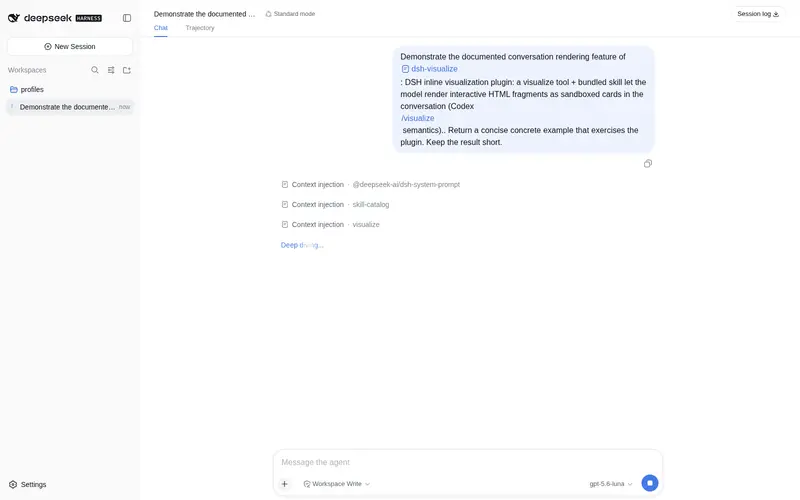
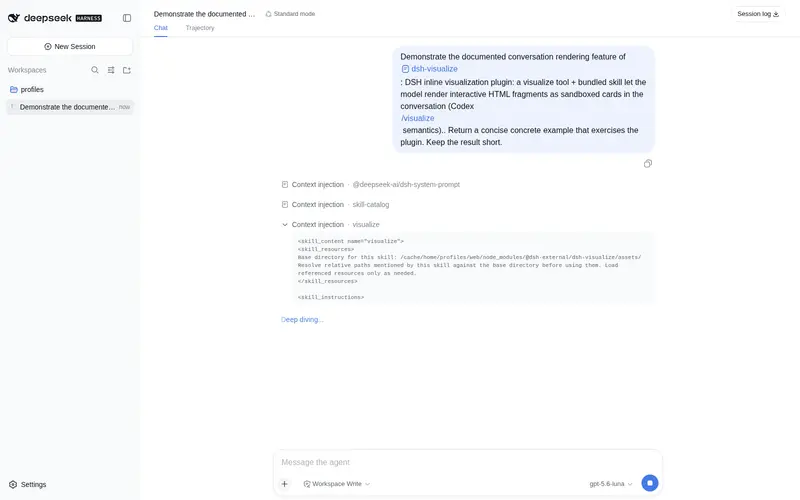
What it does
In-conversation generative UI: the model renders interactive HTML cards into the chat stream, with streaming preview and sandboxed rendering.
Best for
- Web UI conversations where simulators, charts, comparison panels, or UI mockups are clearer than prose.
- Workflows that need model-generated interactive HTML embedded directly in the chat stream.
- Users who want streaming previews and replayable cards isolated in a sandboxed iframe.
Not ideal for
- TUI or headless clients, which receive ordinary tool results instead of rendered interactive cards.
- Interactions that require buttons inside a card to send follow-up messages to the main conversation.
- Fragments that exceed the configured size limit or require arbitrary network access, nested pages, or form submission.
README
dsh-visualize

简体中文 | English
让 DSH 不只回答一段文字。模型调用 visualize 后,Web UI 会在对话里直接出现一张可交互卡片,用来做模拟器、图表、对比面板或 UI mockup。

安装
推荐直接从 GitHub 安装到 DSH 的 web profile:
dsh plugin --profile web add github:Nagi-ovo/dsh-visualize
# 如果 dsh web 正在运行,重启后刷新页面
可以运行 dsh --profile web --dump-config 确认插件已经进入最终配置。需要修改源码时,克隆仓库并在仓库目录运行 dsh plugin --profile web add .;构建产物已经提交,不需要额外构建。使用社区 plugin-registry 的用户也可以从「设置 → 插件」安装。
怎么用
直接告诉模型你想看什么,例如「做一个能调参数的排序算法可视化」。模型会写出一份 HTML fragment,再调用 visualize(path, title?, mode?) 把它放进对话。适合并排比较的内容可以使用 mode: "wide"。
卡片会跟随 DSH 的明暗主题和鲸鱼蓝配色。会话重放时,页面从持久化的工具结果恢复,不依赖原始 fragment 文件仍然存在。
安全
卡片运行在不透明来源的 sandboxed iframe 中,不能接触宿主页面。CSP 会阻止网络请求、嵌套页面和表单提交,只允许从固定 CDN 加载静态资源。单个 fragment 默认上限为 1000000 字节,可以通过 maxFragmentBytes 调整。
限制
目前只在 Web UI 中渲染交互卡片,TUI 和 headless 客户端会显示普通工具结果。卡片内的按钮暂时不能向主对话发送 follow-up 消息。
灵感来自 Codex 桌面端的 /visualize;skill 的分层 reference 和 Chart.js 优先路线借鉴了 himself65/finance-skills。
Frequently Asked QuestionsFAQ
Use the verified command dsh plugin --profile default add github:Nagi-ovo/dsh-visualize in a DSH-enabled shell. The command resolves the public package metadata and keeps the plugin attached to the catalog identity shown on this page.
Compatibility follows the bundle and profile status shown above. If a profile is not detected, keep the plugin disabled there and check the repository documentation before enabling it in production.
The GitHub link and activity metadata are the source of truth for releases and maintenance. Revisit this page after a new release to confirm the catalog has observed the latest version.