SpookySandwich/dsh-plugin-smooth-stream
Better streaming text animation for DeepSeek Harness 给DSH加入更好文字动画
Listed
9
Ui
Bundle verified
Preview
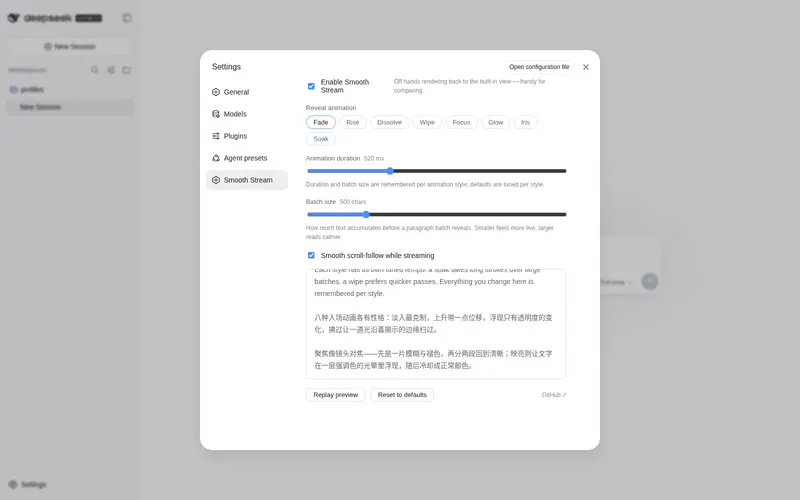
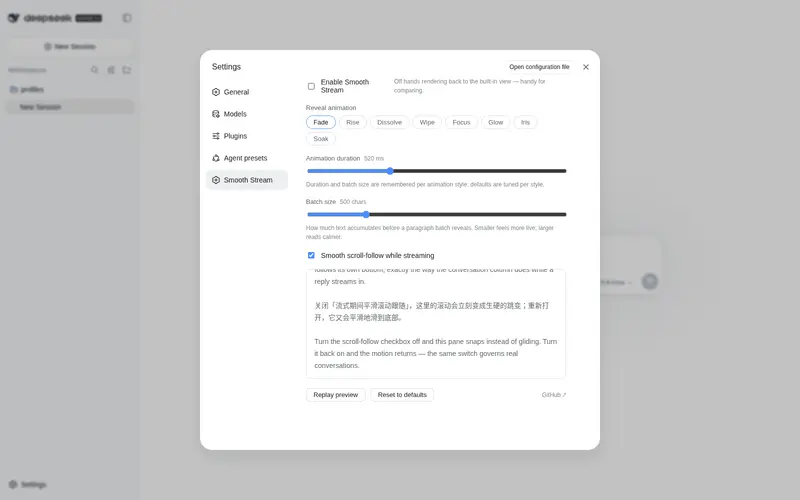
What it does
Better streaming text animation for DeepSeek Harness.
Best for
- Users reading long streamed responses who prefer paragraph-sized reveals and smooth follow scrolling.
- Markdown-heavy conversations where incomplete code blocks or tables should not render midway through a batch.
- Users who want configurable entrance animations, batch size, and motion behavior while retaining DSH's native Markdown renderer.
Not ideal for
- Setups using another plugin that also takes over the assistant-message rendering slot, because only one can be effective.
- Users who need each token displayed immediately rather than buffered into batches.
- Environments requiring compatibility beyond the documented DSH `0.1.0-rc.6` verification baseline.
README
dsh-plugin-smooth-stream
| 简体中文 | English |




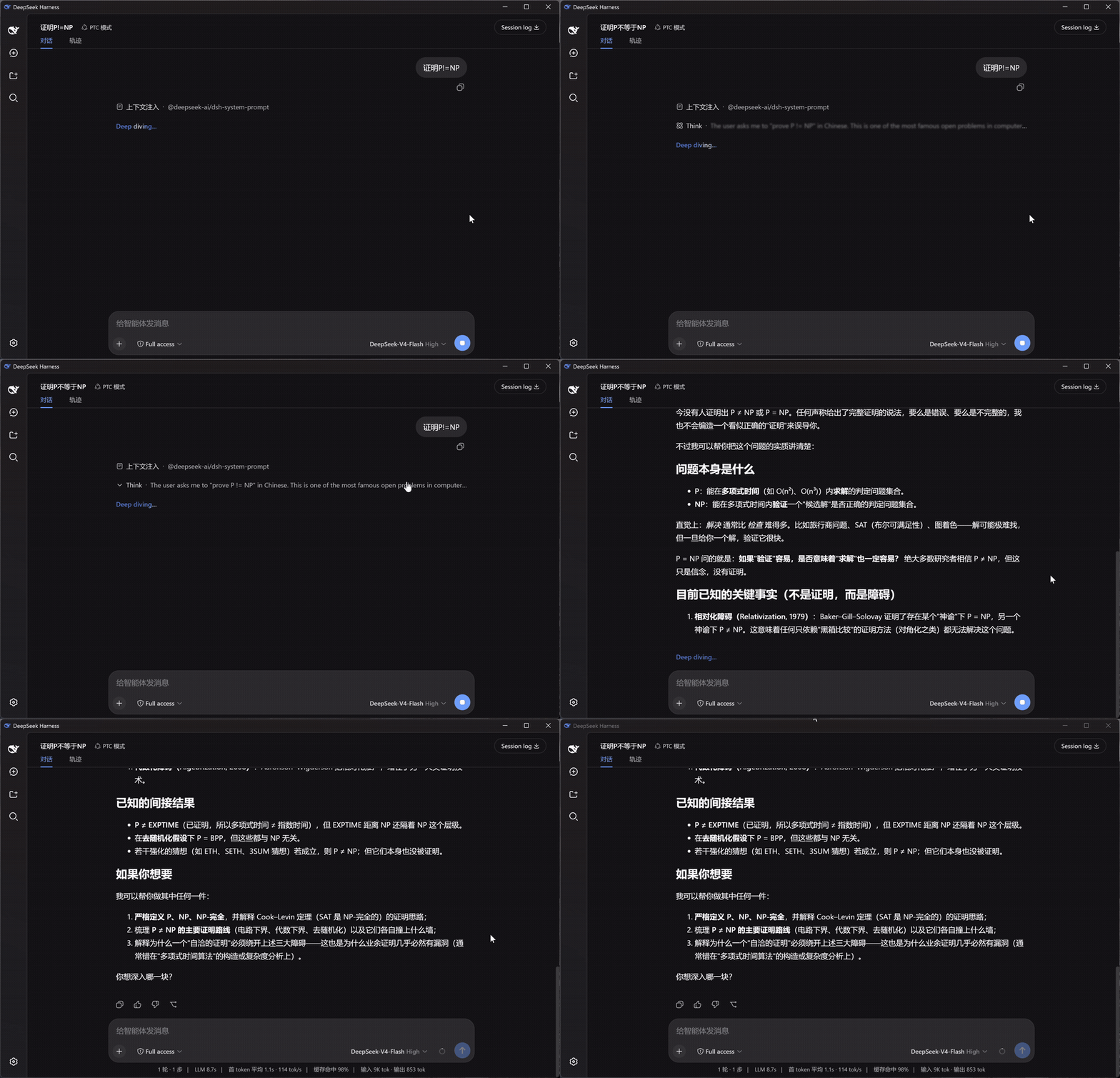
把逐字抖动的流式输出,换成按段落分批、淡入呈现的阅读体验。流式期间平滑跟随滚动,思考块显示实时单行摘要。
左:DSH 原生渲染 · 右:Smooth Stream —— 同一个问题,同时开始:
安装
dsh plugin --profile web add dsh-plugin-smooth-stream
打开任意会话即可生效。设置入口:设置面板 → Smooth Stream。
它改变了什么
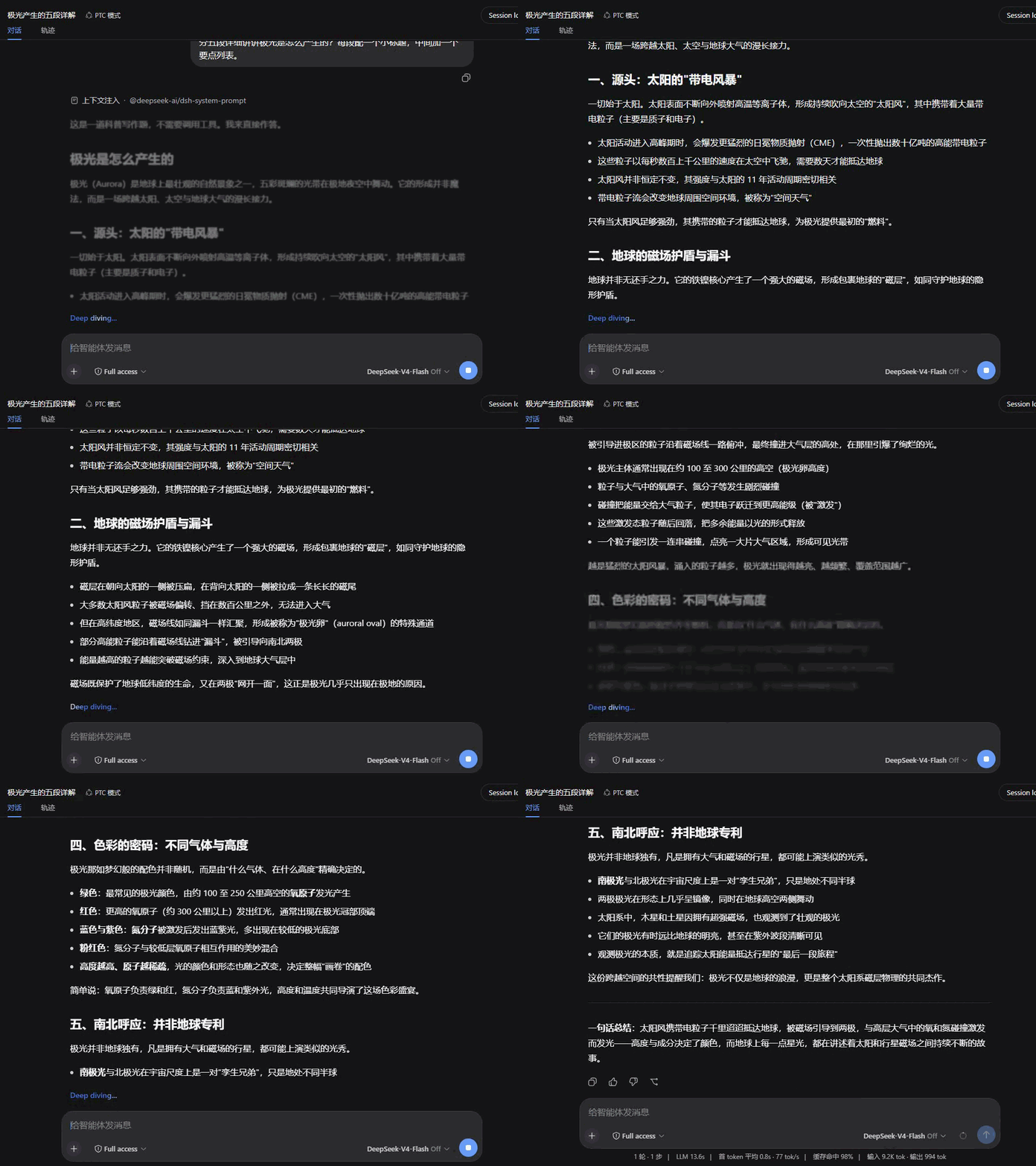
- 按段落呈现 — 回复不再一个字一个字地蹦,而是攒满一段,整段淡入。断句时自动避开没写完的代码块和表格,Markdown 不会渲染到一半。
- 平滑滚动 — 流式输出时页面匀速滑向底部,长回复也不会猛地一跳;往上滚就交还给你,滚回底部自动继续跟随。
- 思考摘要 — 模型思考时,折叠行里实时滚动最新一句,两端渐隐过渡;回合结束时下划线缓缓收起,示意”想完了”。
- Markdown 与公式 — 正文走 DSH 自带的渲染器:代码高亮、复制按钮、表格、KaTeX 公式都和原生一模一样。
设置
设置面板中的 Smooth Stream 分区,改动即时生效并持久保存:
| 设置项 | 默认 | 说明 |
|---|---|---|
| 启用 Smooth Stream | 开 | 关闭后即时恢复 DSH 内置渲染,方便对比 |
| 入场动画 | 淡入 | 淡入 / 上升 / 浮现 / 拂过 / 聚焦 / 映亮 / 晕开 / 洇染 |
| 动画时长 | 520 ms | 入场动画时长(120–1200 ms) |
| 分批大小 | 500 字符 | 攒多少文字呈现一批;越小越”实时”,越大越安静 |
| 平滑滚动跟随 | 开 | 流式期间的平滑滚动跟随 |
带实时预览,可一键恢复默认。设置界面跟随 DSH 的显示语言。
动画风格
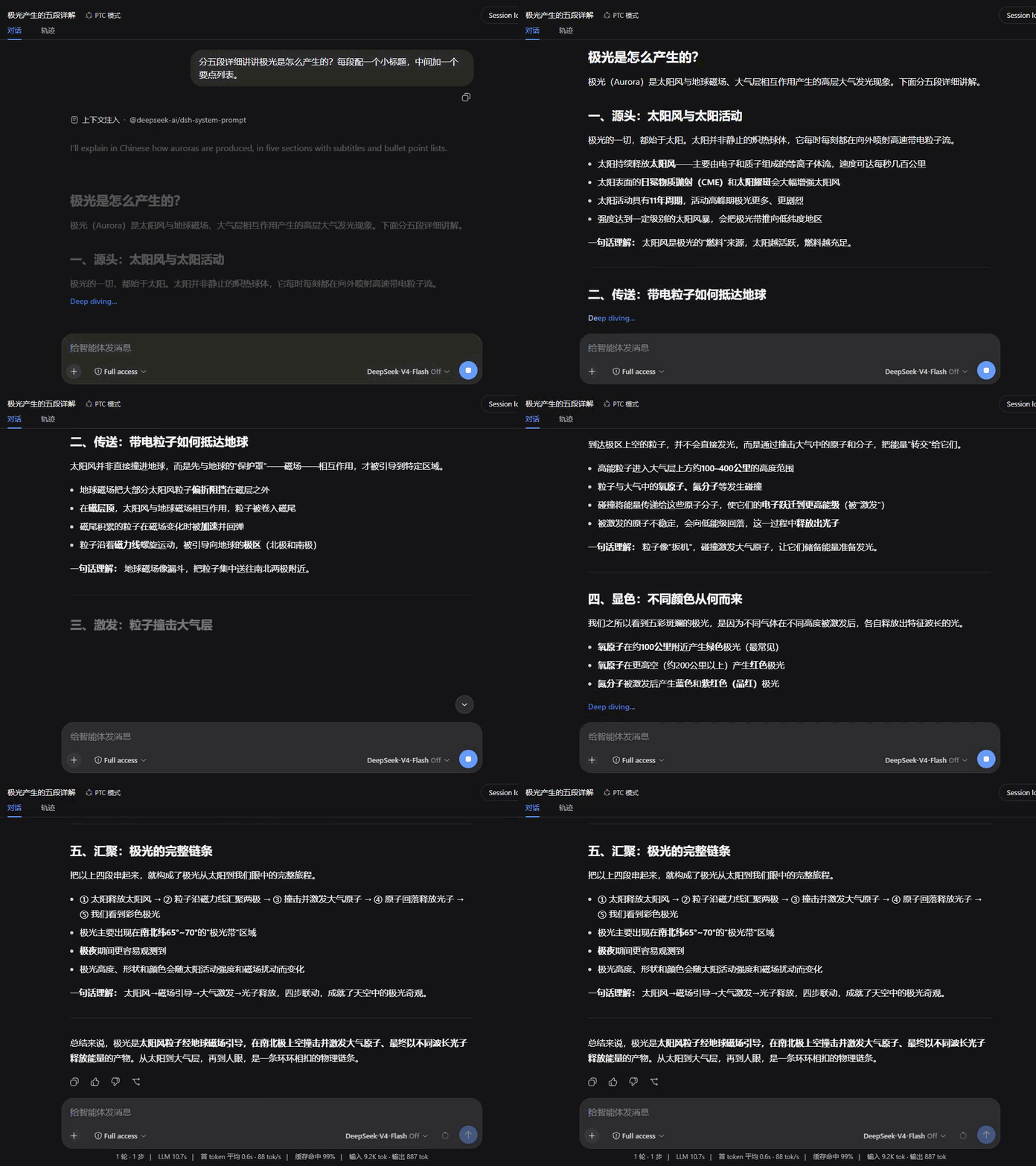
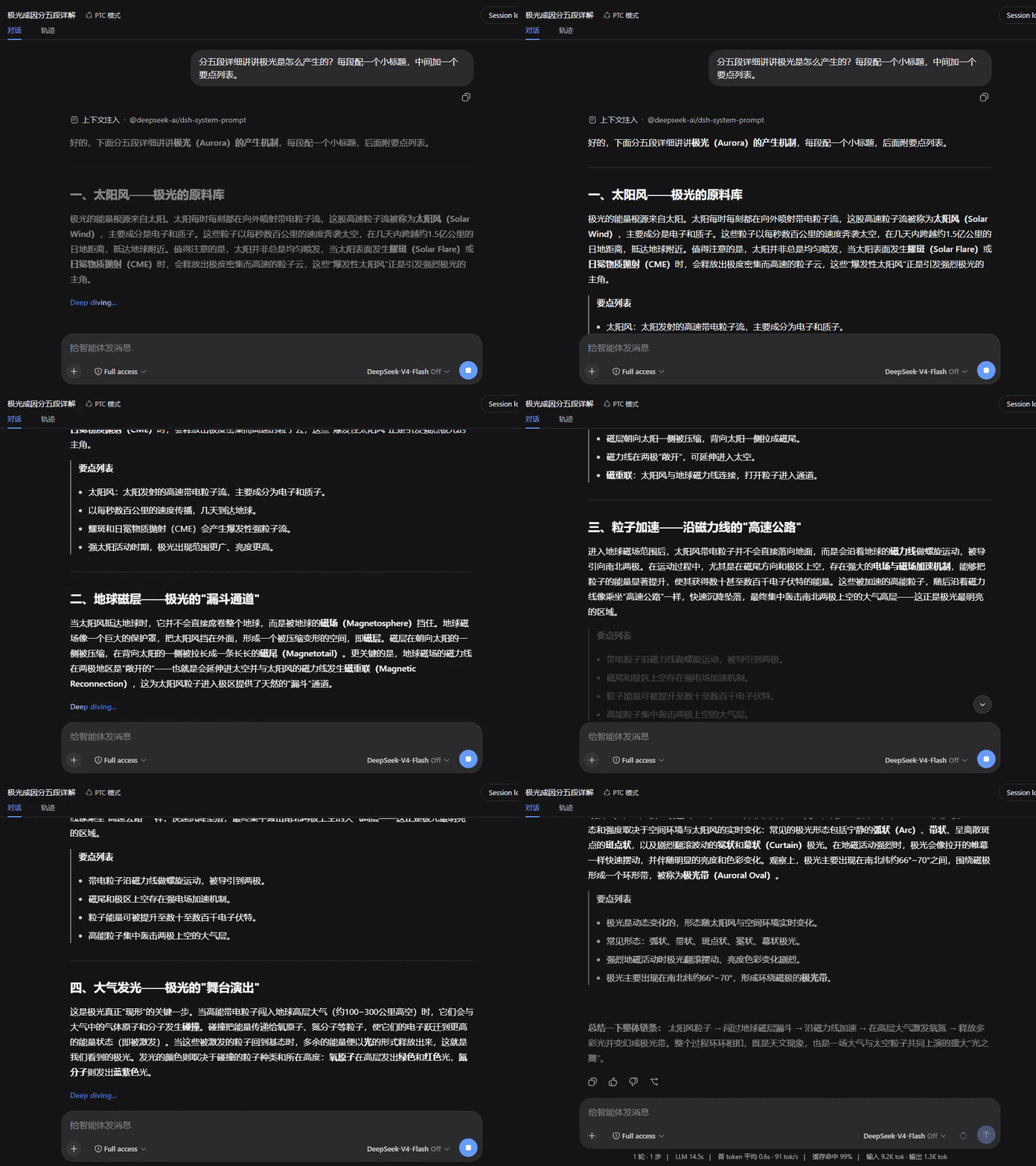
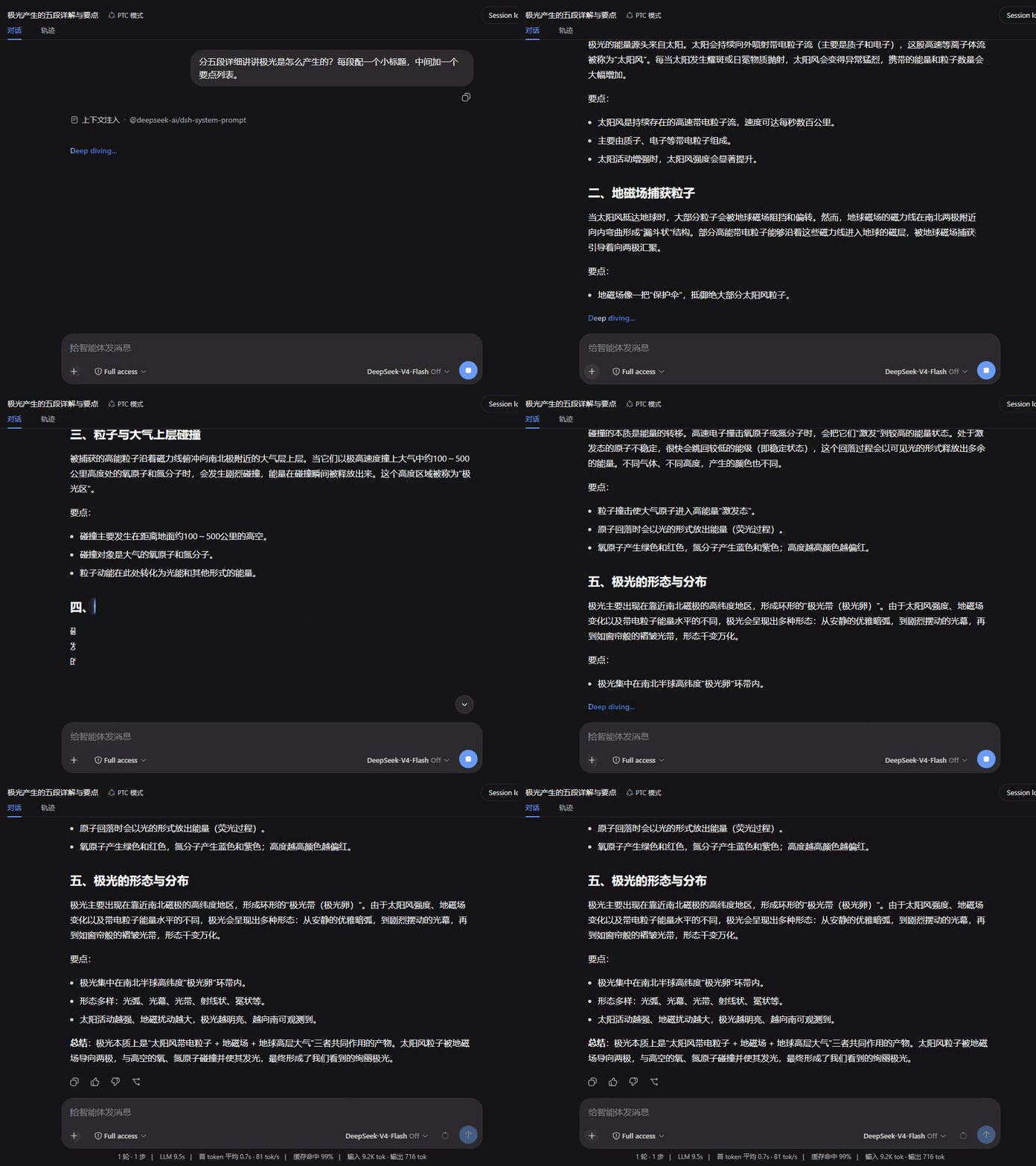
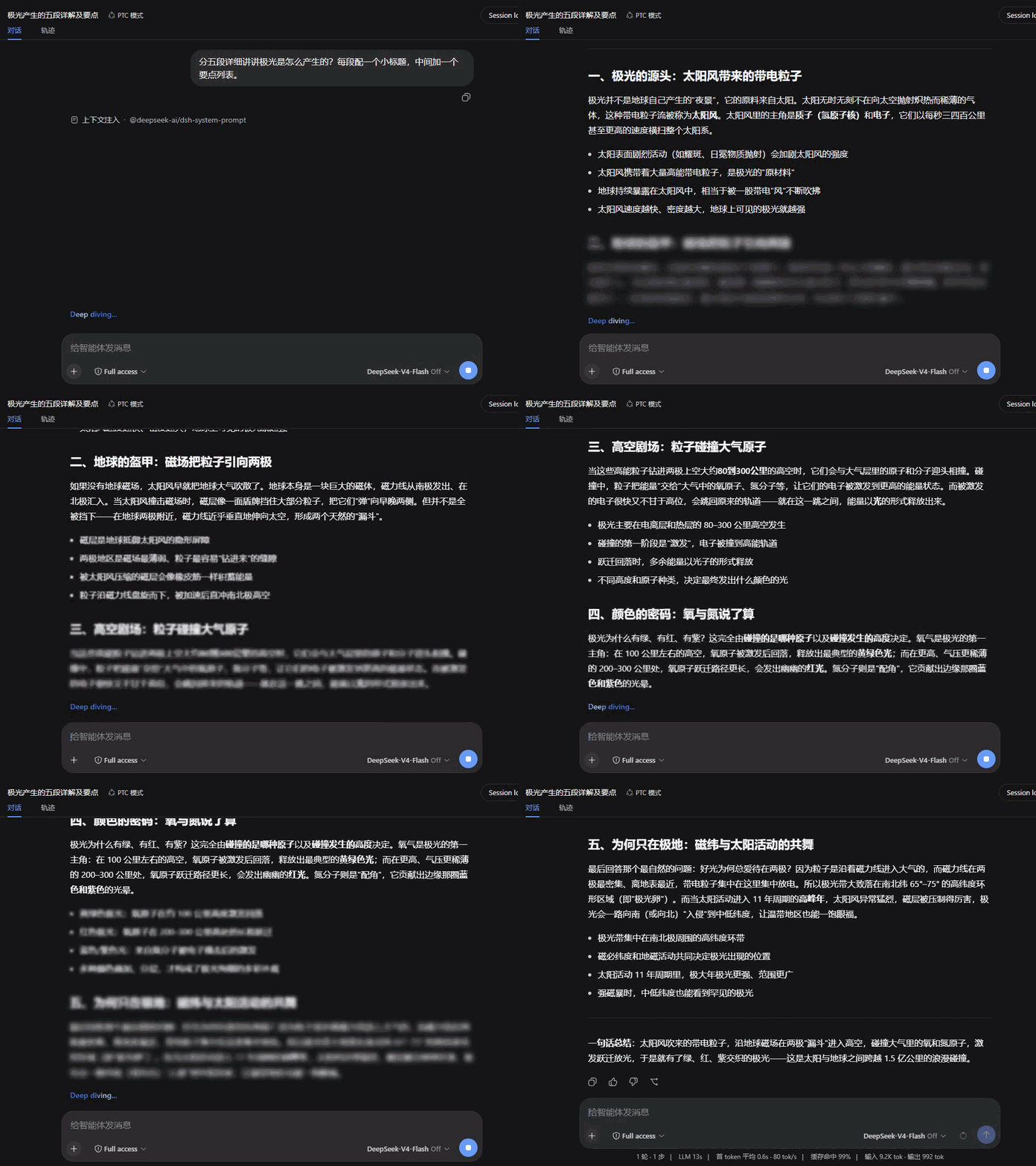
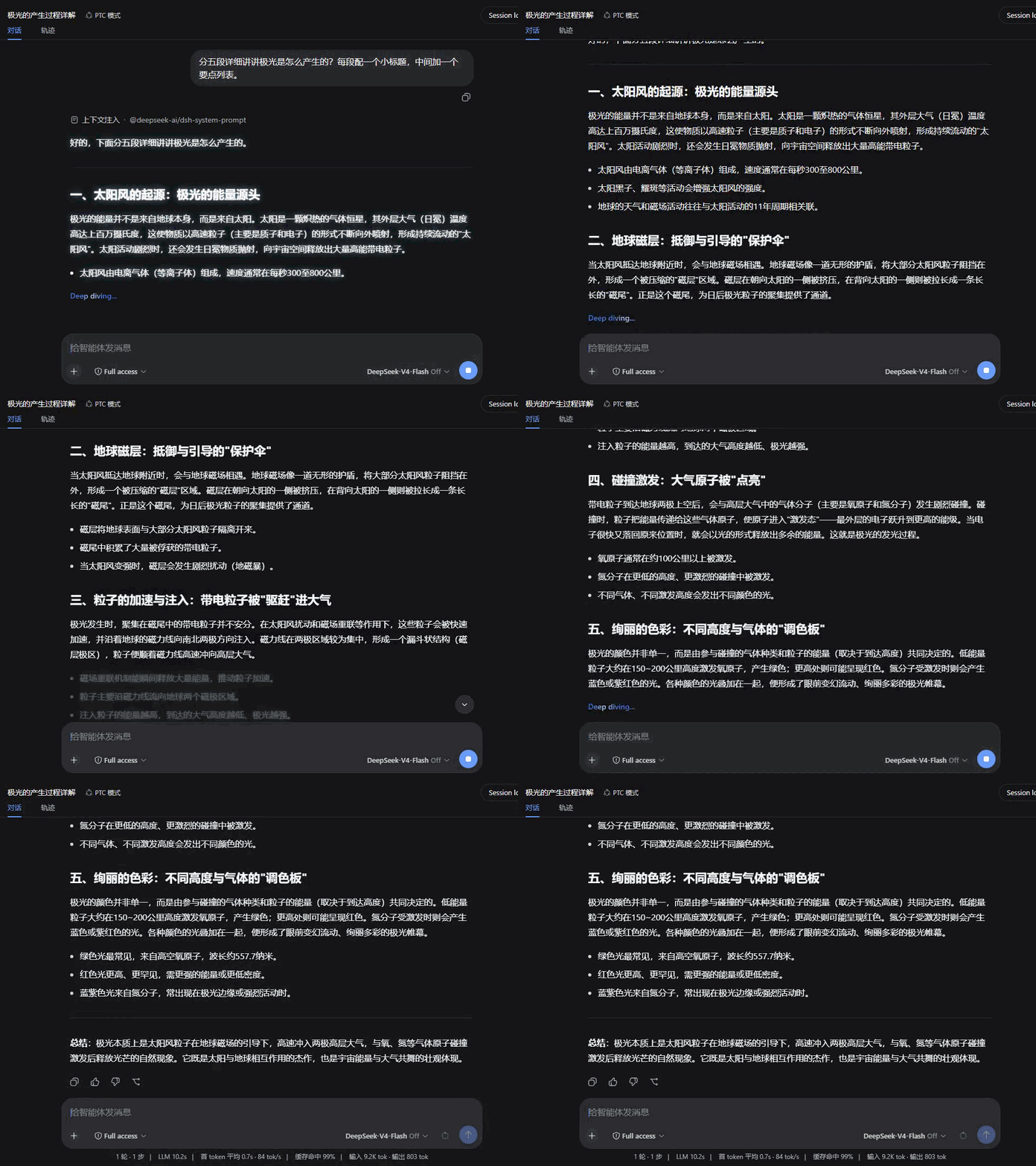
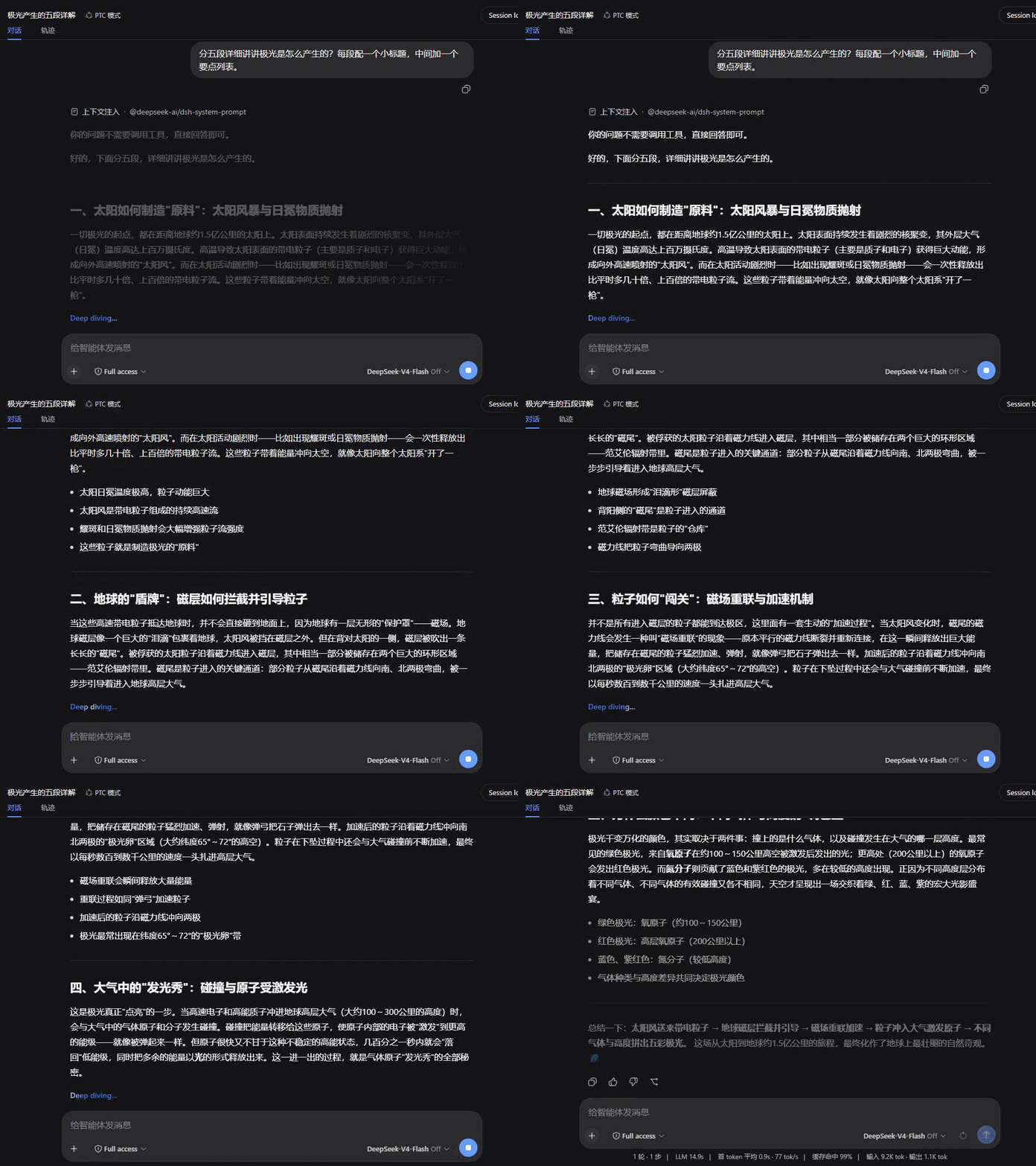
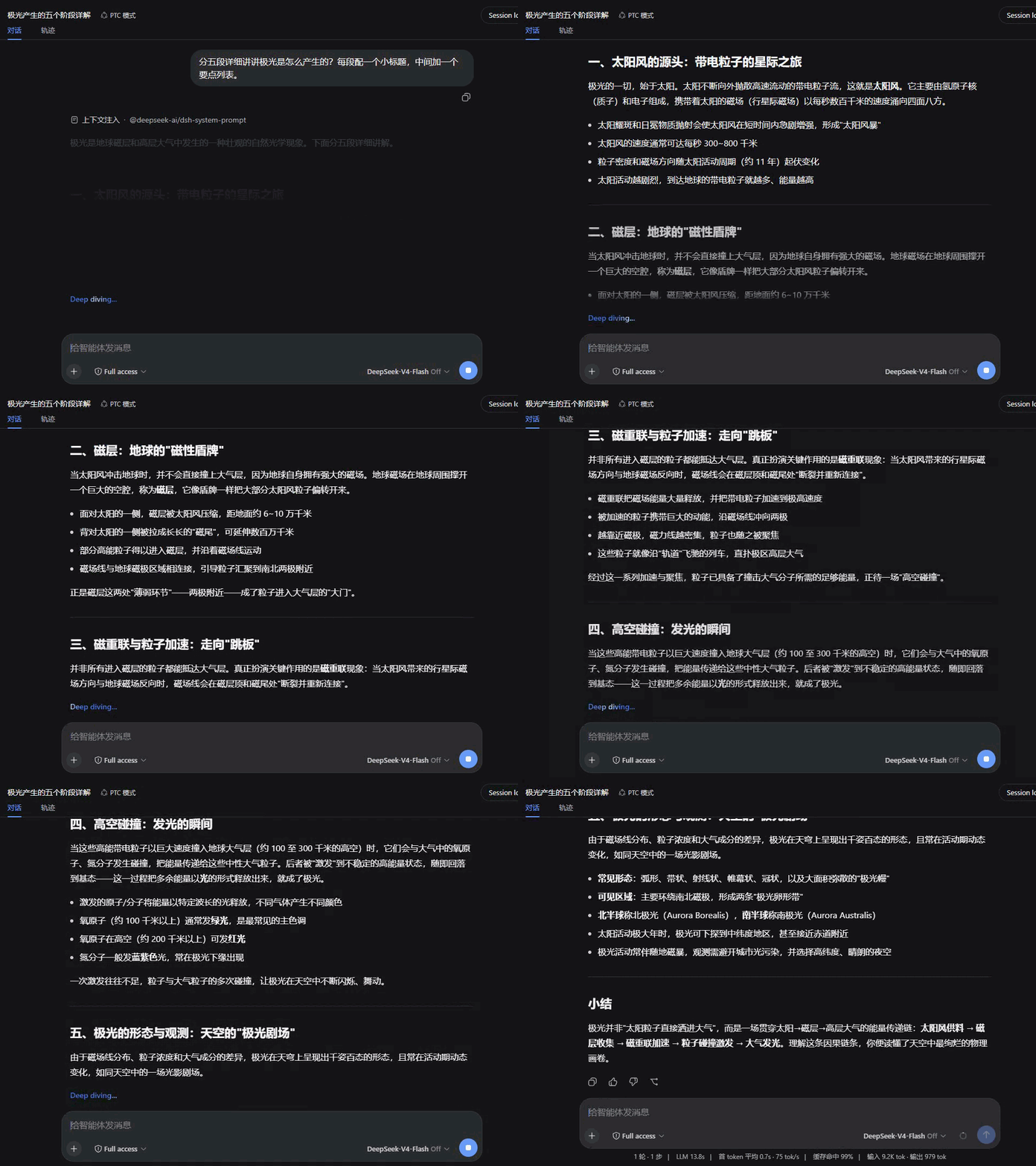
八种入场动画,默认节奏各自按风格调校;下面全部用同一段回复录制,便于直接对比。
| 淡入 Fade | 上升 Rise |
|---|---|
 |
 |
| 浮现 Dissolve | 拂过 Wipe |
 |
 |
| 聚焦 Focus | 映亮 Glow |
 |
 |
| 晕开 Iris | 洇染 Soak |
 |
 |
兼容性
- 在 dsh
0.1.0-rc.6上验证。 - 本插件接管对话视图的 assistant 消息渲染(
conversation.chat.node的assistant-step槽位),与其他同样接管该渲染的插件互斥——同装时只有一个生效。 - 遵循
prefers-reduced-motion:系统开启减少动态效果时,所有动画与平滑滚动自动关闭。 - 渲染出错时自动降级为纯文本显示,不影响会话其余部分。
License
Frequently Asked QuestionsFAQ
Use the verified command dsh plugin --profile default add github:SpookySandwich/dsh-plugin-smooth-stream in a DSH-enabled shell. The command resolves the public package metadata and keeps the plugin attached to the catalog identity shown on this page.
Compatibility follows the bundle and profile status shown above. If a profile is not detected, keep the plugin disabled there and check the repository documentation before enabling it in production.
The GitHub link and activity metadata are the source of truth for releases and maintenance. Revisit this page after a new release to confirm the catalog has observed the latest version.