STARDUSTLC666/dsh-hyperframes
DSH 视频创作技能插件:注册 HyperFrames by HeyGen 官方移植技能五件套(HTML 写视频/CLI/注册表/网址转视频/GSAP),安装即用。· HyperFrames skill plugin for DeepSeek Harness.
Listed
3
Skill
Bundle verified
Preview
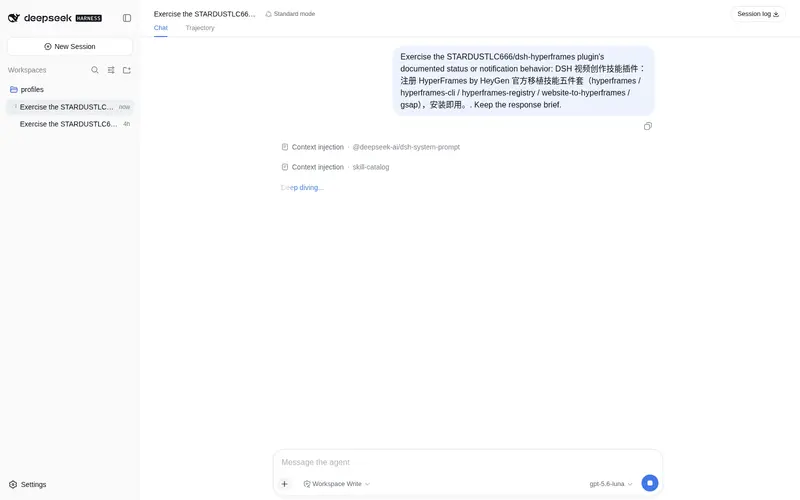
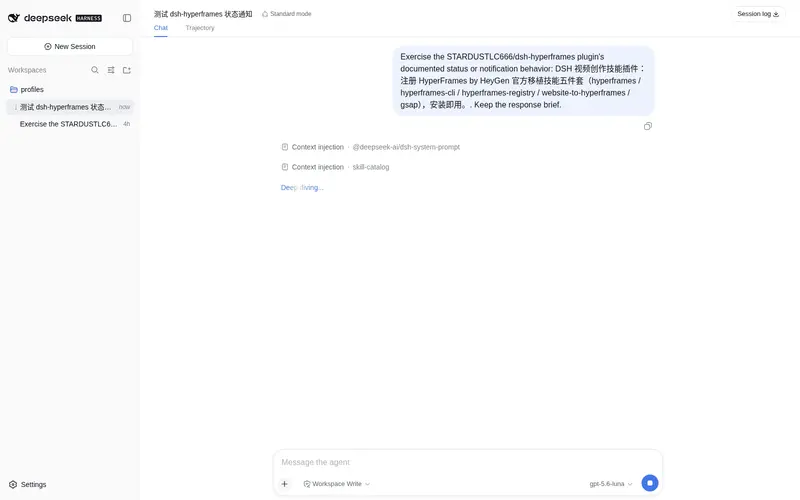
What it does
Five official HyperFrames by HeyGen skills: HTML video / CLI / registry / website-to-video / GSAP reference.
Best for
- DSH users creating videos with HyperFrames through HTML composition, animation, captions, voice, or audio responsiveness.
- Workflows converting a website into a HyperFrames video using the bundled process guidance.
- Users who need HyperFrames CLI, registry-component, and GSAP reference skills available to an agent.
Not ideal for
- Environments without the documented Node.js 22+ and FFmpeg requirements for `npx hyperframes`.
- Video workflows not based on HyperFrames, HTML, or GSAP, where these reference skills add little value.
- Users seeking a standalone video editor rather than agent skills that guide HyperFrames tooling.
README
dsh-hyperframes
在 20+ 个 agent 里写视频:HyperFrames by HeyGen 五件套,HTML 即视频。





DSH(DeepSeek Harness)视频创作技能插件:安装即把 HyperFrames by HeyGen 官方移植技能五件套注册进 DSH(HTML 写视频:合成、GSAP 动画、字幕、配音、音频响应、网址转视频)。
安装
dsh plugin --profile web add dsh-hyperframes
重启后说「把这个网址做成 HyperFrames 视频」即可触发。
技能清单
| 技能 | 用途 |
|---|---|
hyperframes |
HTML 视频合成:视觉风格/调色板/字幕/音频响应/转场 |
hyperframes-cli |
npx hyperframes 命令行(init/lint/inspect/preview/render/transcribe/tts/doctor) |
hyperframes-registry |
hyperframes add 注册表组件安装与接线 |
website-to-hyperframes |
网址转视频七步流水线 |
gsap |
GSAP 动画 API 参考(tween/timeline/缓动/性能) |
依赖
Node.js ≥ 22 + FFmpeg(npx hyperframes)。
移植说明
技能移植自 OpenAI Codex 官方 HyperFrames by HeyGen 插件缓存:frontmatter 已转换为 DSH 格式,codex 专属 agents/ 已剔除,全部内部引用校验。
跨平台使用
技能采用开放的 Agent Skills(SKILL.md)格式,不止 DSH 能用——把 skills/ 下的目录复制到其他 agent 的技能目录即可:
| Agent | 技能目录 |
|---|---|
| Claude Code | ~/.claude/skills/ |
| Cursor |
.cursor/skills/(或项目内 skills/) |
| Gemini CLI | ~/.gemini/skills/ |
| OpenAI Codex | ~/.codex/skills/ |
一次移植,处处可用。
License
MIT(移植编排);技能内容版权归 HeyGen。
Frequently Asked QuestionsFAQ
Use the verified command dsh plugin --profile default add github:STARDUSTLC666/dsh-hyperframes in a DSH-enabled shell. The command resolves the public package metadata and keeps the plugin attached to the catalog identity shown on this page.
Compatibility follows the bundle and profile status shown above. If a profile is not detected, keep the plugin disabled there and check the repository documentation before enabling it in production.
The GitHub link and activity metadata are the source of truth for releases and maintenance. Revisit this page after a new release to confirm the catalog has observed the latest version.