STARDUSTLC666/dsh-remotion
DSH 视频创作技能插件:注册 Remotion 官方移植技能(React 编程式视频,38 个规则文件),安装即用。· Remotion skill plugin for DeepSeek Harness.
Listed
4
Skill
Bundle verified
Preview
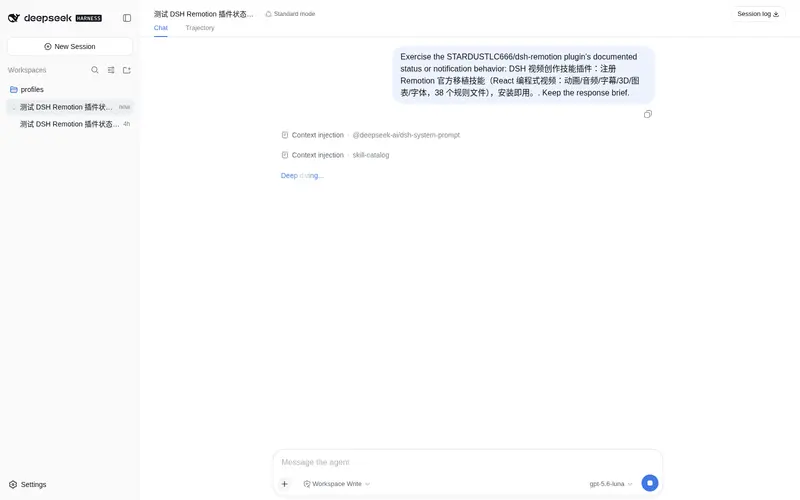
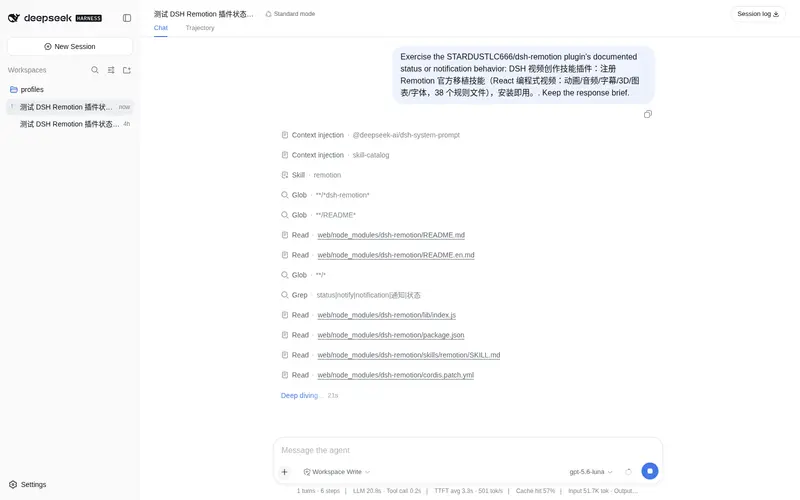
What it does
Official Remotion skill ported to DSH: programmatic video with React (animation/audio/captions/3D/charts/fonts, 38 rule files).
Best for
- React developers creating programmatic videos with animation, audio, captions, 3D, charts, or custom fonts.
- DSH users who want Remotion workflow guidance packaged as an installable skill with 38 rule files.
Not ideal for
- Non-React video-editing workflows centered on a conventional timeline editor.
- Environments without Node.js 20+, npm registry access through npx, or the ffmpeg support required for rendering.
- Users seeking a standalone video editor rather than guidance for building Remotion projects.
README
dsh-remotion
在 20+ 个 agent 里写视频:Remotion 官方技能,React 编程式视频。





DSH(DeepSeek Harness)视频创作技能插件:安装即把 Remotion 官方移植技能注册进 DSH(React 编程式视频:动画、音频、字幕、3D、图表、字体等,38 个规则文件)。
安装
dsh plugin --profile web add dsh-remotion
重启后说「用 Remotion 做个视频」即可触发。
技能内容
-
remotion:Remotion 最佳实践 +
rules/38 个规则文件(动画/音频/字幕/3D/图表/字体/GIF/Lottie/地图/转场…)
依赖
Node.js ≥ 20 + npx(npm registry);渲染需 ffmpeg(Remotion 自带指引)。
移植说明
技能移植自 OpenAI Codex 官方 Remotion 插件缓存:frontmatter 已转换为 DSH 格式,codex 专属 agents/ 已剔除,规则引用逐一校验。
跨平台使用
技能采用开放的 Agent Skills(SKILL.md)格式,不止 DSH 能用——把 skills/ 下的目录复制到其他 agent 的技能目录即可:
| Agent | 技能目录 |
|---|---|
| Claude Code | ~/.claude/skills/ |
| Cursor |
.cursor/skills/(或项目内 skills/) |
| Gemini CLI | ~/.gemini/skills/ |
| OpenAI Codex | ~/.codex/skills/ |
一次移植,处处可用。
License
MIT(移植编排);技能内容版权归 Remotion。
Frequently Asked QuestionsFAQ
Use the verified command dsh plugin --profile default add github:STARDUSTLC666/dsh-remotion in a DSH-enabled shell. The command resolves the public package metadata and keeps the plugin attached to the catalog identity shown on this page.
Compatibility follows the bundle and profile status shown above. If a profile is not detected, keep the plugin disabled there and check the repository documentation before enabling it in production.
The GitHub link and activity metadata are the source of truth for releases and maintenance. Revisit this page after a new release to confirm the catalog has observed the latest version.