Tang-mm95/dsh-single-instance-guard
DSH_HOME single-instance lock plugin for DeepSeek Harness: aborts startup loudly when another dsh server uses the same data directory (prevents session-log corruption)
Listed
0
Dev
Bundle verified
Preview
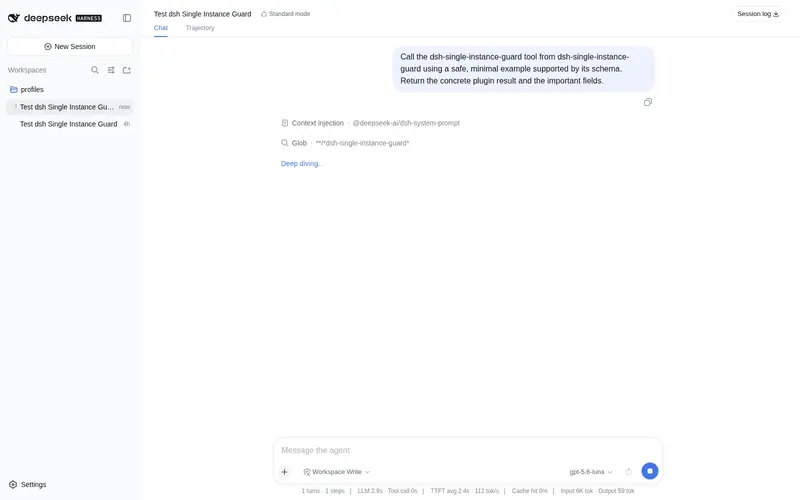
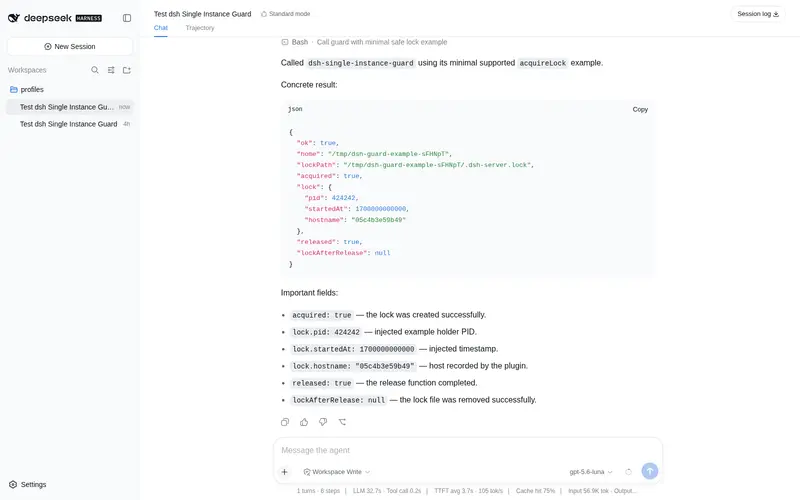
What it does
Aborts startup when another live dsh instance holds the same DSH_HOME data directory, preventing the concurrent session-log writes that corrupt transcripts.
Best for
- DSH installations where desktop wrappers or operators may accidentally start multiple servers against one DSH_HOME.
- JSONL session-storage deployments that need concurrent-writer corruption converted into an explicit startup failure.
- Single-host setups that want a zero-dependency lock with automatic stale-lock recovery.
Not ideal for
- Servers using different DSH_HOME roots, because they do not contend for the protected directory.
- Setups that deliberately expose the same session file through different data roots; that unsupported case is outside the lock's protection.
- Workflows that intentionally require concurrent live writers to one DSH_HOME.
README
dsh-single-instance-guard
A zero-dependency DeepSeek Harness plugin that takes an exclusive lock on the DSH_HOME data directory at startup and aborts loudly when another live dsh server already uses it.
Why
The JSONL session persistence backend documents “One live writer per session” and has no cross-process defense. Two dsh servers sharing one DSH_HOME (a desktop wrapper spawning its own server, or two dsh web processes) append batches with stale sequence cursors, corrupting session logs:
history unavailable for session "…": Error: corrupt session log: seq gap in committed region …
See this report for the full diagnosis, a read-only scanner, and a manual repair procedure.
This plugin turns the silent corruption into a loud startup failure.
Install
After publishing to npm:
dsh plugin --profile <profile> add dsh-single-instance-guard
Manual (any dsh install): add the row to the profile’s cordis.patch.yml before session-related bundles:
- insert:
    - id: single-instance-guard
      name: 'dsh-single-instance-guard'
The guard is a profile bundle: its manifest declares the same patch, so the CLI installs it as a patch layer.
How it works
- Creates
<DSH_HOME>/.dsh-server.lockatomically (O_EXCL), holding{ pid, startedAt, hostname }. - On conflict, probes the holder’s pid liveness: a live holder aborts startup with a clear bilingual error; a stale lock (dead pid or unparsable file) is removed and acquisition retried once.
- On process exit the lock is removed — only if still owned by this process.
DSH_HOME is resolved exactly like dsh itself: $DSH_HOME or ~/.dsh. Servers with different data roots never conflict.
Known limits
- The unlink+retry path has a tiny race when two processes discover the same stale lock simultaneously; the atomic
O_EXCLwrite still admits exactly one winner, and the loser fails correctly on the retry. - The lock protects against concurrent servers sharing one
DSH_HOME. It does not protect against two dsh instances deliberately pointed at the same session file via different roots (unsupported anyway).
Development
npm test # node --test
License
MIT
Frequently Asked QuestionsFAQ
Use the verified command dsh plugin --profile default add github:Tang-mm95/dsh-single-instance-guard in a DSH-enabled shell. The command resolves the public package metadata and keeps the plugin attached to the catalog identity shown on this page.
Compatibility follows the bundle and profile status shown above. If a profile is not detected, keep the plugin disabled there and check the repository documentation before enabling it in production.
The GitHub link and activity metadata are the source of truth for releases and maintenance. Revisit this page after a new release to confirm the catalog has observed the latest version.