whyihaveyou/dsh-suite
The living DeepSeek Harness plugin directory — refreshed hourly, compat-tested daily, with an in-app plugin store and scaffolder. DSH 插件活目录:每小时刷新,每日兼容实测,内置插件商店与脚手架。
Listed
40
Market, Notify, Session, Workflow
Bundle verified
Preview
What it does
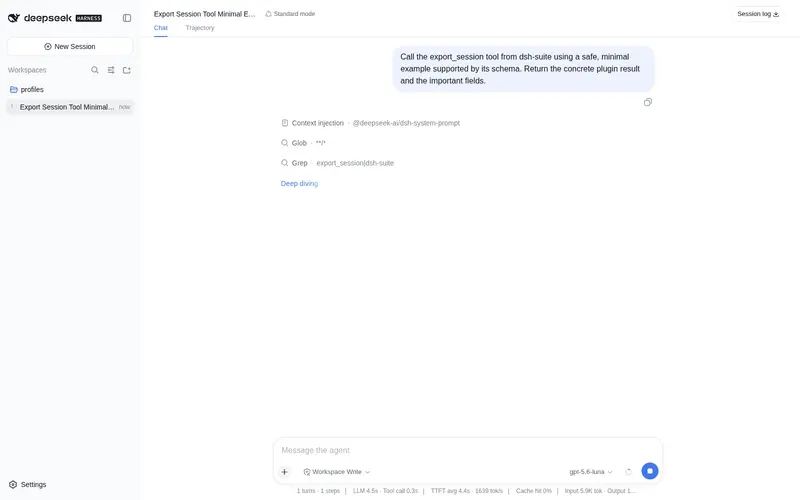
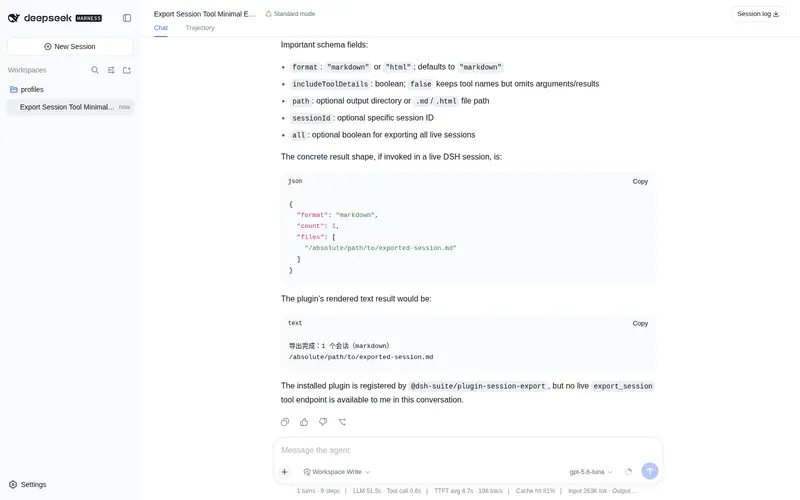
whyihaveyou/dsh-suite#plugin-manager: In-app plugin store for the DSH Web UI: browse, search, one-click install, compat badges. whyihaveyou/dsh-suite#plugin-notify: IM webhook and local notifications on turn completion, errors, or approval (Feishu/WeCom/DingTalk/Slack/Discord/custom). whyihaveyou/dsh-suite#plugin-session-export: Export the append-only session log as human-readable Markdown or HTML, grouped by trajectory source. whyihaveyou/dsh-suite#plugin-team-board: Shared multi-agent task board (create/claim/transition/query) over a Cordis service key.
Best for
- DSH Web users who want to browse, search, assess compatibility, and install plugins from an in-app store.
- Users who need completion, error, or approval notifications through supported IM webhooks or local notifications.
- People archiving append-only session logs as readable Markdown or HTML grouped by trajectory source.
- Multi-agent workflows that need a shared board for creating, claiming, transitioning, and querying tasks.
Not ideal for
- Users who need only one of the four workflows and do not want the rest of the suite; the individual packages are a closer fit.
- Plugin discovery outside the DSH Web UI when an in-app store adds no value to the workflow.
- Exports intended for structured machine processing rather than human-readable Markdown or HTML.
- Single-agent sessions without shared task ownership, where the team board adds little value.
README
This README is available on GitHub but cannot be rendered safely here. View on GitHub.
Frequently Asked QuestionsFAQ
Use the verified command dsh plugin --profile default add github:whyihaveyou/dsh-suite#path:/packages/plugins/plugin-manager in a DSH-enabled shell. The command resolves the public package metadata and keeps the plugin attached to the catalog identity shown on this page.
Compatibility follows the bundle and profile status shown above. If a profile is not detected, keep the plugin disabled there and check the repository documentation before enabling it in production.
The GitHub link and activity metadata are the source of truth for releases and maintenance. Revisit this page after a new release to confirm the catalog has observed the latest version.