x2802490130-prog/dsh-guard
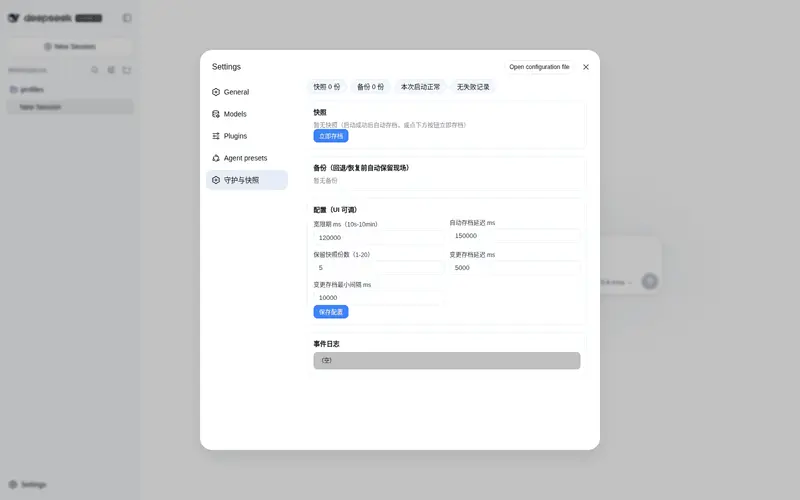
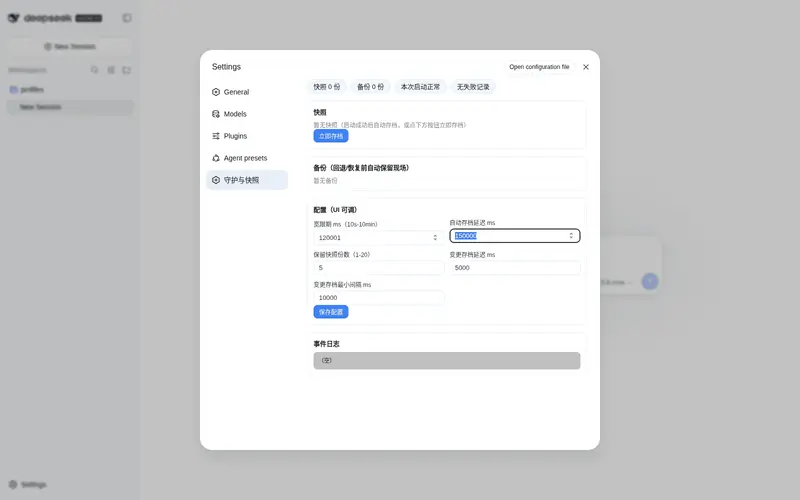
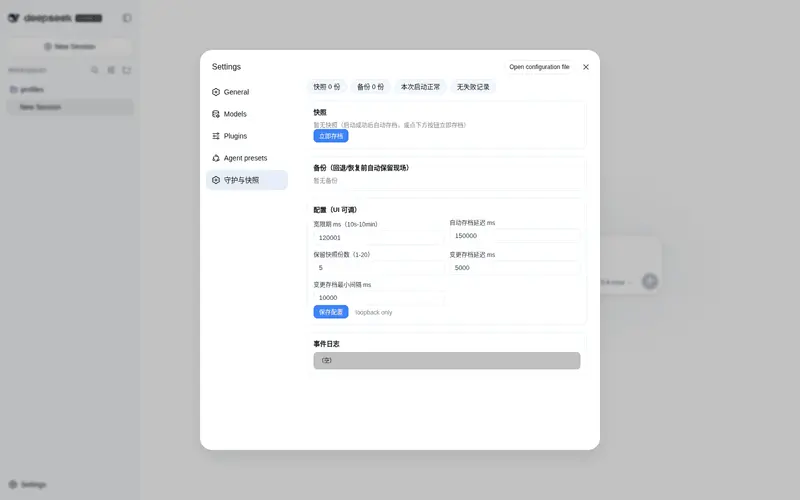
DSH 开发配套守护:滚动快照、失败自动回退、启动救援、设置页管理面板。
Listed
0
Dev
Bundle verified
Preview
What it does
A development safety kit: rolling config snapshots, automatic rollback on plugin failures, boot-failure rescue, and an in-settings management panel.
Best for
- Plugin developers who want rolling configuration snapshots and rollback after runtime plugin failures.
- Local DSH operators who need a Settings-accessible view of snapshots, backups, status, and guard events.
- Setups that can pair the plugin with an external launcher for recovery from startup-time failures.
Not ideal for
- Boot-failure recovery without an external launcher; the plugin cannot run when the process crashes during startup.
- Production workflows that do not change plugins or configuration and therefore gain little from frequent snapshots.
- Remote administration workflows; the management panel and API are loopback-only.
README
dsh-guard
DSH 开发配套守护插件:滚动快照 + 失败自动回退 + 本机管理面板。
能力
- 滚动快照:每次存档保留最近 N 份(默认 5,带时间戳+原因),同时镜像 last-good 供外部启动器/bat 互操作
- 自动存档:启动成功且度过宽限期后自动存档(reason=auto)
- 自动回退:监听到插件运行失败,三道护栏内自动回退 last-good(每启动一次、宽限期内、快照早于本次启动)
-
管理面板(仅本机):
http://127.0.0.1:<端口>/dsh-guard—— 状态 / 快照列表 / 一键存档 / 回退 / 恢复备份 / 事件日志 -
管理 API(仅本机):
/api/dsh-guard/{status,snapshots,backups,log,save,rollback,restore} -
事件日志:
snapshotRoot/guard.log
配置(profile 补丁层,均可省略)
- id: dsh-guard
  config:
    snapshotRoot: D:\path\to\snapshots
    profileDir: C:\path\to\profiles\web
    sourceDirs: [D:\path\to\plugin-src]
    restartCommand: D:\path\to\restart.bat   # 空 = 只回退不重启
    graceMs: 120000
    autoSaveDelayMs: 150000
    keepSnapshots: 5
安全边界(重要)
- boot 崩坏插件救不了:进程在启动期崩溃时插件无法运行,boot 救援由外部启动器承担(见 dsh-balance-float 仓库的 windows/launch-dsh.vbs SNAP_TOOL 机制)
- 管理面板/API 仅限本机回环地址访问
- 每次启动最多自动回退一次(防死循环)
测试
node test.mjs # 21 项
License
MIT
Frequently Asked QuestionsFAQ
Use the verified command dsh plugin --profile default add github:x2802490130-prog/dsh-guard in a DSH-enabled shell. The command resolves the public package metadata and keeps the plugin attached to the catalog identity shown on this page.
Compatibility follows the bundle and profile status shown above. If a profile is not detected, keep the plugin disabled there and check the repository documentation before enabling it in production.
The GitHub link and activity metadata are the source of truth for releases and maintenance. Revisit this page after a new release to confirm the catalog has observed the latest version.