ximengxiaolan/dsh-vision-bridge
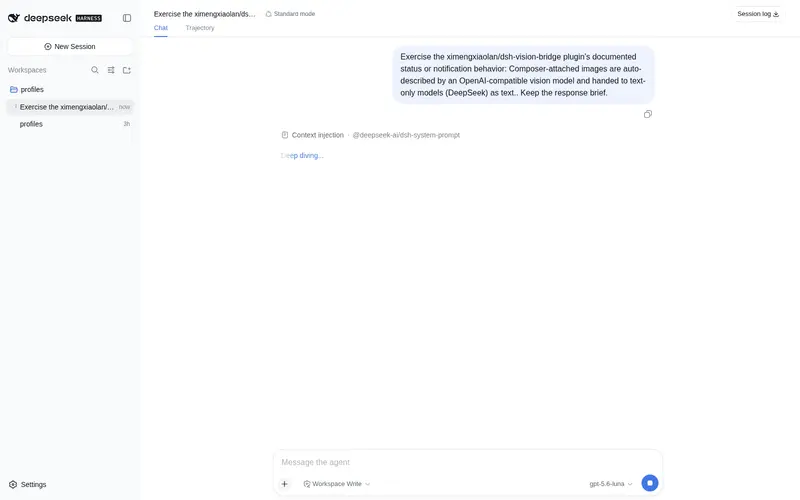
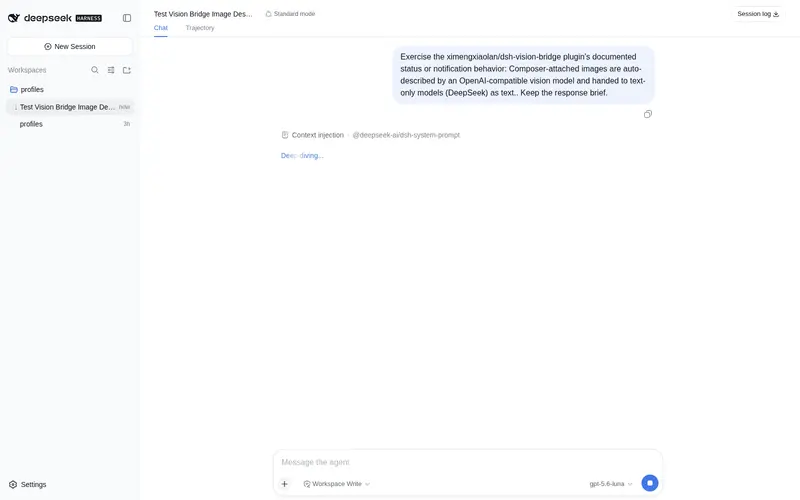
Composer-attached images are auto-described by an OpenAI-compatible vision model and handed to text-only models (DeepSeek) as text. ???????????
Listed
3
Vision
Bundle verified
Preview
What it does
Composer-attached images are transcribed to text by an OpenAI-compatible vision model before reaching text-only DeepSeek models.
Best for
- Users of text-only DeepSeek models who need to submit composer-attached images as textual descriptions.
- Teams already using an OpenAI-compatible multimodal model endpoint and wanting it to act as a vision preprocessing layer.
- Repeated-image workflows that benefit from per-process description caching by attachment ID.
Not ideal for
- Users without access to an OpenAI-compatible multimodal endpoint supporting chat completions and image_url input.
- Workflows requiring the original image to reach a text-only model rather than a generated description.
- Subagent conversations with image attachments, which remain unsupported by the DSH core.
- Tasks where a failed vision call must stop processing; this plugin instead inserts a failure description and continues.
README
dsh-vision-bridge
让纯文本模型(DeepSeek V4 / V4-Flash)在对话里”看见”图片:在输入框直接粘贴图片并发送,插件自动调用一个 OpenAI 兼容的视觉模型(VLM)把图片识别成文字描述,再把描述喂给 DeepSeek 继续处理。
会话中图片照常显示;只有发给模型的内容变成文字。
原理
DSH 对纯文本模型会在提交时拒绝图片(MODEL_DOES_NOT_SUPPORT_IMAGES)。本插件打通两个官方扩展点:
-
准入放行:给
ctx.llm.resolveModelInfo打补丁,声明当前模型支持image输入,让图片附件能进入会话。 -
发模型前转换:包装
llm.streamWithRegistration,每次请求发往模型前扫描所有消息中的图片块,调用配置的 VLM 生成文字描述,替换成:
[用户附上的图片已由视觉模型自动识别(qwen-vl-max)]
<描述内容>
如果路由到的模型原生支持图片,则放行原图、不做转换。
安装
# 前置:dsh CLI 与 pnpm
dsh plugin --profile web add dsh-vision-bridge
# 或从 git 安装:
dsh plugin --profile web add https://github.com/<your-name>/dsh-vision-bridge
安装后重启 profile(dsh web)。
配置
唯一需要的是一个 OpenAI 兼容多模态模型(/chat/completions + image_url),例如阿里云百炼 qwen-vl-max、智谱 GLM-4V 等。
环境变量:
$env:VISION_API_KEY  = "sk-..."
$env:VISION_BASE_URL = "https://dashscope.aliyuncs.com/compatible-mode/v1"
$env:VISION_MODEL    = "qwen-vl-max"
$env:VISION_LANG     = "zh"   # zh | en
或在 profile 的 cordis.patch.yml 中配置(优先于环境变量):
- id: dsh-vision-bridge
  config:
    apiKey: 'sk-...'
    baseURL: 'https://dashscope.aliyuncs.com/compatible-mode/v1'
    model: 'qwen-vl-max'
    lang: zh
    timeoutMs: 180000
    enabled: true
使用
重启后直接在输入框粘贴图片并发送即可。DeepSeek 会基于视觉模型的描述继续处理。
说明
- 同一张图片(按 attachmentId)在同一进程内缓存描述,重复发送不重复计费。
- VLM 调用失败时降级为
[图片识别失败: 原因],对话不会中断。 - 子智能体会话(subagent)仍受 DSH 内核限制,不支持贴图。
License
MIT
Frequently Asked QuestionsFAQ
Use the verified command dsh plugin --profile default add github:ximengxiaolan/dsh-vision-bridge in a DSH-enabled shell. The command resolves the public package metadata and keeps the plugin attached to the catalog identity shown on this page.
Compatibility follows the bundle and profile status shown above. If a profile is not detected, keep the plugin disabled there and check the repository documentation before enabling it in production.
The GitHub link and activity metadata are the source of truth for releases and maintenance. Revisit this page after a new release to confirm the catalog has observed the latest version.