yangyongzhen/dsh-notify
Task-completion notifications for DeepSeek Harness: ServerChan / DingTalk / Feishu / generic webhooks. dsh plugin.
Listed
2
Notify
Bundle verified
Preview
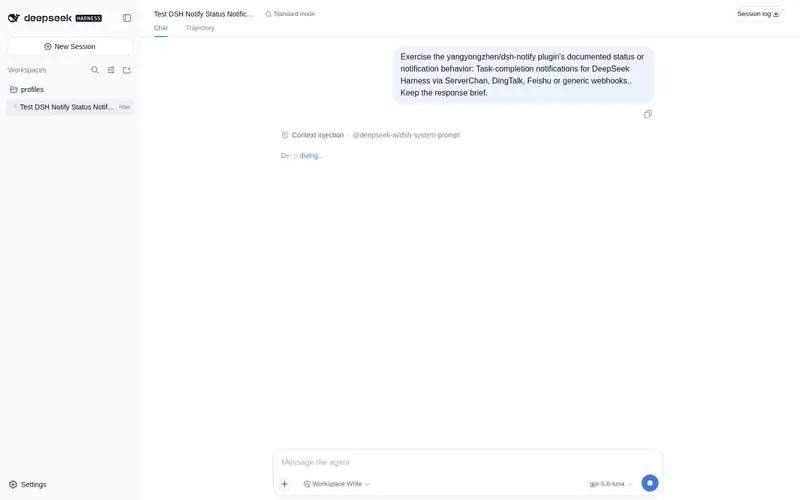
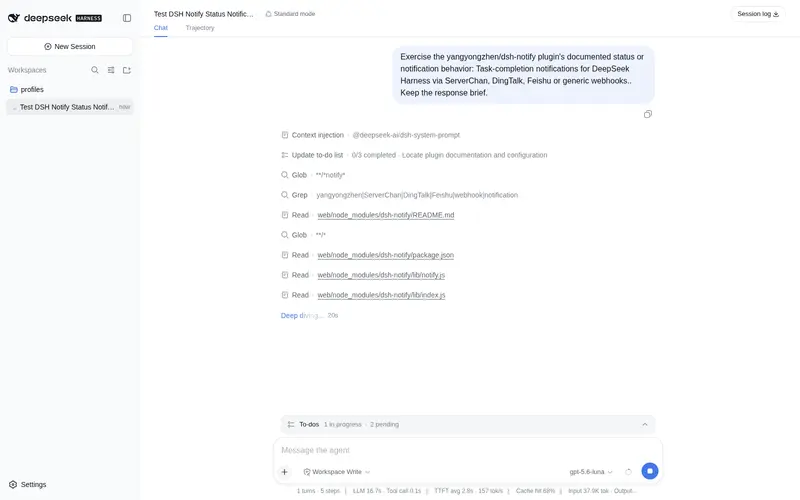
What it does
Task-completion notifications via ServerChan / DingTalk / Feishu / generic webhooks.
Best for
- People running long DSH tasks who want completion or failure alerts without watching the terminal.
- Teams already using ServerChan, DingTalk, Feishu, or a generic webhook endpoint for operational notifications.
- Workflows where notification recipients benefit from a compact summary of duration, tool calls, token usage, and the final assistant message.
Not ideal for
- Short, actively supervised sessions where an additional completion notification adds little value.
- Setups without a configured notification channel; an empty channel list sends nothing.
- Workflows that need recipients to approve, retry, or otherwise control the task from the notification itself.
README
dsh-notify
DeepSeek Harness 任务完成通知插件:turn 结束后把结果摘要推送到 Server酱 / 钉钉 / 飞书 / 通用 Webhook。
长任务(几十分钟到几小时)跑完不用一直盯着终端,手机收通知即可。
- 监听
session/event事件流,turn/end后防抖debounceMs推送 - 通知内容:模型、耗时、工具调用数、token 消耗(含缓存读写)、最后一条助手消息摘要、回合结果(完成/出错/被中断…)
- 支持 4 种渠道:Server酱(form 表单)、钉钉(含加签模式)、飞书、通用 Webhook(JSON)
- 进程退出时 flush 待发送通知(headless 一次性任务也能送达)
安装
# 本地 checkout 安装
dsh plugin --profile <web|tui|headless> add file:/path/to/dsh-notify

# 或从 Git 仓库安装
dsh plugin --profile <web|tui|headless> add https://gitcode.com/qq8864/dsh-notify.git
配置
通过 profile 的 cordis.patch.yml 或 --patch overlay 配置渠道:
- id: notify
  config:
    enabled: true
    debounceMs: 10000          # turn/end 后的静默等待
    summaryMaxChars: 500       # 助手消息摘要截断
    titlePrefix: ''            # 通知标题前缀
    notifyOnCompleted: true    # 正常完成时通知
    notifyOnError: true        # 出错/达到上限时通知
    channels:
      - type: serverchan                     # Server酱(方糖)
        url: https://sctapi.ftqq.com/<SENDKEY>.send
      - type: dingtalk                       # 钉钉机器人
        url: https://oapi.dingtalk.com/robot/send?access_token=<TOKEN>
        secret: <加签模式的 secret,可选>
      - type: feishu                         # 飞书机器人
        url: https://open.feishu.cn/open-apis/bot/v2/hook/<TOKEN>
      - type: generic                        # 通用 Webhook(JSON: title/content/timestamp)
        url: https://example.com/hook
channels 为空数组时不发送任何通知(插件只订阅不动作)。
通知样例(generic 渠道)
{
  "title": "[dsh] 任务完成",
  "content": "模型:deepseek-official/deepseek-v4-flash\n耗时:4s\ntokens:8247 in / 122 out(缓存读 0 / 写 0)\n---\ndef fibonacci(n): ...",
  "timestamp": "2026-08-14T09:22:36.409Z"
}
开发
pnpm install
pnpm run build        # tsc -> lib/
端到端验证(本地 webhook):
node test/hook-server.mjs &   # 监听 127.0.0.1:9999,落盘 test/hook-received.jsonl
dsh --profile headless --patch ./test/notify-patch.yml "一句话介绍你自己"
cat test/hook-received.jsonl
Frequently Asked QuestionsFAQ
Use the verified command dsh plugin --profile default add github:yangyongzhen/dsh-notify in a DSH-enabled shell. The command resolves the public package metadata and keeps the plugin attached to the catalog identity shown on this page.
Compatibility follows the bundle and profile status shown above. If a profile is not detected, keep the plugin disabled there and check the repository documentation before enabling it in production.
The GitHub link and activity metadata are the source of truth for releases and maintenance. Revisit this page after a new release to confirm the catalog has observed the latest version.