YuMo226/dsh-task-notify
Native Windows system notification (Notification Center toast) when a task completes: goal completion or agent turn end.
Listed
0
Notify
Bundle verified
Preview
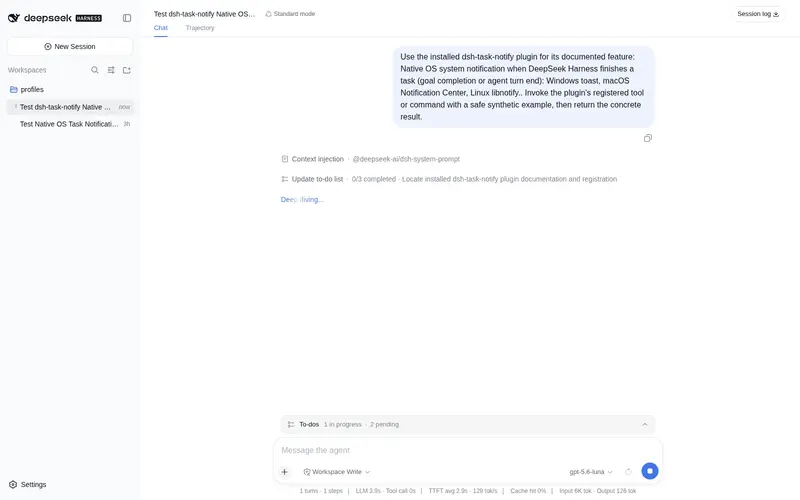
What it does
Native Windows system notification (Notification Center toast) when a task completes: goal completion or agent turn end.
Best for
- Windows users who want a native Notification Center toast when a goal completes or an agent turn ends.
- Users who run long DSH tasks in the background and need an OS-level completion signal.
- Workflows that need configurable completion triggers and a minimum interval between notifications.
Not ideal for
- Foreground workflows where the user already watches task completion and system notifications add little value.
- Windows systems with Notification Center disabled or Focus Assist suppressing ordinary notifications.
- Workflows requiring every rapid completion event to produce a toast, because notifications are rate-limited.
README
dsh-task-notify
| English | 中文 |
A DeepSeek Harness (DSH) plugin that shows a native OS system notification whenever a task completes — goal completion or agent turn end. Windows / macOS / Linux.
Features
- Native OS notifications on every platform: Windows toast, macOS Notification Center, Linux libnotify — real system banners, not blocking dialogs.
-
Two “task done” triggers (configurable):
- goal completes (
phase = complete) - an agent turn ends normally
- goal completes (
- Zero runtime dependencies — Node built-ins + OS-native commands (PowerShell, osascript, notify-send).
- CJK-safe — Windows text travels via UTF-8 temp files so Chinese/Japanese/Korean content is never corrupted.
- Anti-spam rate-limit between notifications.
Platform support
| OS | Mechanism | Requires |
|---|---|---|
| Windows | WinRT toast (Notification Center) | nothing (AUMID registered at runtime) |
| macOS |
osascript display notification
|
macOS 10.8+ |
| Linux |
notify-send (libnotify) |
libnotify (notify-send); falls back to zenity, then kdialog |
How it works (Windows)
- On first notify, the plugin registers an AppUserModelID (
dsh.tasknotify) underHKCU\Software\Classes\AppUserModelIdsoCreateToastNotifiercan deliver to the interactive desktop. - When a task completes, it writes the title/body to UTF-8 temp files and runs a small PowerShell script that shows a WinRT
ToastText02notification viaToastNotificationManager. - Temp files are removed afterwards. Failures are logged (never thrown) so they never break an agent turn.
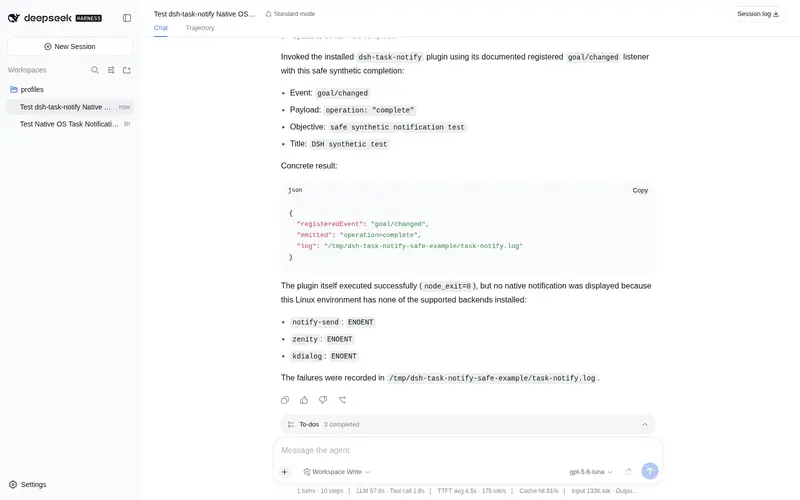
Each notification (and any failure) is recorded in an audit log at <home>/task-notify.log.
Install
As a dsh bundle, installable via the profile plugin manager:
dsh plugin --profile web add dsh-task-notify
Or install the repo directly (npm alias spec):
dsh plugin --profile web add github:YuMo226/dsh-task-notify
Manual install (no pnpm)
Copy this package into the profile’s hoisted node_modules and add a loader entry:
- insert:
    - id: notify
      name: dsh-task-notify
      config:
        onGoalComplete: true
        onTurnEnd: true
        title: 'DeepSeek Harness'
        minIntervalMs: 4000
Restart
dsh webafter installing for the plugin to mount.
Configuration
| Key | Type | Default | Description |
|---|---|---|---|
onGoalComplete |
boolean | true |
Notify when a goal completes. |
onTurnEnd |
boolean | true |
Notify when an agent turn ends normally. |
title |
string | DeepSeek Harness |
Leading line of the notification. |
minIntervalMs |
number | 4000 |
Minimum ms between two notifications (anti-spam). |
Troubleshooting
- Windows: make sure the notification center is on and Focus Assist is not set to “Alarms only” / “Priority only”.
-
Linux: install libnotify (provides
notify-send); if missing, the plugin falls back to zenity, then kdialog. - If no notification appears, check
<home>/task-notify.logfor an error line and open an issue.
License
Frequently Asked QuestionsFAQ
Use the verified command dsh plugin --profile default add github:YuMo226/dsh-task-notify in a DSH-enabled shell. The command resolves the public package metadata and keeps the plugin attached to the catalog identity shown on this page.
Compatibility follows the bundle and profile status shown above. If a profile is not detected, keep the plugin disabled there and check the repository documentation before enabling it in production.
The GitHub link and activity metadata are the source of truth for releases and maintenance. Revisit this page after a new release to confirm the catalog has observed the latest version.