Z-6354/dsh-mobile-hanui
基于deepseek-harness(dsh)的手机网页优化插件,修复了部分网页与手机端不适配的问题;
Listed
3
Remote
Bundle verified
Preview
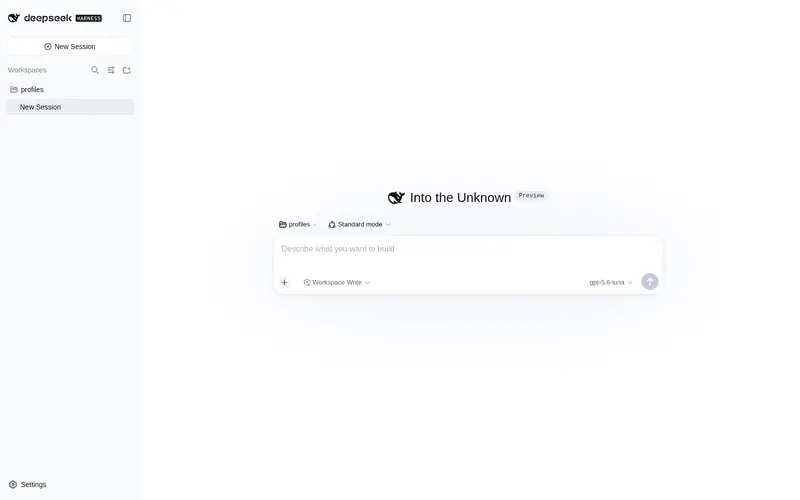
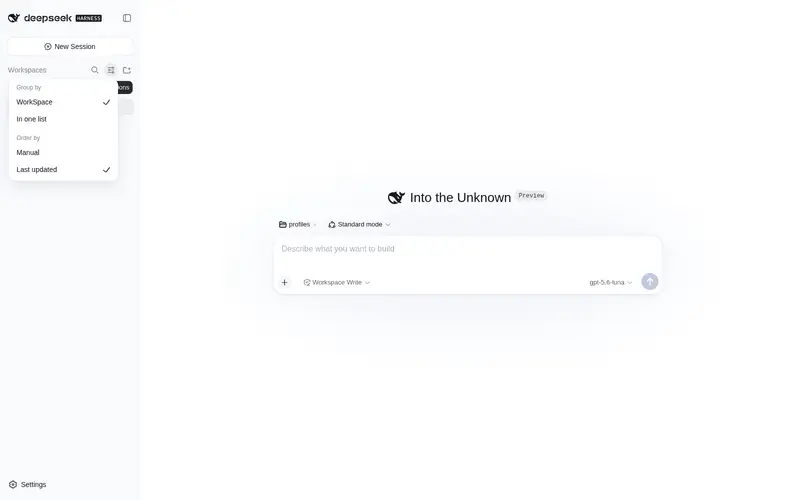
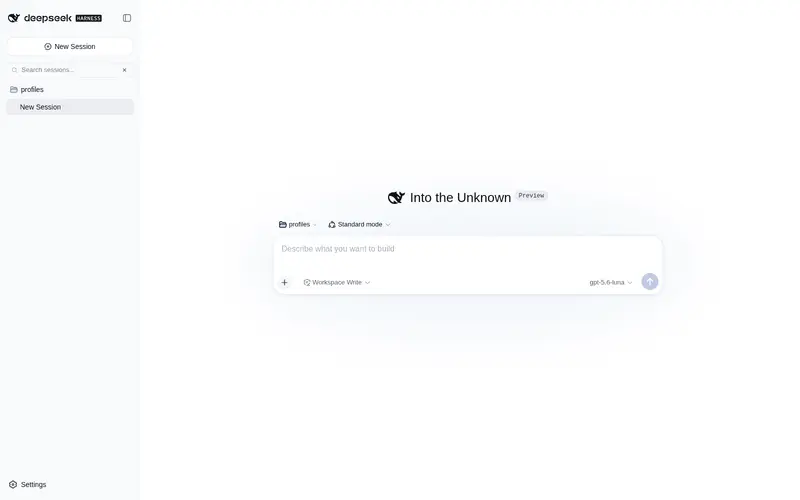
What it does
Mobile UI shell for the DSH Web GUI: turns the desktop three-column layout into a touch-friendly phone layout (overlay drawers, draggable FAB, full-screen dialogs, infinite-scroll history) under a 1024px viewport, with zero desktop impact. - Complete mobile PWA for DSH, built on dsh-mobile-gate: secure remote-access gateway plus install-to-homescreen (manifest + service worker), offline capability, touch gestures (pull-to-refresh, edge-swipe back, pinch-zoom font), agent-done push notifications, and touch-first layout — desktop unaffected.
Best for
- People using DSH primarily from phones or narrow browser windows.
- Touch workflows needing overlay drawers, full-screen dialogs, a draggable action button, and history loading optimized for small screens.
- Users wanting an installable mobile PWA with offline access, gestures, remote gateway access, and task-completion push notifications.
Not ideal for
- Desktop-only users, because the mobile shell applies only at viewport widths of 1023 px or less.
- Users seeking changes to the desktop three-column interface; desktop behavior is intentionally unaffected.
- Teams that do not want the deployment and security responsibilities associated with a remote-access gateway.
- Environments that cannot install the plugin into a DSH Web profile and restart the Web service.
README
dsh-mobile-hanui
让 DeepSeek Harness 的 Web 界面在手机上正常使用。


它解决什么问题
DSH 的网页界面是按桌面端设计的,在手机浏览器上会出现侧边栏撑满屏幕、弹窗错位、输入框被裁剪等问题。这个插件会在窄屏(手机 / 窄窗口,视口宽度 ≤ 1023px)下自动把界面调整成适合触屏的布局。
它只影响手机端显示,桌面端没有任何变化。
做了什么
- 侧边栏、详情面板变成左右抽屉,点一下滑出,不再挤压聊天区
- 提问、权限确认、设置等弹窗在手机上全屏居中显示,不再被裁掉
- 悬浮菜单按钮(可拖动),点击/下拉打开侧边栏
- 上滑到顶部自动加载更早的对话历史
- 切换会话不再自动弹出软键盘
- 子代理目录、模型选择、推理等级、模式选择在小屏正常显示
安装
cd ~/.dsh/profiles/web
pnpm add dsh-mobile-hanui
然后在 ~/.dsh/profiles/web/package.json 的 dsh.profile.bundles 数组里加入 "dsh-mobile-hanui",重启 dsh web 服务。
安装并重启后,在手机打开 DSH 网页即可,无需其它配置。
临时关闭
- 在网址后加
?mobileShell=0,或 - 在浏览器控制台执行
localStorage.setItem('dsh-mobile-shell', '0')后刷新。
更多
MIT License
Frequently Asked QuestionsFAQ
Use the verified command dsh plugin --profile default add github:Z-6354/dsh-mobile-hanui in a DSH-enabled shell. The command resolves the public package metadata and keeps the plugin attached to the catalog identity shown on this page.
Compatibility follows the bundle and profile status shown above. If a profile is not detected, keep the plugin disabled there and check the repository documentation before enabling it in production.
The GitHub link and activity metadata are the source of truth for releases and maintenance. Revisit this page after a new release to confirm the catalog has observed the latest version.