zhousun55-byte/dsh-postman
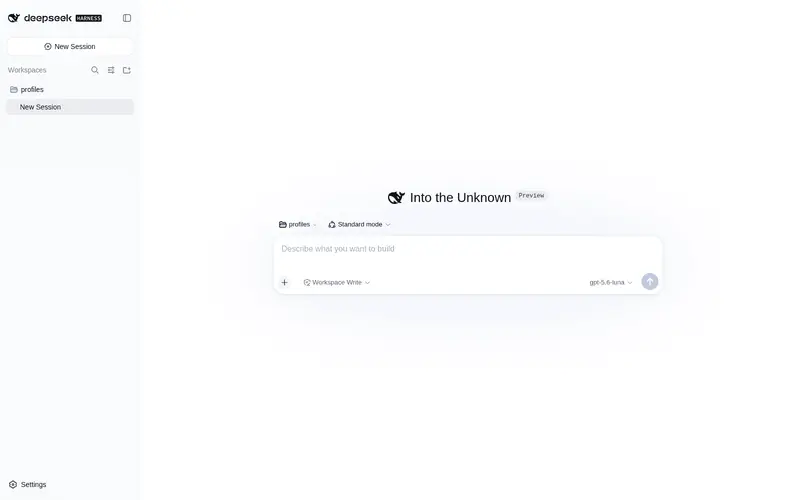
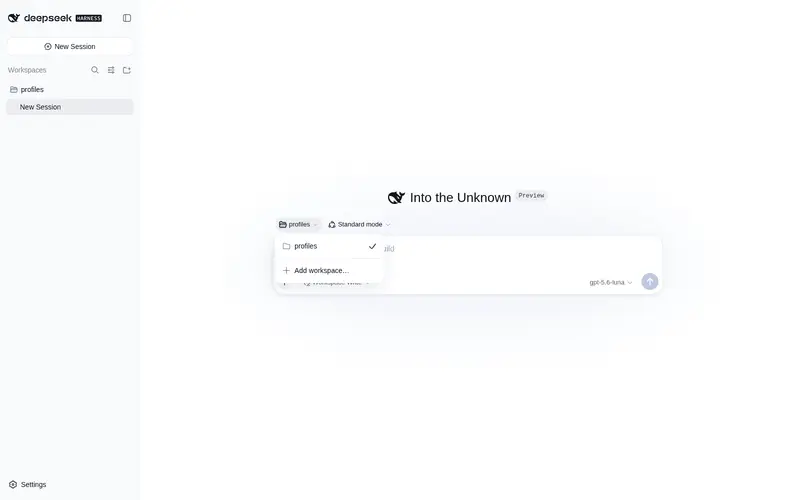
DeepSeek Harness web plugin: upload files and folders straight into the conversation — images attach as real message blocks, text content is written into the composer, folders land by directory structure.
Listed
0
Ui
Bundle verified
Preview
What it does
Upload files and folders straight into the conversation — images attach as real message blocks, text content is written into the composer draft, folders land by directory structure.
Best for
- DSH Web users who want to add local files or complete directory trees directly to a conversation.
- Multimodal workflows that need supported images attached as native message blocks rather than referenced only by path.
- Text-review workflows where uploaded file contents should be inserted into the composer draft immediately.
Not ideal for
- Folder-upload workflows in browsers without `webkitdirectory` support.
- Native image attachment workflows involving unsupported formats or images over 5 MiB; these fall back to path uploads.
- Workflows needing complete inline previews of large folders; combined text previews are capped at about 24,000 characters and folder images at 12.
- Uploads containing individual files over the documented 25 MiB limit.
README
dsh-postman(邮差)· DeepSeek Harness 会话内上传插件
把文件与文件夹直接「邮」进对话——不需要再复制进工作区文件夹、不需要报路径。
入口在输入框工具行左侧的 + 命令菜单里:/upload(两个选项:上传文件 / 上传文件夹),
工具行本身不额外占按钮。
核心亮点
- 图片以图片形式加入消息:PNG/JPG/WebP/GIF(≤5 MiB)走 DSH 原生附件管线, 输入框缩略图 + 消息图片块,模型侧由视觉桥接(如 modlens)转写——不是只给一个路径; HEIC 等不支持或超限的图片自动退回路径上传。
-
文件夹上传:
webkitdirectory整目录上传,按目录结构落盘~/.dsh/uploads/<时间戳>-<文件夹名>/…,文本文件内容直接写进输入框草稿,模型立即可见。 - 零依赖、无构建步骤:纯 Node 内置模块 + DSH 原生管线,克隆即用。
功能
-
上传文件(多选):
- 图片(PNG/JPG/WebP/GIF,≤5 MiB)→ 以图片形式加入消息:走 DSH 原生附件管线 (输入框缩略图 + 消息图片块),模型侧由视觉桥接(如 modlens)自动转写,与粘贴 图片完全一致;HEIC 等不支持的图片与超限图片自动退回路径上传。
- 文本文件 → 内容以内联代码块直接写入输入框,模型立即可见;
- 其他二进制 → 注入路径与大小,模型可用
read工具读取。
-
上传文件夹(Chrome 的
webkitdirectory):按目录结构整体落盘到~/.dsh/uploads/<时间戳>-<文件夹名>/…,草稿注入文件清单 + 文本文件内容预览 (合计约 2.4 万字符封顶)+ 二进制路径;文件夹里的图片(上限 12 张)同样以图片 形式加入消息。 - 图片也可以继续用「粘贴 / 拖入输入框」的原生通道,两者并存。
宿主半区
POST /dsh-postman/upload?name=<文件名>[&dir=<上传根名>][&rel=<相对路径>]
- 单文件模式(无 dir):落盘
~/.dsh/uploads/<时间戳>-<文件名>; - 文件夹模式(同批共用 dir):落盘
~/.dsh/uploads/<dir>/<rel>,自动建目录, 文件名冲突加-2/-3,永不覆盖; - 上限 25 MiB / 文件;
dir禁路径分隔符,rel逐段净化并丢弃..; 目录0700、文件0600;跨站 Origin 拒绝; - 响应信封:
{ ok: true, value: { name, path, root, size, kind, preview } },kind === 'text'时preview为 UTF-8 前 2 万字符。
安装
把本仓库放进 Web profile 的依赖并声明插件行(dsh 会按包名在
/plugins/dsh-postman/client.js 提供浏览器半区):
-
~/.dsh/profiles/web/package.json增加"dsh-postman": "link:/path/to/dsh-postman"(或发布后改用版本号依赖); -
~/.dsh/profiles/web/cordis.patch.yml增加:- insert: - id: ui-upload name: 'dsh-postman' -
pnpm --dir ~/.dsh/profiles/web install,重启dsh web(客户端改动仅需刷新页面)。
自检
node client.test.cjs # 客户端逻辑无头验证(18 项断言,模拟 react/fetch/commandUi)
许可证
MIT
Frequently Asked QuestionsFAQ
Use the verified command dsh plugin --profile default add github:zhousun55-byte/dsh-postman in a DSH-enabled shell. The command resolves the public package metadata and keeps the plugin attached to the catalog identity shown on this page.
Compatibility follows the bundle and profile status shown above. If a profile is not detected, keep the plugin disabled there and check the repository documentation before enabling it in production.
The GitHub link and activity metadata are the source of truth for releases and maintenance. Revisit this page after a new release to confirm the catalog has observed the latest version.