zoumutou/dsh-web-preview
DeepSeek Harness 侧边网页预览面板:本地静态托管、项目运行、元素标记批注、链接点击接管(Cordis 插件包)
Listed
1
Ui
Bundle verified
Preview
What it does
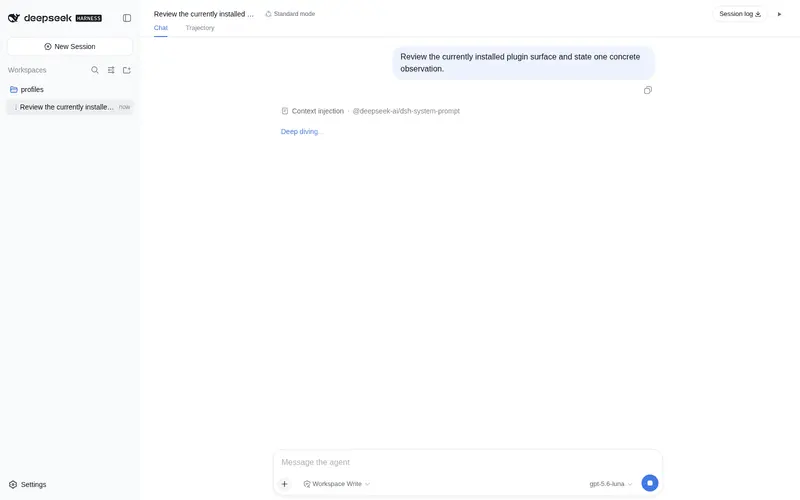
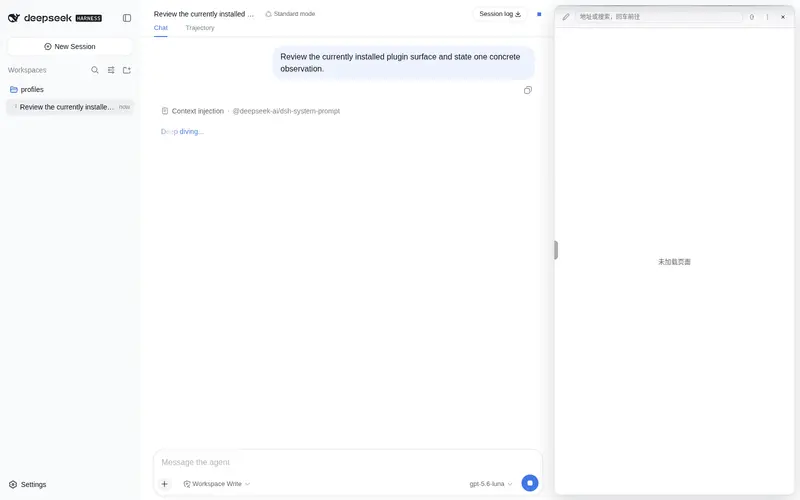
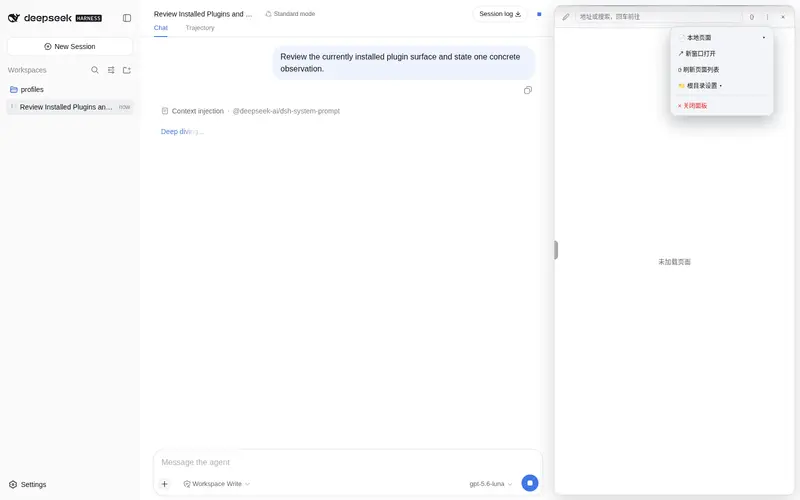
Side web-preview panel: local static hosting, Markdown/code/image preview, one-click run of non-static projects (Cargo/npm/Go/Python) with live logs, drag files into the chat (saved to the workspace), element mark & annotate, workspace file search on 404, and link-click takeover into the side panel.
Best for
- DSH Web users who want workspace files, Markdown, code, images, and local web pages previewed beside the conversation.
- Developers running Cargo, npm, Go, or Python projects who want one-click launch, live logs, and automatic localhost preview.
- UI review workflows that send element annotations, dropped workspace files, or clicked links back into the conversation.
Not ideal for
- DSH profiles other than the Web edition required by the plugin.
- File-transfer workflows involving individual dropped files larger than the documented 64 MB limit.
- Projects outside the detected Cargo, package.json, Go module, and Python types when one-click process management is required.
README
dsh-web-preview-panel
DeepSeek Harness(DSH)侧边网页预览面板 —— 一个标准 Cordis 插件包(Host + Client 双半), 把工作区目录托管成 iframe 预览,并支持项目运行、元素标记批注与链接点击接管。
功能
- 侧边预览:对话右上角 ▶ 按钮打开右侧玻璃卡片式预览面板(每个会话独立状态), 地址栏实时同步、可拖动调宽(挤压对话 → 400px 封顶 → 覆盖模式)
-
本地文件预览:工作区静态文件经 Harness 自身的 HTTP 服务托管
(
/__dsh-preview/<sessionId>/...)—— Markdown 渲染、代码带行号、图片直显、 HTML 原样 -
项目运行:自动检测项目类型(Cargo / package.json / go.mod / Python),
▶ 运行 / ⏹ 停止,日志实时滚动、自动识别
localhost:PORT并加载预览; 「日志→对话」一键把日志发给 AI 辅助诊断 - 元素标记:🖉 标记模式(悬停手型高亮、点击选取元素、批注气泡、一键发送到对话), 选择器/HTML 快照自动剥离内部标记类
-
对话框直接拖入文件:把文件拖进对话框即保存到工作区
.dsh-drops/并以 路径引用加入草稿(对话框保持干净,AI 按需读取文件内容,上限 64 MB); 图片单独拖入仍走 DSH 原生图片附件轨,混合拖入时图片同样保存为文件引用 - 链接点击接管:对话里点击 http(s) 链接、相对/绝对文件路径、纯文本路径 (自动转链接)→ 全部在侧边打开;Cmd/Ctrl+点击保留浏览器默认行为
- 会话隔离:每个会话独立的预览状态、根目录(默认当前会话所属工作区)、运行进程
安装
要求 DSH(DeepSeek Harness)Web 版。在 profile 目录(如 ~/.dsh/profiles/web):
npm install dsh-web-preview-panel
然后在 cordis.patch.yml 中挂载:
- insert:
    - name: dsh-web-preview-panel
重启 dsh web 即生效。
开发
npm run build # 产出 lib/index.js(host)与 lib/client.js(ModuleLoader bundle)
-
src/host.js—— Host 半:webServer路由(静态托管 +POST /apiJSON RPC)、subprocess项目运行、fs文件访问 -
src/client.js—— Client 半:React 面板 UI、标记/批注、点击接管、会话隔离; 通过fetch('/__dsh-preview/api')与 Host 通信
协议
-
GET/HEAD /__dsh-preview/<sessionId>/<path>—— 静态文件 / Markdown / 代码 / 图片 -
POST /__dsh-preview/upload—— 拖入文件落盘(原始字节,头字段X-Dsh-Sid/X-File-Name/X-File-Size/X-File-Type,保存到<root>/.dsh-drops/,上限 64 MB) -
POST /__dsh-preview/api——{ method, args }JSON RPC:set-rootpagesresolve-pathdetect-projectrun-projectproject-statusstop-projectstate
License
MIT
Frequently Asked QuestionsFAQ
Use the verified command dsh plugin --profile default add github:zoumutou/dsh-web-preview in a DSH-enabled shell. The command resolves the public package metadata and keeps the plugin attached to the catalog identity shown on this page.
Compatibility follows the bundle and profile status shown above. If a profile is not detected, keep the plugin disabled there and check the repository documentation before enabling it in production.
The GitHub link and activity metadata are the source of truth for releases and maintenance. Revisit this page after a new release to confirm the catalog has observed the latest version.