jasonrale/dsh-archive-manager
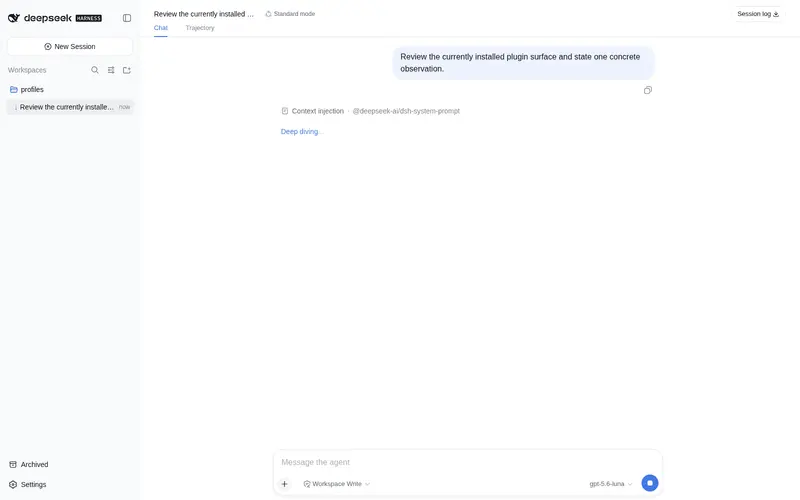
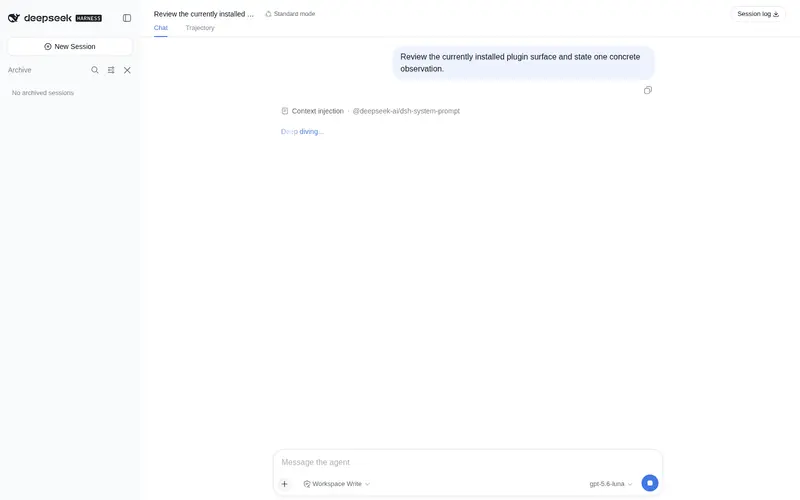
Archived-session manager for DSH Web UI: reopen an archived session and keep chatting, unarchive it back in place, or hard-delete a session — grouped panel with message search and native view sync.
已收录
2
Session
Bundle 已验证
预览
功能介绍
DSH Web UI 的归档会话管理器:重新打开已归档会话并继续对话、取消归档恢复原位、彻底删除会话,支持分组浏览、消息搜索与原生视图同步。
适合
- 需要查找、搜索、重新打开或继续归档会话的 DSH Web 用户。
- 需要受控取消归档或经确认后彻底删除,同时保持原生侧边栏视图同步的运维人员。
不适合
- 内部服务结构不同于文档目标版本 0.1.0-rc.6 的 DSH;升级后可能需要插件适配。
- 删除插件热重载时仍在运行的会话;必须先重启 DSH。
README
dsh-archive-manager
| 中文 | English |
An archived-session manager for DeepSeek Harness WebUI: an “Archived” entry at the sidebar footer opens a grouped archive panel — open a session to continue it, unarchive, or delete it (full live-agent teardown + physical log removal).
Native DSH only has the “archive” action (hides the session from the sidebar); there is no way to view, restore, or delete archived sessions. This plugin fills that gap.
Features
- Archive list — an “Archived” entry at the sidebar footer opens a panel grouping sessions by workspace, visually matching the official sidebar
- Continue a session — click an archived session to open it and keep chatting; its archived state is untouched
- Unarchive — put a session back into its workspace with one click, original position preserved
- Delete for good — safely stops the session first, then removes its complete on-disk record; a confirmation dialog guards the action
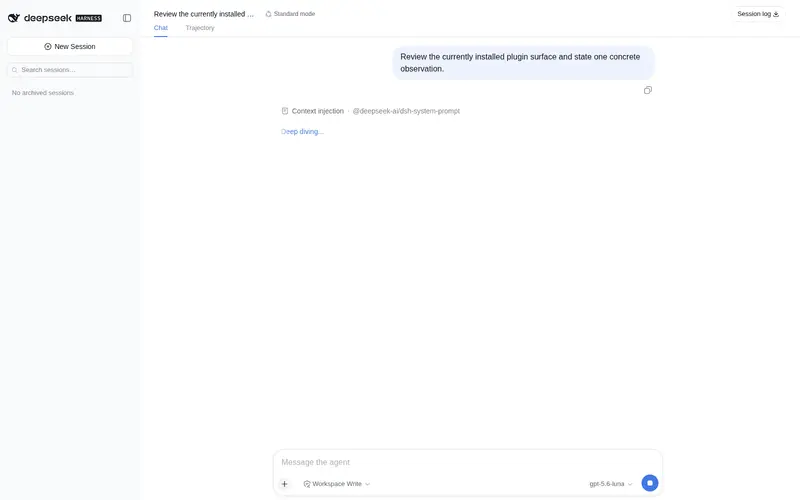
- Search — instant filtering by title or workspace, plus message search (your prompts and the assistant’s replies); behaves like the official search
- View sync — grouping (by workspace / one list), ordering (manual / recently updated), and drag-to-reorder all stay in real-time two-way sync with the official sidebar
- Bilingual UI — English and Chinese, following the system language automatically
- Session status at a glance: running / completed / waiting for you — same as the official sidebar
Compatibility
Developed against @deepseek-ai/dsh 0.1.0-rc.6. Relies on official internal shapes (workspaceRegistry.enqueueOperation, AgentHandle.dispose, the client-runtime service shapes); a dsh upgrade may require adaptation — if something misbehaves after upgrading, check whether this repo has caught up with the new version.
Install
From npm:
npx @deepseek-ai/dsh plugin --profile web add dsh-archive-manager
Updating
npx @deepseek-ai/dsh plugin --profile web update dsh-archive-manager
Uninstall
npx @deepseek-ai/dsh plugin --profile web remove dsh-archive-manager
Then restart dsh web.
Known limitations
- Sessions that were running while the plugin itself was hot-reloaded cannot be deleted afterwards — the plugin will refuse with a clear message asking you to restart dsh first. (Normal use is unaffected: install once, and everything — including sessions archived before the plugin existed — stays manageable.)
License
MIT
常见问题常见问题
在启用了 DSH 的终端中执行已验证命令 dsh plugin --profile default add github:jasonrale/dsh-archive-manager。命令会解析公开 package 元数据,并保持插件与本页展示的目录身份一致。
兼容性以页面上展示的 bundle 与 profile 状态为准。如果某个 profile 尚未检测到,请先保持禁用,并在生产启用前阅读仓库文档。
GitHub 链接和 activity 元数据是 release 与维护状态的来源。新版本发布后重新查看本页,确认目录已经观察到最新版本。