Ultronen/dsh-archived-chats
DeepSeek Harness 已归档会话管理页:在设置里查看、搜索、取消归档、删除已归档的聊天,按项目分组。An Archived Chats settings page for DeepSeek Harness: browse, search, unarchive, and delete archived sessions, grouped by workspace.
已收录
3
Session
Bundle 已验证
预览
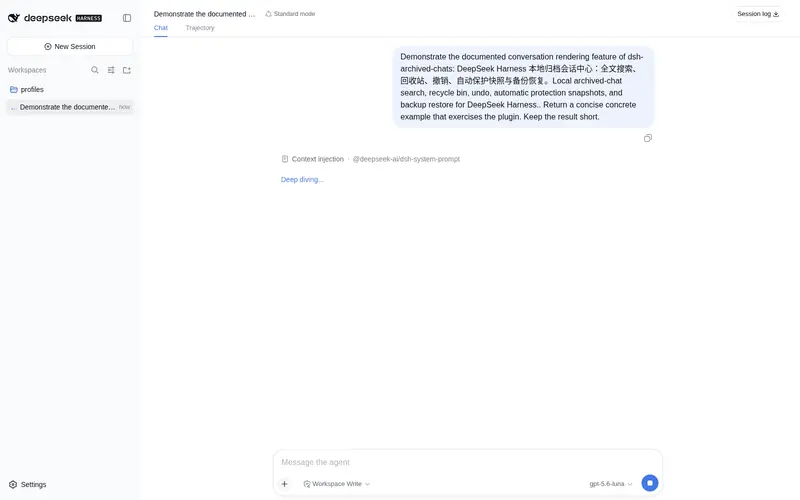
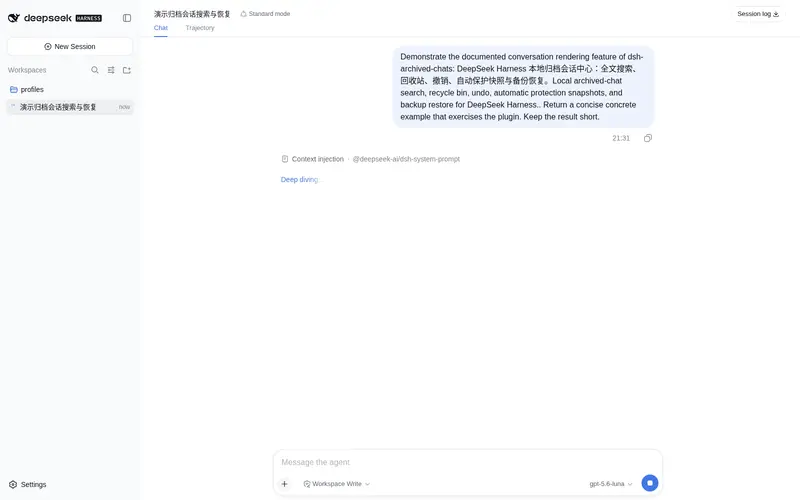
功能介绍
DSH 已归档聊天管理页:浏览、搜索、取消归档与删除已归档会话,按工作区分组;删除即生效、无需重启,后台驻留的会话也能当场彻底删除。
适合
- 需要按工作区查找和管理已归档会话的 DeepSeek Harness 用户。
- 需要通过标签、备注、筛选和排序整理归档聊天的工作流。
- 需要在取消归档或删除前制作本地 JSON 与 Markdown ZIP 备份的用户。
- 需要删除立即生效的管理员;宿主版本支持时,也包括仍在后台驻留的会话。
不适合
- 不使用归档功能或只需访问活跃聊天的用户。
- 无法接受首次安装后重启的环境。
- 要求标签和备注跨设备同步的工作流;这些元数据仅保存在本机。
- 必须在下次重启前完成物理删除、但宿主缺少所需内部删除接口的环境;此时会采用延迟删除。
README
dsh-archived-chats
⚡ Deletion takes effect immediately — no restart. Even sessions still resident in the background are torn down safely along the official lifecycle and wiped from disk the moment you click delete, instead of being “parked until the next restart”.
A settings page for DeepSeek Harness that brings archived chats back into view.
Once a conversation is archived in DeepSeek Harness it disappears from the sidebar, and there is no built-in way to browse it again — only the workspace store (~/.dsh/storages/workspace.json) still remembers it. This plugin adds an Archived Chats page under Settings where every archived session is visible, searchable, and manageable.
Install
dsh plugin --profile web add dsh-archived-chats
Restart DSH once after installing, then open Settings → Archived Chats.
Compatibility
Version 0.7.0 is tested against DeepSeek Harness 0.1.0-rc.7. The plugin registers a top-level settings.section, so the rc.7 keyed-slot change for settings.plugin.item does not apply to it. Future Harness releases should still be checked with the smoke suite and a real-host UI pass before publishing a plugin update, because client slot and design-token contracts may evolve.
Features
- Complete archived-session list, grouped by workspace (project) with a per-group count. Every group can be collapsed or expanded, and the state is remembered per browser.
- Search and sort by title, workspace title, tags, and note text; filter by type (all / regular / subagent), project, and tag; then order results by newest, oldest, or title.
-
Tags and notes: open an editor from any row to attach up to 8 tags (24 Unicode characters each) and a note (2,000 Unicode characters). Tag chips render per row, overflowing past three into a
+Nindicator, and the tag filter narrows the list case-insensitively. - Storage insights: a summary strip reports the archived count, total measured size, and how many sessions could not be measured; each row shows its own size. Measurement never follows symbolic links and skips sessions whose directories are unreadable.
- JSON + Markdown backups: export one row, the current selection, or every archived chat as a ZIP. Each package has a versioned manifest, a lossless machine-readable session record, and a human-readable transcript for every included session.
- Flexible multi-select: select individual chats, every visible result, or an entire project. The selection bar can export, unarchive, or permanently delete the chosen chats in one action, while selections hidden by another filter remain intact.
-
Unarchive a single chat or a whole project group from the group’s
⋯menu — restored chats reappear in the sidebar immediately. - Delete one chat, a project group, or everything (Delete All), each behind a confirmation dialog. Deletion is thorough: the session log is removed from disk, the session is detached from its workspace record, and the registry’s in-memory header index is purged, so the sidebar drops the rows live.
- Sessions still resident in the background are deleted in place too: the plugin disposes the session through the official lifecycle teardown order (cancel → quiesce → flush → fiber teardown → registry detach), the persistence layer releases the write path, and the physical delete completes within the same request — no restart. If the running DSH build does not expose the required internal seams, the plugin falls back to “park permanently + delete on the next start”, with parked sessions staying hidden meanwhile.
- Works in light and dark schemes; localized in English and 中文.
Tags, notes, and statistics
Tags and notes live only on your machine in $DSH_HOME/plugin-data/archived-chats/metadata.json — they are never uploaded, synced, or sent anywhere else. Unarchiving a session keeps its metadata; a completed physical deletion removes it, while a deferred or failed deletion keeps it intact. Metadata and statistics failures are always non-blocking: the list, unarchive, and deletion keep working even when the metadata store is unreadable or a session directory cannot be measured.
Export and backup
Every export is a local browser download. A single session and a batch use the same ZIP format:
manifest.json
sessions/001-<safe-title>-<id>/session.json
sessions/001-<safe-title>-<id>/transcript.md
session.json is the authoritative backup record: it contains the complete metadata and event values returned by Harness persistence plus the archive title, workspace, timestamps, origin, tags, note, and storage facts. transcript.md is a readable companion derived with Harness’s canonical message projection. ZIP paths are sanitized and collision-safe, and batches are generated one session at a time instead of buffering every transcript together.
Attachment references remain in JSON, but attachment bytes and descendant sessions are not included. Use Harness’s official Session log export when you need its attachment-complete conversation-tree package. Version 0.7.0 exports only; validated import/restore and conflict handling are planned for 0.8.0.
How it works
-
Host half (
lib/index.js) registers the/plugins/dsh-archived-chats/*routes on the DSH web server:GET /state,GET /stats,POST /export,POST /metadata,POST /unarchive,POST /unarchive-all,POST /delete,POST /delete-all./statejoins tags, notes, andmetadataUpdatedAtonto every row;/statsreturns byte/file totals;/exportstreams a ZIP response from a bounded native-form request. Unarchiving writes through the workspace registry’s own state path, so every connected client receives thehost/archived-sessions-changedpush. Mutating routes require a customx-dsh-archived-chats: 1header as CSRF hardening; read-only export does not mutate plugin or Harness state. -
Export writer (
lib/export.js): owns format-versioned records, safe filenames, Harness transcript projection, and sequential ZIP entries. It preflights the first session before response headers and keeps at most one inspected session payload during a batch. -
Metadata store (
lib/metadata.js): a versioned, atomic JSON store. Writes serialize through a queue and replace the file via a temp-file rename, so simultaneous saves cannot interleave; unreadable or unsupported files are never overwritten. -
Storage statistics (
lib/stats.js): measures session directories at concurrency 4, skips symbolic links, caches results for 30 seconds, and reports unavailable rows instead of failing the request. Delete invalidates the cached row. -
In-place live deletion: deleting a resident session replays the agent factory’s own disposer sequence —
cancel({ kind: 'disposed' })→whenIdle→flush→agent.scope.dispose()→ detach of theagentsandsessionsstore entries. The session detach emitssession/disposed, the persistence coordinator retires (drains and releases) the write path, and the ordinary cold delete completes in the same request. The store entries are internal surfaces, so every step is feature-detected; anything missing falls back to park-and-defer. -
Pending-deletion store (fallback path and crash bracket): the id is recorded in
$DSH_HOME/plugin-data/archived-chats/pending-deletions.jsonwhile the session stays archived and hidden; the next boot sweeps the queue through the ordinary delete path. In-place deletes are bracketed by the same store (recorded before disposal, cleared once the files are gone), so a crash mid-delete is completed on the next start. Parked sessions are excluded from the listing; unarchiving cancels a pending deletion. - Title cache: resolved titles are memoized per id across list refreshes instead of re-reading every archived log; delete and unarchive invalidate their entries.
-
Browser half (
lib/client.js) registers asettings.sectionslot entry (order 30) and renders the page with React and the rc.7 DSH overlay/state design tokens.
Development
npm test
The suite (test/*.test.mjs) covers export records and real ZIP decoding, the metadata store, the statistics service, and host-and-browser smoke tests. It uses an isolated temporary DSH home plus mocked host and browser runtimes; it never reads or changes real sessions.
Uninstall
dsh plugin --profile web remove dsh-archived-chats
The only leftovers are the small pending-deletions.json and metadata.json files under $DSH_HOME/plugin-data/archived-chats/; uninstalling does not process the delete queue or remove your tags/notes.
License
MIT
常见问题常见问题
在启用了 DSH 的终端中执行已验证命令 dsh plugin --profile default add github:Ultronen/dsh-archived-chats。命令会解析公开 package 元数据,并保持插件与本页展示的目录身份一致。
兼容性以页面上展示的 bundle 与 profile 状态为准。如果某个 profile 尚未检测到,请先保持禁用,并在生产启用前阅读仓库文档。
GitHub 链接和 activity 元数据是 release 与维护状态的来源。新版本发布后重新查看本页,确认目录已经观察到最新版本。