3403473060/dsh-inline-images
Render local image paths from assistant replies inline in the message body (9 formats, click-to-zoom lightbox, adjustable size).
Listed
2
Session
Bundle verified
Preview
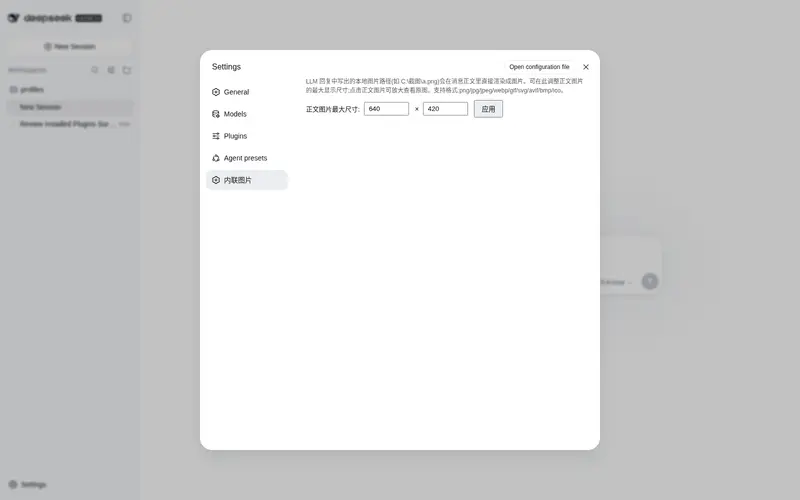
What it does
Render local image paths from assistant replies inline in the message body (9 formats, click-to-zoom lightbox, adjustable size).
Best for
- DSH Web users who want local screenshots or generated images displayed directly inside assistant replies.
- Workflows that reference PNG, JPEG, WebP, GIF, SVG, AVIF, BMP, or ICO files through Windows, UNC, POSIX, Markdown, or backtick-wrapped paths.
- Users who need click-to-zoom previews and configurable inline image dimensions.
Not ideal for
- Conversations that do not reference local image files.
- Workflows that need missing or placeholder paths to produce an error; these paths are silently skipped.
- Users looking for image generation, editing, or visual analysis rather than rendering existing local files.
README
dsh-inline-images 对话内联图片
让 DeepSeek Harness 的对话直接显示本地图片:LLM 回复中输出的本地图片路径(截图、生成图等)会在消息正文里自动渲染成图片 —— 不再只是一串看不到的路径文本。

功能
-
消息正文内联渲染:扫描助手回复文本中的本地图片路径(
C:\...盘符、UNC、POSIX、、反引号包裹),把真实存在的图片改写成同源回环 URL,产品 MarkdownText 直接在正文渲染。 - 支持 9 种格式:png / jpg / jpeg / webp / gif / svg / avif / bmp / ico。
- 点击放大灯箱:点击正文图片 → 全屏大图;点背景或按 Esc 关闭。
-
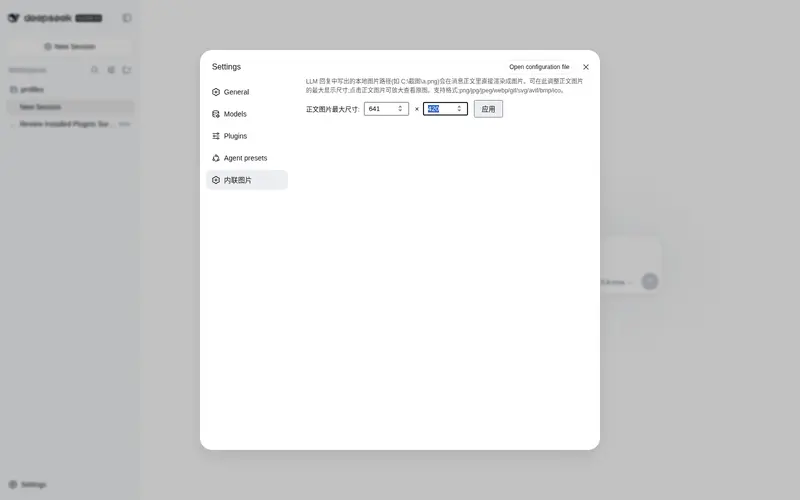
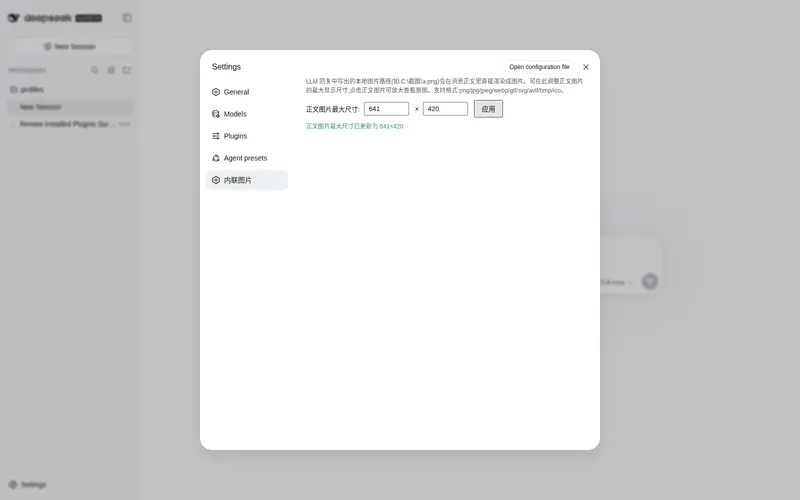
可调尺寸:设置 → 内联图片,调整正文图片最大宽/高(64–2400 px,默认 640×420),持久化到凭证存储(
INLINE_IMAGE_MAX_WIDTH/INLINE_IMAGE_MAX_HEIGHT)。 - 安静降级:不存在的路径、示例/占位路径(路径、xx、… 等)静默跳过,不影响对话;消息内容仍是纯文本 URL,纯文本模型适配器不会拒绝。
构建与安装
pnpm install
pnpm run build
dsh plugin --profile web add ./dsh-inline-images
工作原理
-
llm/stream包装器扫描文本块,fs.stat确认文件存在。 - 按原始区间把路径替换为
。 - webServer 路由实时读取文件字节返回(与页面同源,无 CSP/混合内容问题);token 每次激活随机生成。
许可证
MIT
Frequently Asked QuestionsFAQ
Use the verified command dsh plugin --profile default add github:3403473060/dsh-inline-images in a DSH-enabled shell. The command resolves the public package metadata and keeps the plugin attached to the catalog identity shown on this page.
Compatibility follows the bundle and profile status shown above. If a profile is not detected, keep the plugin disabled there and check the repository documentation before enabling it in production.
The GitHub link and activity metadata are the source of truth for releases and maintenance. Revisit this page after a new release to confirm the catalog has observed the latest version.