CeilCelia/dsh-eli-mode#packages/eli-mode
Eli Mode is an agent preset for DeepSeek Harness built around wiki-driven long-term memory and skills, on an extremely minimal Harness setup.
Listed
3
Memory
Bundle verified
Preview
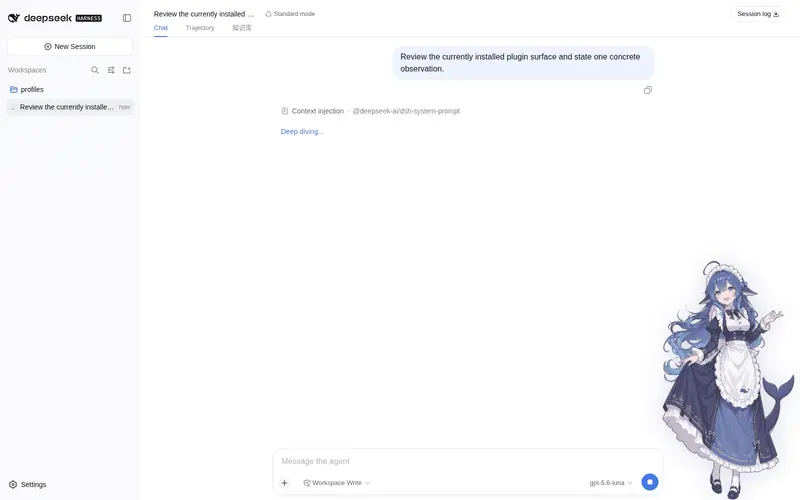
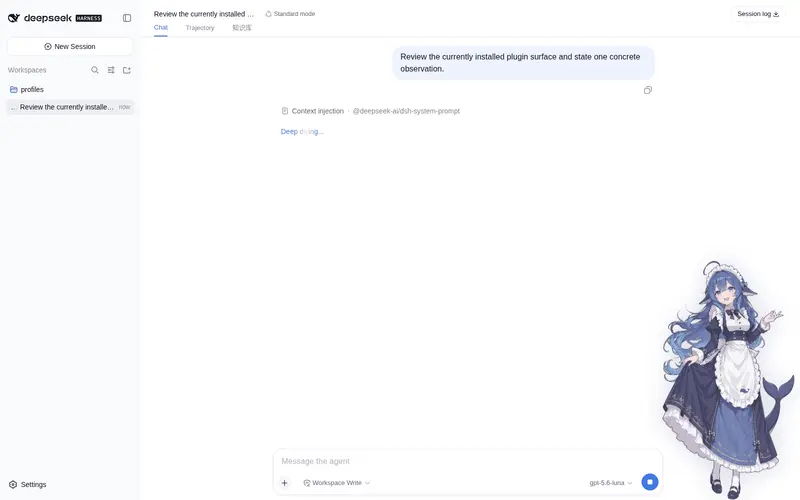
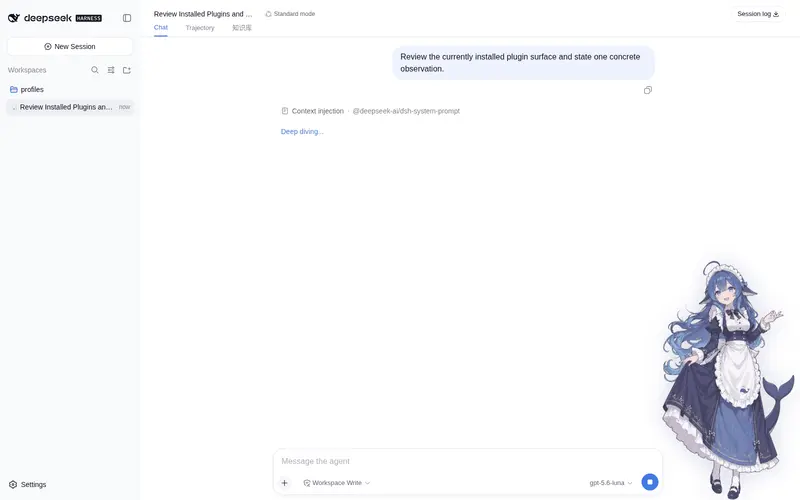
What it does
Knowledge-base-driven agent preset: wiki long-term memory, a web KB UI, a management page and optional UI polish.
Best for
- Users who want cross-session knowledge organized as an interlinked wiki rather than conventional memory and skill modules.
- DSH Web workflows that need a browsable, editable, and searchable knowledge-base page.
- Users who want configurable persona and knowledge-injection prompts, with optional token stats and UI refinements.
Not ideal for
- Environments below DSH 0.1.0-rc.6 or Node.js 22.
- Workflows that prefer DSH's standard memory and skill model instead of a wiki-centered preset.
- Commercial redistribution or integration of the bundled character artwork, which is licensed CC BY-NC-SA 4.0.
README
Eli Mode · DSH Agent 预设
| English | 中文 · GitHub |

Eli Mode 是 DeepSeek Harness 的一个 Agent 预设,以wiki 驱动的长期记忆和技能为核心,配合极度精简的Harness搭建。
特性
-
wiki驱动:跨会话持久化的卡帕西式wiki,代替记忆和skill模块,你没看错,用wiki代替memory和skill,谁用谁知道;条目间用
[[id]]互链,自动维护正/反向链接与树形目录 -
极度精简的Harness:仅必要工具,注入的system prompt和context都进行了针对性修改
-
管理页:设置 → 插件-插件配置 → Eli Mode,图形化编辑人格 prompt 与知识库注入 prompt
-
界面润色:子模块eli-polish,在默认主题上增加知识库标签页、token 统计、工具调用折叠以及立绘,该模块默认关闭,在Eli Mode插件配置页勾选「界面润色」即可启动
安装
需要 DSH 0.1.0-rc.6 或更新版本(Node.js >= 22),以及 pnpm(npm install -g pnpm,dsh plugin 命令依赖它)。
npx -y @deepseek-ai/dsh plugin --profile web add dsh-eli-mode@latest
重启 dsh web 后:
- 新建会话,预设选择器选择 Eli Mode;
- 首次运行会自动在
~/.dsh/eli-knowledge/创建默认知识库(已有内容不会被覆盖); - 设置 → 插件-插件配置 → Eli Mode:编辑人格 prompt 与知识库注入 prompt(新会话生效),或勾选「界面润色」及修改立绘(免刷新生效)。
此外,本插件已被 dsh-market 收录:如果安装了 dsh-market,可直接在 设置 → 插件市场 搜索 eli-mode 安装本插件。
预设升级
插件升级(dsh plugin --profile web update)后重启,~/.dsh/.agent-presets/eli-mode/ 会自动同步为包内版本。
桌面版(Windows)
开箱即用的 Windows 桌面版:内置本插件、默认开启界面润色,首次运行自动初始化,新会话默认 Eli Mode 预设。
下载:GitHub Releases(DSH Eli Mode v0.1.10 · Windows x64)
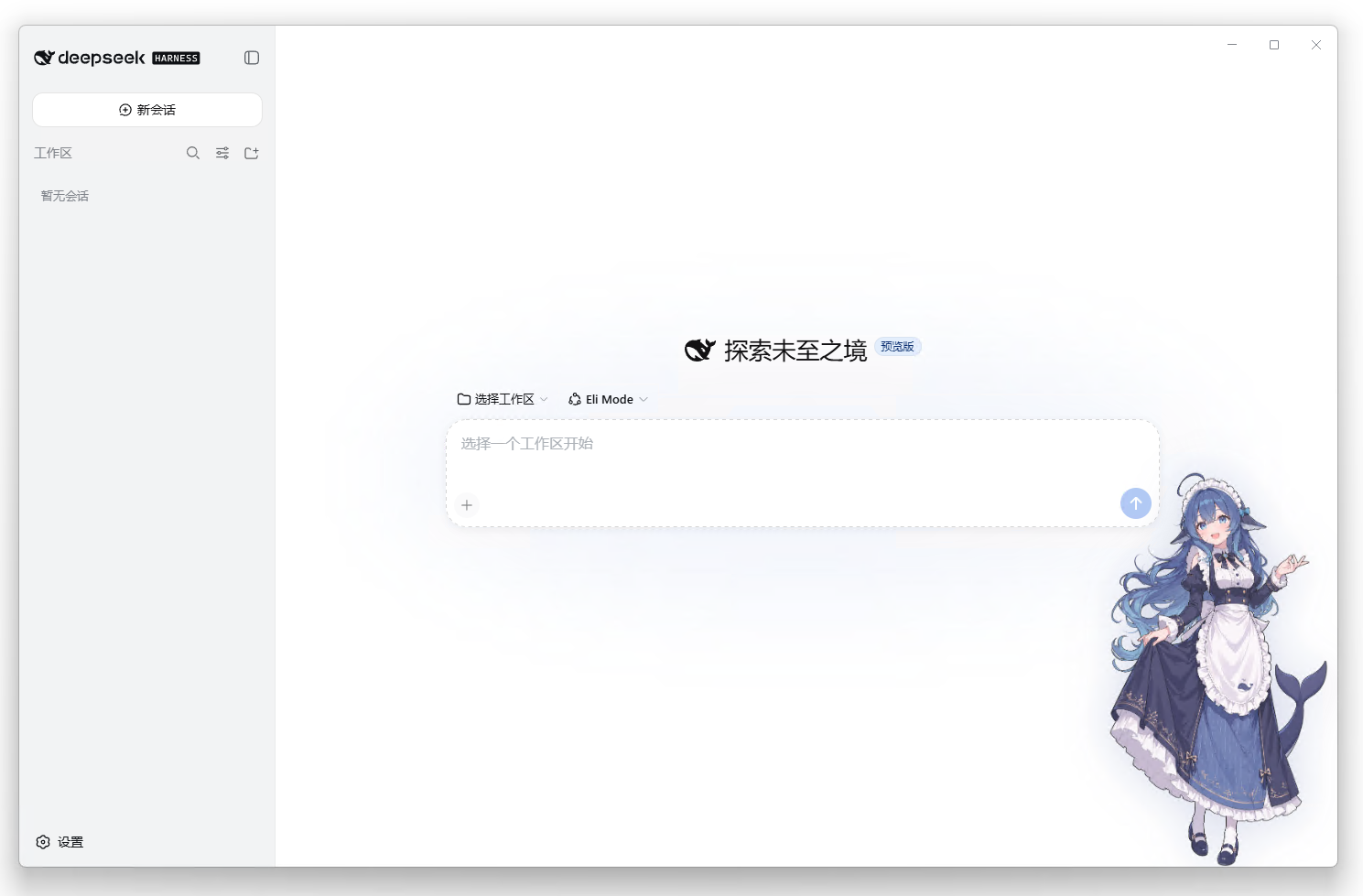
- 基于 anywhere-labs/deepseek-harness-desktop(MIT)二次开发,其本身是官方 deepseek-ai/deepseek-harness(MIT)的社区桌面版
- 修改点:内置 dsh-eli-mode 并默认启用、eli-mode.polish 默认开、同源新标签页(/eli-kb)在应用内子窗口打开
- 分发物内含完整 LICENSE / NOTICE(MIT + Apache-2.0 + 立绘 CC BY-NC-SA 署名),详见桌面版 esources/
- 特别致谢 upstream 作者的桌面壳工作;本桌面版并非 DeepSeek 官方产品
配置
管理页(推荐)
设置 → 插件-插件配置 → Eli Mode:
| 字段 | 说明 |
|---|---|
| 人格 prompt | 身份/风格/记忆规则;Role、工作目录、日期由系统自动生成 |
| 知识库注入 prompt | 注入提示词模板,{{tree}} 会被目录清单替换;留空 = 不注入 |
| 注入知识库目录 | 开关:是否把目录清单注入会话提示词 |
| 界面润色(polish) | 开关:立绘、对话内「知识库」标签页、token 统计、工具调用折叠;免刷新生效 |
开箱即用:插件内置设置桥接(loopback),配置卡片无需修改官方白名单即可使用;若部署禁用了桥接(如远程访问),仍可按 docs/settings-whitelist.md 补充白名单,或直接编辑
~/.dsh/settings.yaml。
直接编辑 settings.yaml
eli-mode:
  personaPrompt: |
    # 你的人格 prompt(多行)
  kbIndexPrompt: |
    知识库目录如下,用 kb_read / kb_search 按需取用:

    {{tree}}
  kbIndex: true
  polish: false   # true = 启用界面润色
知识库用法
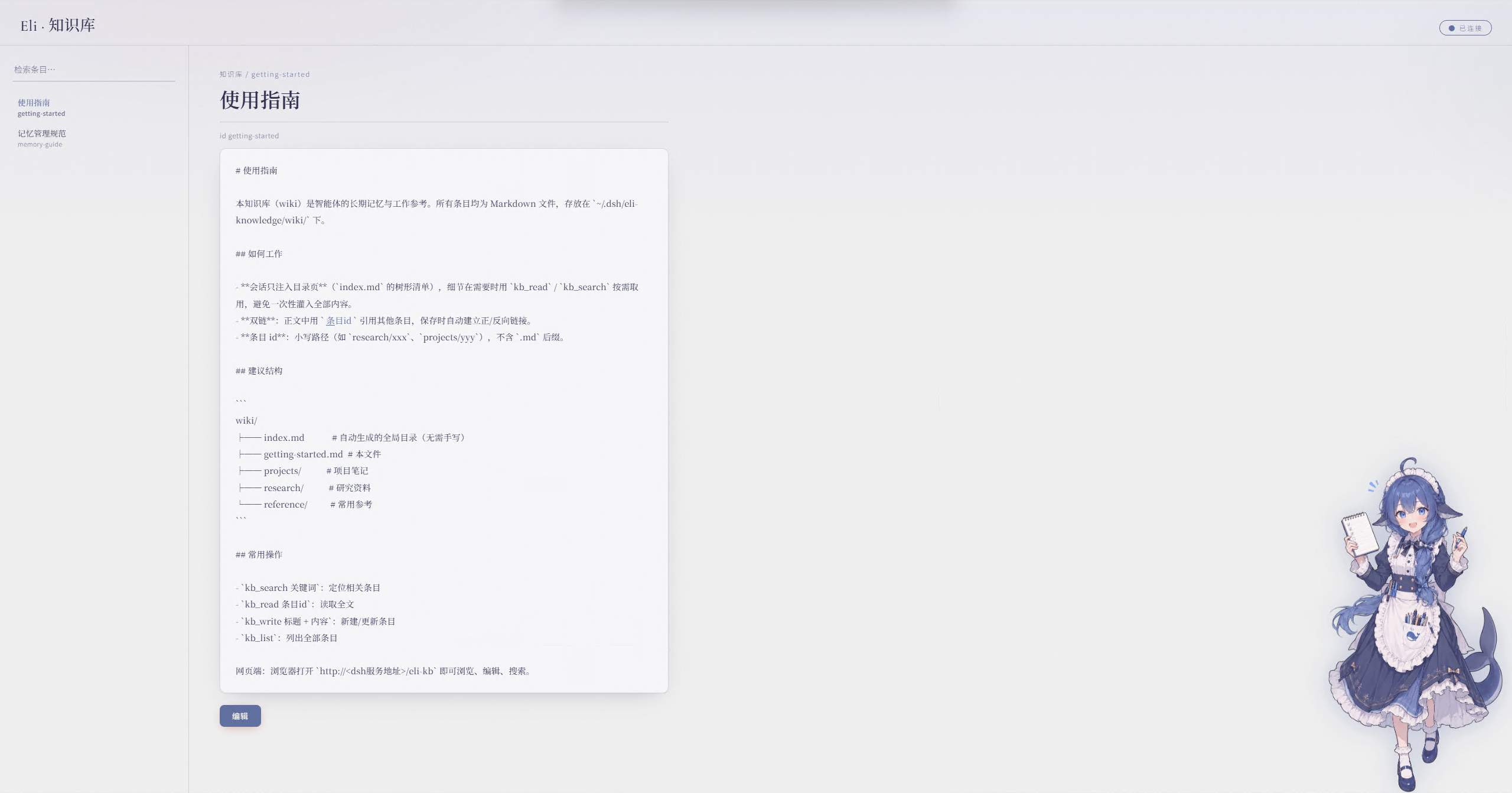
-
网页:
http://<dsh地址>/eli-kb(浏览 / 编辑 / 搜索) -
对话中:
kb_search 关键词→kb_read 条目id→ 需要留存时kb_write 标题 + 内容 -
存储位置:
~/.dsh/eli-knowledge/wiki/(可用环境变量ELI_KB_ROOT覆盖) -
目录页(
index.md)由系统自动生成,无需手工维护 -
开启润色后,输入框下方会显示 token 用量;配置了
DEEPSEEK_API_KEY(dsh 凭据服务或环境变量)时还会显示账户余额卸载
npx -y @deepseek-ai/dsh plugin --profile web remove dsh-eli-mode
重启 dsh web。预设文件与知识库数据保留在 ~/.dsh/ 下,可手动删除。
项目结构
packages/
└── eli-mode/                # 核心包(npm: dsh-eli-mode)
    ├── lib/                 # host 模块:kb 服务、网页路由、设置命名空间、预设同步、prompt-trim(精简官方引导)+ 客户端
    ├── presets/             # agent 预设(自动同步到 ~/.dsh/.agent-presets/)
    ├── wiki/                # 默认知识库内容(首次运行播种;mem/ 记忆 + skill/ 技能 分层)
    ├── ui/                  # 知识库网页与立绘
    ├── cordis.patch.yml     # host patch(bundle 挂载、tool-fs 回归 global 层供 prompt-trim 遮蔽)
    └── docs/                # settings 白名单文档
许可与署名
- 代码:Apache-2.0(见 LICENSE)
- 立绘(
ui/art-left.webp主界面 +ui/art-right.webpwiki 界面)为「鲸鱼娘」角色衍生创作,CC BY-NC-SA 4.0(非商用),完整署名链见 NOTICE:- 上善(Pixiv · Bilibili)——「鲸鱼娘」角色形象原作者(一创)
- zipzip / ZipZipPipe(Pixiv · Bilibili)—— 加入 DeepSeek 元素的女仆鲸鱼娘二次设计(二创,生成模型 GPT Image 2)
- Small-tailqwq(dsh-deep-whale)—— 素材的 DeepSeek 元素再设计整理(三创)
上述创作者的立绘与整理是这套界面的灵魂,特此致谢。
Frequently Asked QuestionsFAQ
Use the verified command dsh plugin --profile default add github:CeilCelia/dsh-eli-mode#path:/packages/eli-mode in a DSH-enabled shell. The command resolves the public package metadata and keeps the plugin attached to the catalog identity shown on this page.
Compatibility follows the bundle and profile status shown above. If a profile is not detected, keep the plugin disabled there and check the repository documentation before enabling it in production.
The GitHub link and activity metadata are the source of truth for releases and maintenance. Revisit this page after a new release to confirm the catalog has observed the latest version.