jasonrale/dsh-archive-manager
Archived-session manager for DSH Web UI: reopen an archived session and keep chatting, unarchive it back in place, or hard-delete a session — grouped panel with message search and native view sync.
Listed
2
Session
Bundle verified
Preview
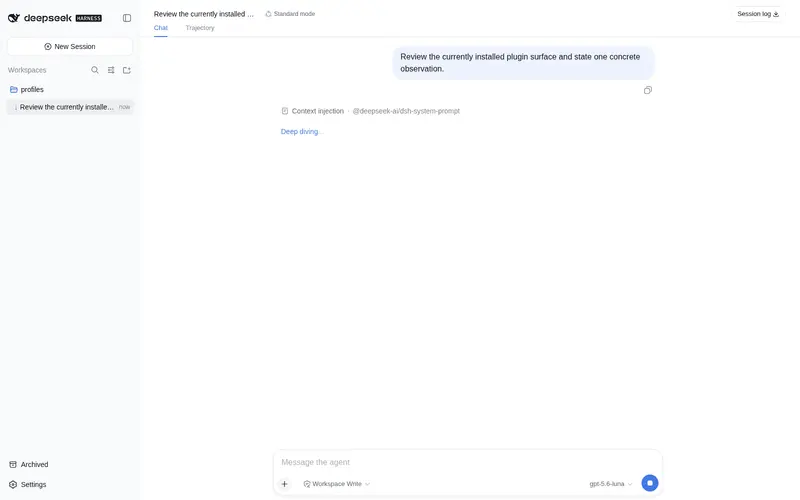
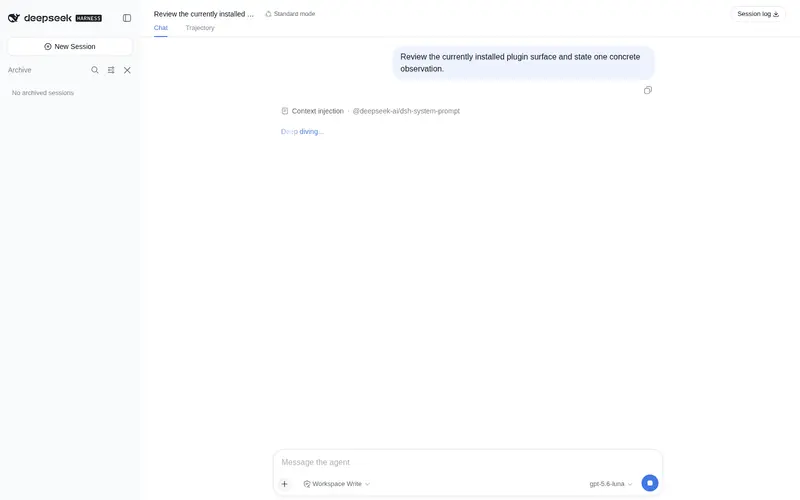
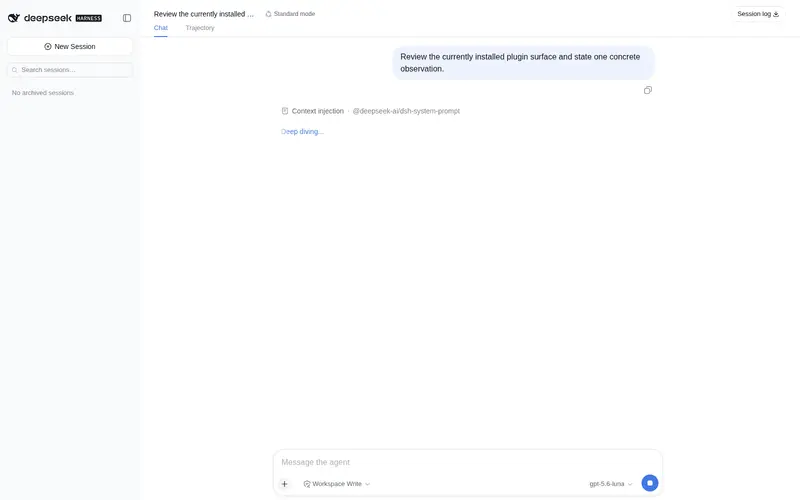
What it does
Archived-session manager for DSH Web UI: reopen an archived session and keep chatting, unarchive it back in place, or hard-delete a session — grouped panel with message search and native view sync.
Best for
- DSH Web users who need to find, search, reopen, or continue archived conversations.
- Operators who need controlled unarchiving or confirmed permanent deletion while keeping the native sidebar view synchronized.
Not ideal for
- DSH versions whose internal service shapes differ from the documented 0.1.0-rc.6 target, since upgrades may require plugin adaptation.
- Deleting sessions that were running when the plugin was hot-reloaded; a DSH restart is required first.
README
dsh-archive-manager
| 中文 | English |
An archived-session manager for DeepSeek Harness WebUI: an “Archived” entry at the sidebar footer opens a grouped archive panel — open a session to continue it, unarchive, or delete it (full live-agent teardown + physical log removal).
Native DSH only has the “archive” action (hides the session from the sidebar); there is no way to view, restore, or delete archived sessions. This plugin fills that gap.
Features
- Archive list — an “Archived” entry at the sidebar footer opens a panel grouping sessions by workspace, visually matching the official sidebar
- Continue a session — click an archived session to open it and keep chatting; its archived state is untouched
- Unarchive — put a session back into its workspace with one click, original position preserved
- Delete for good — safely stops the session first, then removes its complete on-disk record; a confirmation dialog guards the action
- Search — instant filtering by title or workspace, plus message search (your prompts and the assistant’s replies); behaves like the official search
- View sync — grouping (by workspace / one list), ordering (manual / recently updated), and drag-to-reorder all stay in real-time two-way sync with the official sidebar
- Bilingual UI — English and Chinese, following the system language automatically
- Session status at a glance: running / completed / waiting for you — same as the official sidebar
Compatibility
Developed against @deepseek-ai/dsh 0.1.0-rc.6. Relies on official internal shapes (workspaceRegistry.enqueueOperation, AgentHandle.dispose, the client-runtime service shapes); a dsh upgrade may require adaptation — if something misbehaves after upgrading, check whether this repo has caught up with the new version.
Install
From npm:
npx @deepseek-ai/dsh plugin --profile web add dsh-archive-manager
Updating
npx @deepseek-ai/dsh plugin --profile web update dsh-archive-manager
Uninstall
npx @deepseek-ai/dsh plugin --profile web remove dsh-archive-manager
Then restart dsh web.
Known limitations
- Sessions that were running while the plugin itself was hot-reloaded cannot be deleted afterwards — the plugin will refuse with a clear message asking you to restart dsh first. (Normal use is unaffected: install once, and everything — including sessions archived before the plugin existed — stays manageable.)
License
MIT
Frequently Asked QuestionsFAQ
Use the verified command dsh plugin --profile default add github:jasonrale/dsh-archive-manager in a DSH-enabled shell. The command resolves the public package metadata and keeps the plugin attached to the catalog identity shown on this page.
Compatibility follows the bundle and profile status shown above. If a profile is not detected, keep the plugin disabled there and check the repository documentation before enabling it in production.
The GitHub link and activity metadata are the source of truth for releases and maintenance. Revisit this page after a new release to confirm the catalog has observed the latest version.