LeslieWylie/dsh-session-search-pro
Advanced cross-session full-text search for DeepSeek Harness — search past and current DSH sessions using the built-in sessionQuery service
Listed
1
Session
Bundle verified
Preview
What it does
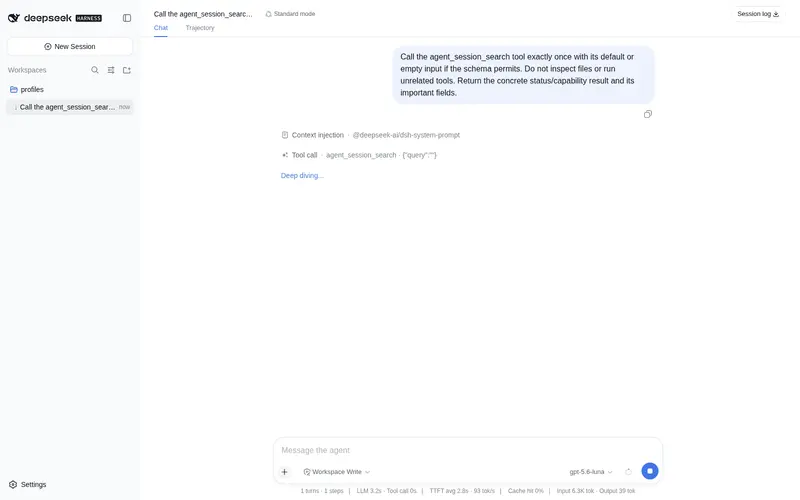
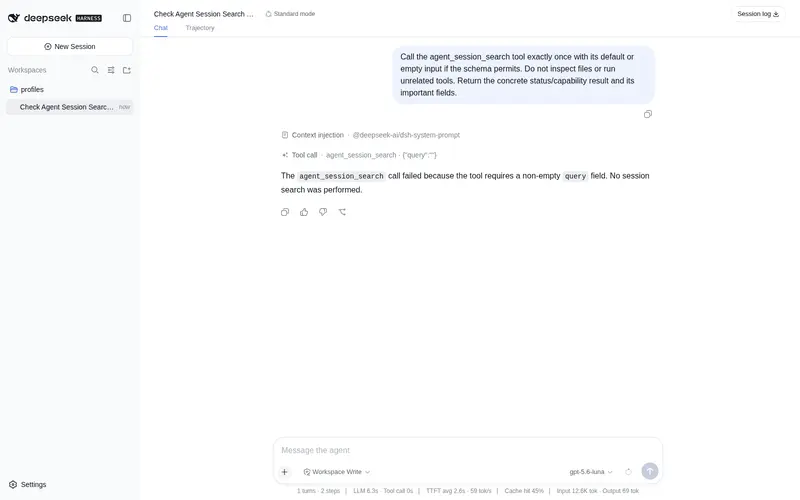
Search, list and read past and current sessions through the harness's own `sessionQuery` service: uses the SQLite FTS5 index where a deployment enables it, and falls back to a bounded newest-first scan where it does not.
Best for
- DSH users who need to find details across past and currently running DSH sessions.
- Workflows that need session search, recent-session listing, and event-level reading through the harness API.
- Deployments that can benefit from FTS5 when enabled but still need bounded search on stock profiles.
Not ideal for
- Users who need to search sessions from Codex, Claude Code, PI, OpenCode, or other non-DSH runtimes.
- Exhaustive searches where a deployment lacks FTS5, because the fallback scans only a bounded newest-first set.
- Workflows that need more than 4,000 characters from each returned event.
README
🔍 dsh-session-search-pro
| English | 简体中文 |
Search every DSH session you’ve ever had — past and current — without leaving the one you’re in.


Three agent tools for DeepSeek Harness, built on the runtime’s own indexed sessionQuery service instead of scanning session files by hand.
Install
Nothing here is on npm yet, so install straight from GitHub. Add it to your profile’s package.json:
// ~/.dsh/profiles/<profile>/package.json
{
  "dependencies": {
    "dsh-session-search-pro": "github:LeslieWylie/dsh-session-search-pro"
  },
  "dsh": {
    "profile": {
      "bundles": ["dsh-session-search-pro"]
    }
  }
}
Then reinstall and restart the profile:
cd ~/.dsh/profiles/<profile> && pnpm install
dsh --profile <profile>
Pin a tag instead of tracking the default branch with github:LeslieWylie/dsh-session-search-pro#v0.1.0.
Frequently Asked QuestionsFAQ
Use the verified command dsh plugin --profile default add github:LeslieWylie/dsh-session-search-pro in a DSH-enabled shell. The command resolves the public package metadata and keeps the plugin attached to the catalog identity shown on this page.
Compatibility follows the bundle and profile status shown above. If a profile is not detected, keep the plugin disabled there and check the repository documentation before enabling it in production.
The GitHub link and activity metadata are the source of truth for releases and maintenance. Revisit this page after a new release to confirm the catalog has observed the latest version.