Nothree-code/review-quote-sh
Message review and quote chips for conversations: multi-model cross review (code/reply) with severity grading and summaries, review history, and host-persisted preferences.
Listed
1
Session
Bundle verified
Preview
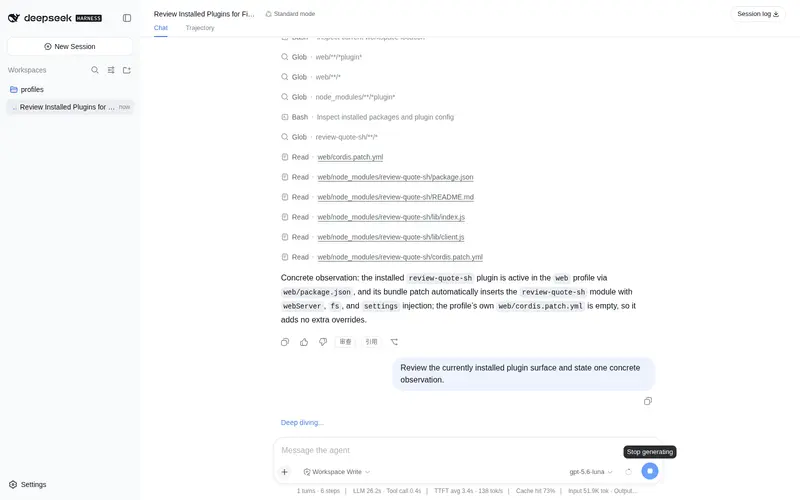
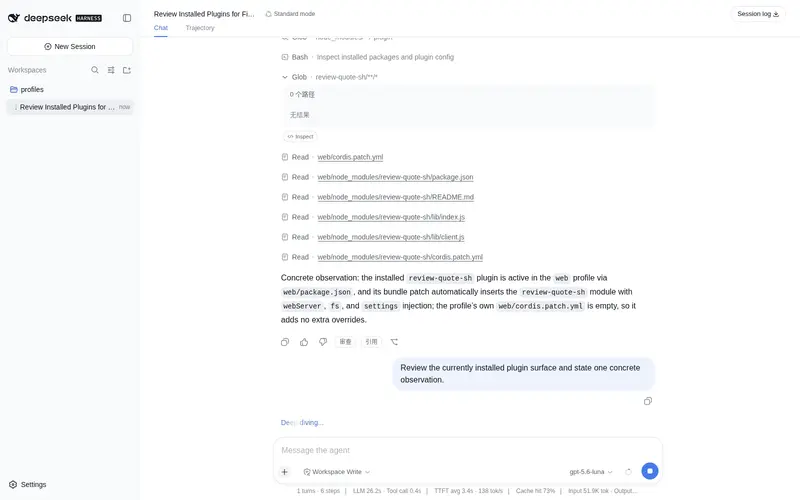
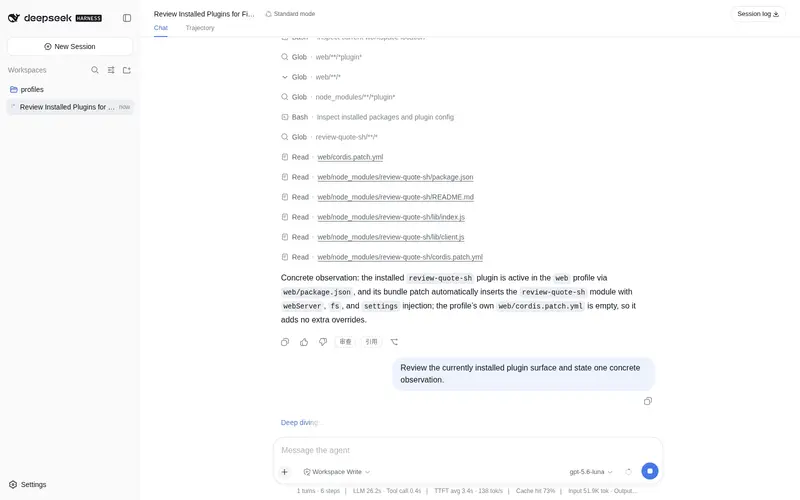
What it does
Message review and quote chips for conversations: multi-model cross review (code/reply) with severity grading and summaries, review history, and host-persisted preferences.
Best for
- Developers who want multi-model code review with severity grading, consolidated findings, and model-disagreement visibility.
- Users evaluating factual accuracy, logic, completeness, verifiability, and writing quality in AI replies.
- Conversation workflows that need passage-level quoted follow-ups, review history, and persisted review preferences.
Not ideal for
- Simple conversations that do not need formal review, cross-model comparison, or quoted follow-ups.
- High-volume integrations that would exceed the documented 30 review/summary requests per minute, 16 concurrent review tasks, or 2 MB request-body limit.
README
review-quote-sh
DeepSeek Harness(dsh web)对话评审 + 引用插件:多模型交叉评审、引用问答胶嚡、评审偏好记忆。零核心修改,profile bundle 热插拔。
功能
多模型交叉评审
- 代码审查:按 CRITICAL / MAJOR / MINOR / NIT 分级输出审查报告(定位、解释、修复建议、额外核查项)
- 回复审查:事实准确性 / 逻辑一致性 / 完整性 / 可验证性 / 表达质量五项检查
- 多模型互审:同一内容交给多个模型独立评审,再自动汇总为综合意见(标注模型间分歧点)
- 历史回看:评审记录可回看
- 支持对长对话/代码先压缩再评审(保结构、控篇幅)
引用问答
- 选中 AI 回复 → 生成引用胶嚡(Q&A chips)→ 基于该回复继续提问
- 引用内容随问题一起发送,上下文清晰
偏好记忆
- 模型清单、默认行为等偏好由 Host 文件持久化,重启不丢
安全与限流
- Origin 白名单:拒绝跨站请求与外部 Origin
- 速率限制:评审/汇总类消耗 token 的入口 30 次/分钟
- 并发限制:同时最多 16 个评审任务
- 请求体上限 2MB
安装
dsh plugin --profile web add github:Nothree-code/review-quote-sh
# 重启 dsh web 生效
若之前在 profile 的
cordis.patch.yml手动 insert 过review-quote-sh,请删除该行后再用上述命令安装(bundle 会自动插入,避免重复 id)。
开发
# 修改 lib/ 后同步到 node_modules 实体拷贝
powershell -ExecutionPolicy Bypass -File sync.ps1
# 重启 dsh web 生效
许可
MIT
Frequently Asked QuestionsFAQ
Use the verified command dsh plugin --profile default add github:Nothree-code/review-quote-sh in a DSH-enabled shell. The command resolves the public package metadata and keeps the plugin attached to the catalog identity shown on this page.
Compatibility follows the bundle and profile status shown above. If a profile is not detected, keep the plugin disabled there and check the repository documentation before enabling it in production.
The GitHub link and activity metadata are the source of truth for releases and maintenance. Revisit this page after a new release to confirm the catalog has observed the latest version.