SamizuHM/dsh-client-ui-theme-xp
Windows XP Luna desktop theme for the DeepSeek Harness web GUI: multi-window desktop, XP chrome, taskbar, Bliss wallpaper.
Listed
5
Theme
Bundle verified
Preview
What it does
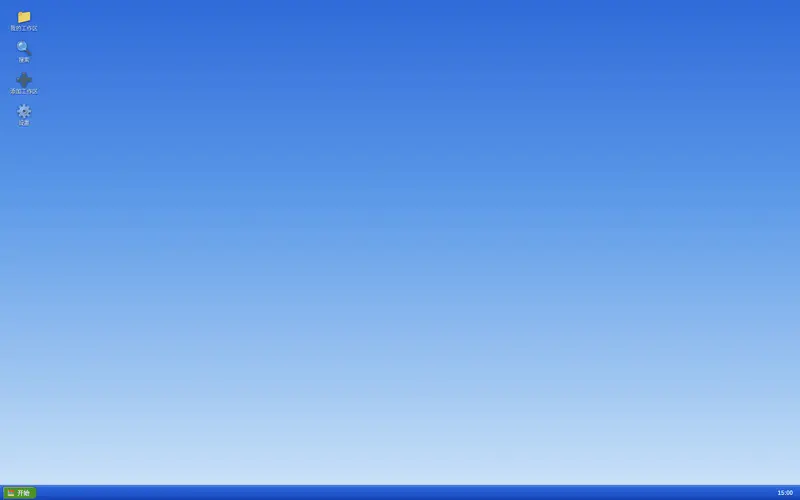
Windows XP Luna desktop for the DSH Web UI: a floating window manager with taskbar and desktop icons, plus the era-accurate Luna skin.
Best for
- DSH Web users who want a Windows XP Luna-style desktop rather than the standard interface.
- Users who prefer sessions presented as movable, resizable, minimizable windows with a taskbar.
- Nostalgia-oriented personal setups that benefit from desktop icons for workspaces, search, and settings.
Not ideal for
- Headless or terminal-only DSH workflows with no Web UI.
- Users who prefer the standard DSH layout or a restrained modern visual style.
- Workflows where a floating multi-window desktop adds no functional value and increases interface complexity.
README
🪟 dsh-client-ui-theme-xp
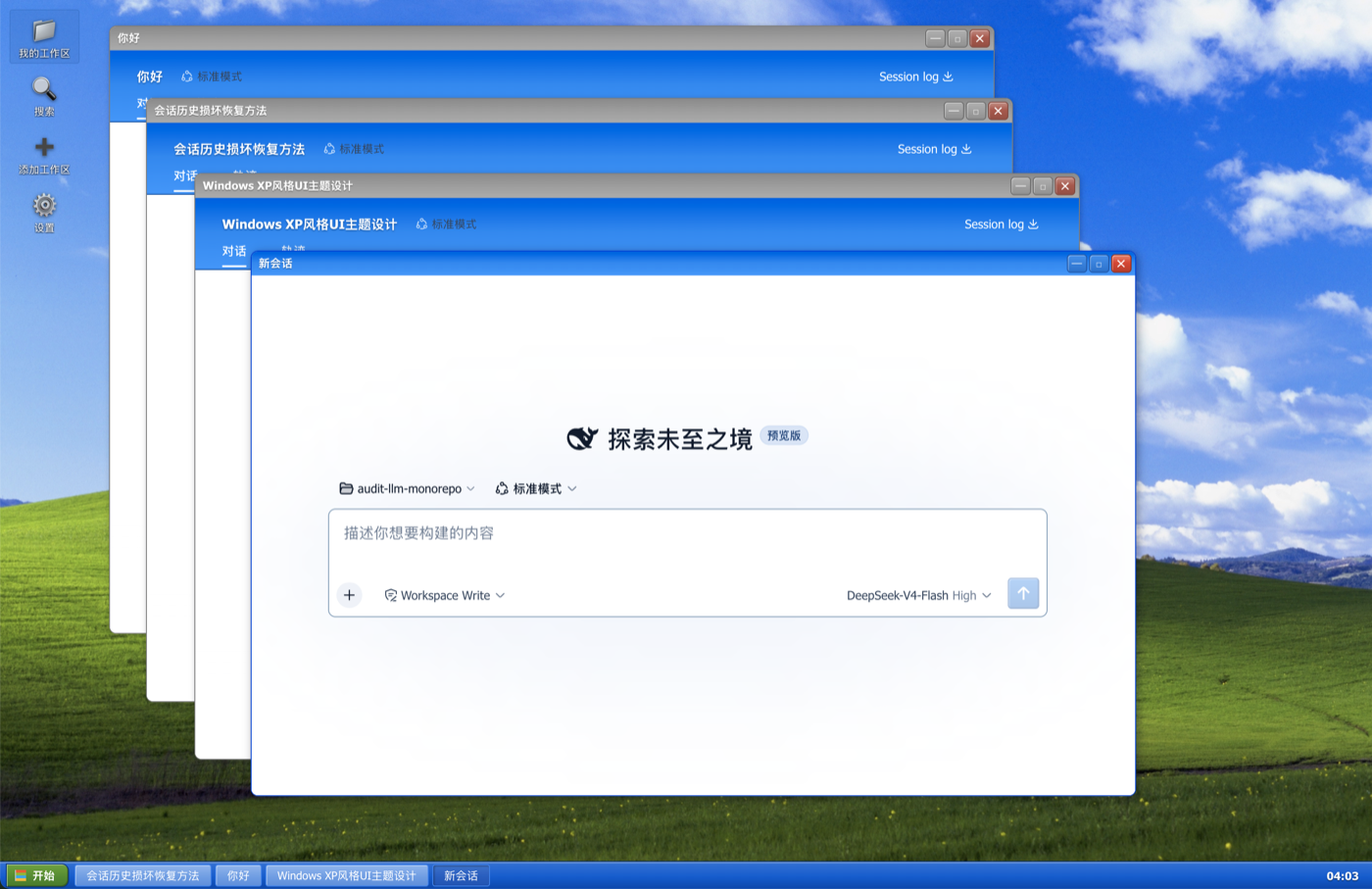
Windows XP (Luna) 桌面化主题 for DeepSeek Harness Web GUI —— 把整个界面变成一台 Windows XP 电脑:Bliss 壁纸、桌面图标、浮动窗口、任务栏。





✨ 功能
- XP 桌面 —— 顶部窗口变成桌面:Bliss 壁纸、左侧桌面图标列(我的工作区 / 搜索 / 添加工作区 / 设置)、底部任务栏(开始按钮 + 窗口列表 + 时钟)。
- 浮动窗口 —— 会话以真正的 XP 窗口打开:可拖拽、缩放、最小化/最大化/关闭,窗口场景自动持久化(刷新后恢复)。
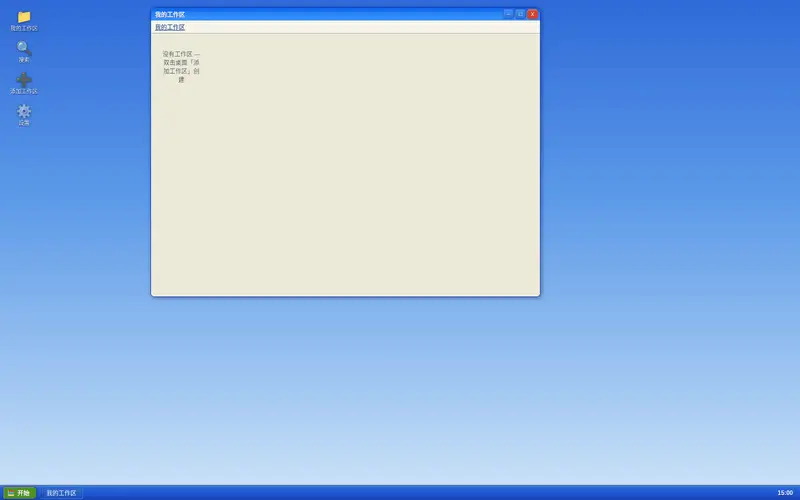
- 我的工作区 —— 资源管理器式浏览器:工作区 = 文件夹,会话 = 文件夹里的图标;每个工作区内有「新建会话」图标,一键在该工作区真正新建一个会话并打开。
- 添加工作区 —— 走宿主原生目录选择器(macOS Finder / Windows 资源管理器),不需要手填路径。
-
搜索 —— 会话内容检索窗口(基于
sessions.search),点结果直接打开会话窗口。 - 设置 —— 桌面图标直接弹出 app 原生设置面板(无需打开新窗口)。
-
Luna 细节 —— XP 蓝
#316ac5配色、Tahoma 字体、经典蓝选区、XP 滚动条、圆角窗口/按钮、黄色工具提示;空白会话与官方侧边栏一致地隐藏。
📦 安装
已发布到 npm。用你启动 web 的方式调用插件命令即可(无需全局安装 dsh):
# 首选:从 npm 安装(预构建,免 allowBuilds 构建授权)
npx @deepseek-ai/dsh plugin --profile web add dsh-client-ui-theme-xp
也可以直接从 GitHub 安装(总是最新提交):
npx @deepseek-ai/dsh plugin --profile web add github:SamizuHM/dsh-client-ui-theme-xp
如果全局安装过 dsh,把上面的 npx @deepseek-ai/dsh 换成 dsh 即可。
重启 dsh web 后刷新页面即可。主题为纯浏览器端插件(dsh.client),改动走 bundle rev 缓存穿透,日常更新只需刷新。
🖱️ 使用提示
- 桌面图标:单击选中,双击打开。
- 会话窗口内部就是完整的 DSH 应用(自带会话/工作区数据),窗口标题栏实时同步会话标题。
- 任务栏点击窗口项可切换/最小化窗口。
📄 License
Frequently Asked QuestionsFAQ
Use the verified command dsh plugin --profile default add github:SamizuHM/dsh-client-ui-theme-xp in a DSH-enabled shell. The command resolves the public package metadata and keeps the plugin attached to the catalog identity shown on this page.
Compatibility follows the bundle and profile status shown above. If a profile is not detected, keep the plugin disabled there and check the repository documentation before enabling it in production.
The GitHub link and activity metadata are the source of truth for releases and maintenance. Revisit this page after a new release to confirm the catalog has observed the latest version.