tuogusa/dsh-session-nav
DeepSeek Harness 会话对话快捷导航:右侧悬浮按钮,hover 弹出完整历史提问列表,点击快速跳转
Listed
0
Session
Bundle verified
Preview
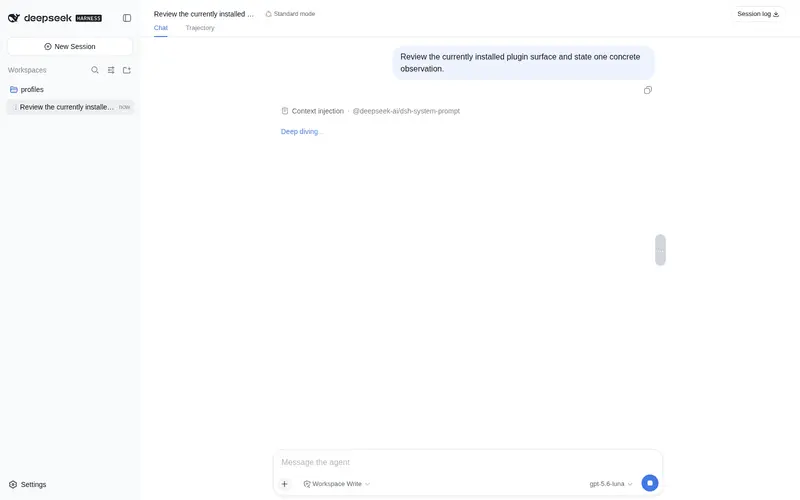
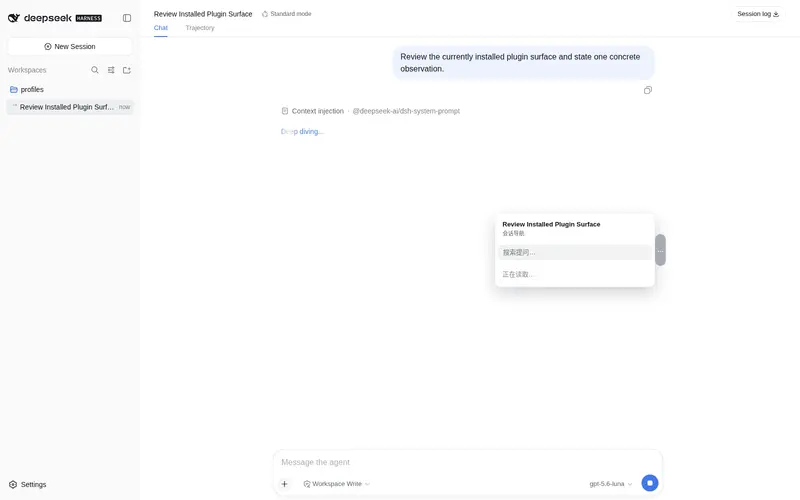
What it does
A floating button beside the chat that opens a searchable list of all questions in the session for quick jumps.
Best for
- Users working in long DSH sessions who need to jump quickly among earlier questions.
- Sessions whose older questions may be outside the rendered window or folded by compaction.
- Users who want a searchable, scrollable question index beside the conversation without affecting the main transcript.
Not ideal for
- Short sessions where scrolling already provides adequate navigation.
- Users who need navigation across multiple sessions rather than within the current session.
- Non-Web DSH profiles; compatibility is documented for the web profile.
README
dsh-session-nav
DeepSeek Harness (DSH) 会话对话快捷导航(host + client 一体包)。
功能
- 右侧半透明触发按钮:贴对话文字列右边缘(四角圆角),随布局动画(详情面板开合/侧边栏拖动/窗口缩放)平滑跟随
- hover 弹出提问列表:显示当前会话全部历史提问(含被 compaction 折叠的,不依赖 DSH 渲染窗口),可上下滚动;打开时自动把「当前提问」滚动到列表中央;顶部固定显示会话名字与提问总数
- 点击跳转:窗口内的提问直接平滑跳转;窗口外的提问自动逐页加载更早历史后跳转(带进度提示,视口不跳动)
-
性能:host 端对 live Session 做内存增量遍历 + 持久化索引(
$DSH_HOME/session-nav-questions.json)+ 客户端缓存 +afterSeq增量同步——正常路径无磁盘 IO、无日志全量扫描
安装
dsh plugin --profile web add github:tuogusa/dsh-session-nav
兼容 Profile:web(DSH Web GUI)。
然后按 dsh 引导添加 pnpm-workspace.yaml 的 allowBuilds 条目(git 依赖的 prepare 脚本需要放行),重启 DSH 并 Ctrl+Shift+R 刷新浏览器。
结构
-
lib/index.js— 主机侧:GET /api/session-nav/questions(完整历史提问列表,内存增量 + 持久化索引) -
lib/client.js— 浏览器侧:注册官方 slotconversation.session.header.utilities,渲染右侧悬浮导航
License
MIT
Frequently Asked QuestionsFAQ
Use the verified command dsh plugin --profile default add github:tuogusa/dsh-session-nav in a DSH-enabled shell. The command resolves the public package metadata and keeps the plugin attached to the catalog identity shown on this page.
Compatibility follows the bundle and profile status shown above. If a profile is not detected, keep the plugin disabled there and check the repository documentation before enabling it in production.
The GitHub link and activity metadata are the source of truth for releases and maintenance. Revisit this page after a new release to confirm the catalog has observed the latest version.