WSL043/dsh-codex-subscription
在 DeepSeek Harness 中直接使用 ChatGPT/Codex 订阅,无需 OpenAI API Key 或 Codex CLI,支持 OAuth 登录、订阅搜索与额度显示 | ChatGPT/Codex subscription plugin for DSH
Listed
11
Model
Bundle verified
Preview
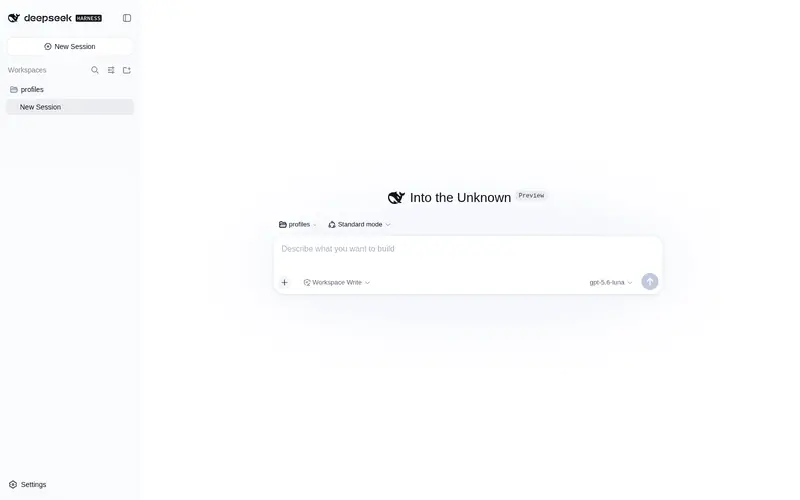
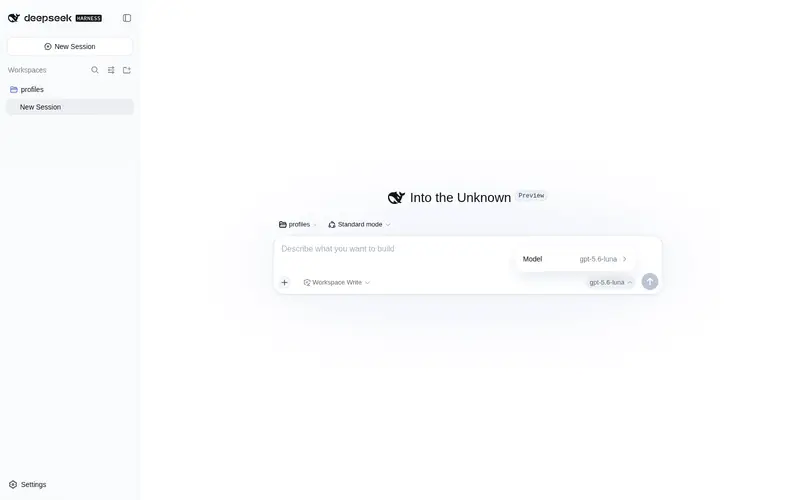
What it does
Built-in ChatGPT OAuth provider for Codex models, selectable subscription web search, backend quota for standard Codex and Spark, and a DSH settings UI; no API key or Codex CLI required.
Best for
- DSH users with an eligible ChatGPT account who want Codex models without an API key or Codex CLI.
- Users who want to switch explicitly between DSH's default search and subscription-backed Codex search.
- Teams that need separate visibility into standard Codex, Spark, and other backend-reported quotas.
- Users who want Codex model, search, image generation, and quota settings consolidated in DSH.
Not ideal for
- Users without a ChatGPT account that currently has Codex access.
- API-key-based or Codex CLI workflows that do not need a subscription provider inside DSH.
- DSH versions outside the documented 0.1.0-rc.6 through rc.8 range when confirmed compatibility is required.
- Deployments that require a guaranteed fallback to another paid route; subscription-routing failures are surfaced instead of silently rerouted.
README
DSH Codex Subscription
把 ChatGPT / Codex 订阅直接接入 DeepSeek Harness
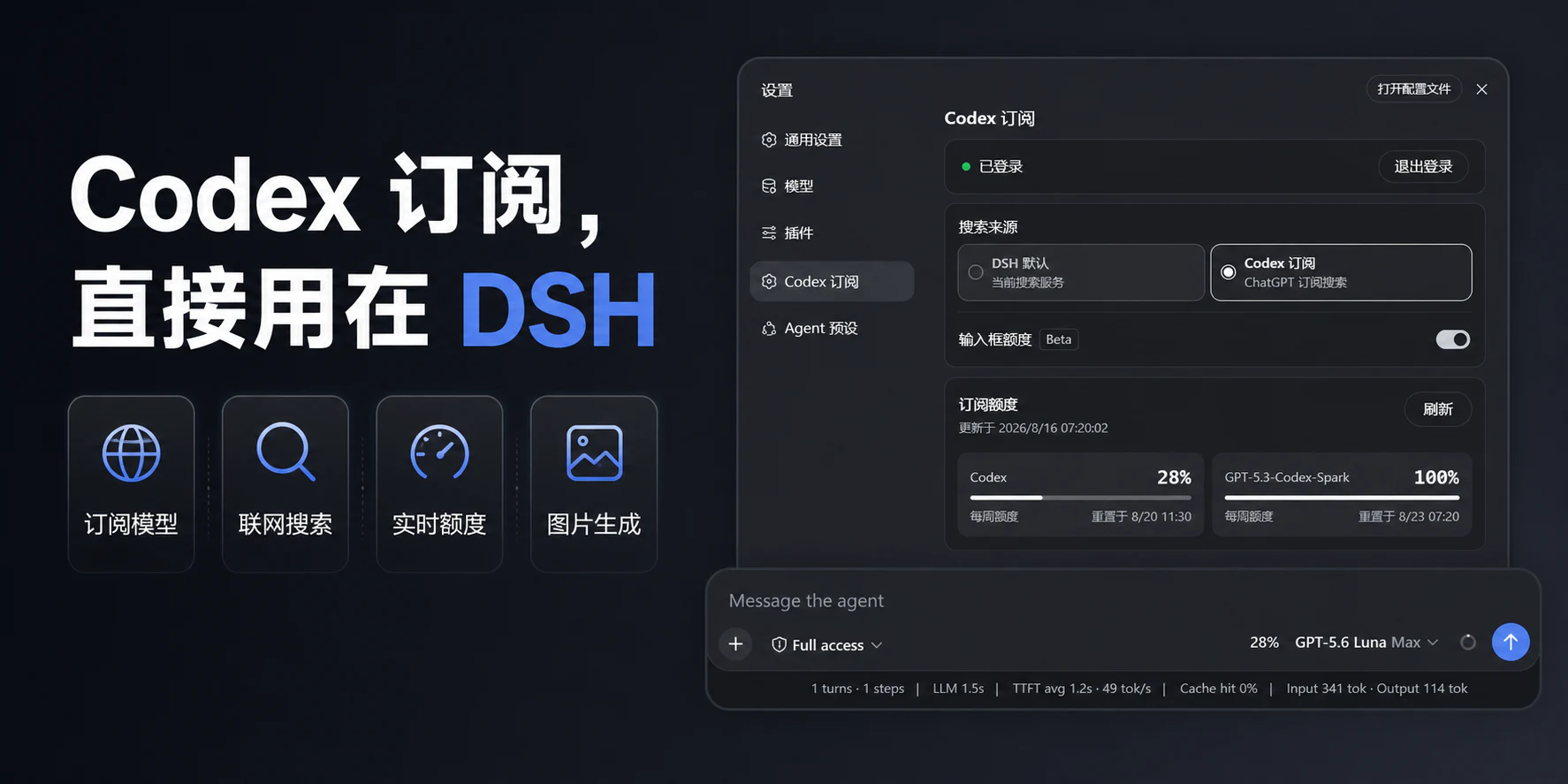
在 DeepSeek Harness 中直接登录 ChatGPT 并使用 Codex 订阅。无需 OpenAI API Key,也不依赖 Codex CLI; 模型、搜索、额度和图片生成都留在 DSH 里。


交给 Agent 安装 · Windows 安装 · 更新与卸载 · English
核心优势
| 能力 | 用户得到什么 |
|---|---|
| Codex 图片生成 | 在 DSH 对话里直接描述画面,生成结果会显示在当前会话中 |
| 订阅模型直连 | 登录 ChatGPT 后直接使用 Codex,不需要 OpenAI API Key 或 Codex CLI |
| 订阅搜索 | 可在 DSH 默认搜索与 Codex 订阅搜索之间明确切换 |
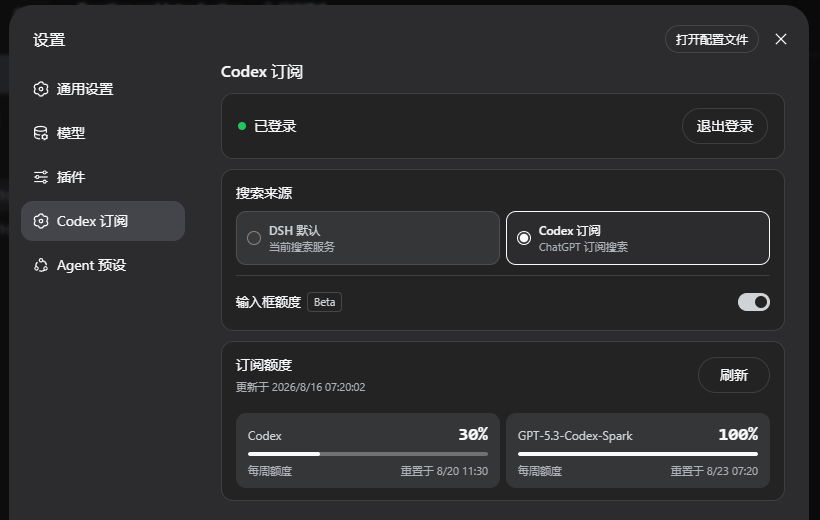
| 额度可见 | 普通 Codex、Spark 等服务端实际返回的额度分开显示 |
这些能力共用同一份本机 ChatGPT 登录。订阅路由失败时会明确报错,不会静默切换到其他付费路由。
实际界面
Frequently Asked QuestionsFAQ
Use the verified command dsh plugin --profile default add github:WSL043/dsh-codex-subscription in a DSH-enabled shell. The command resolves the public package metadata and keeps the plugin attached to the catalog identity shown on this page.
Compatibility follows the bundle and profile status shown above. If a profile is not detected, keep the plugin disabled there and check the repository documentation before enabling it in production.
The GitHub link and activity metadata are the source of truth for releases and maintenance. Revisit this page after a new release to confirm the catalog has observed the latest version.