xingyingyuzhui/dsh-session-actions
Session row menu extras for DeepSeek Harness: pin sessions, copy session id, export structured Markdown, and permanently delete sessions.
Listed
2
Session
Bundle verified
Preview
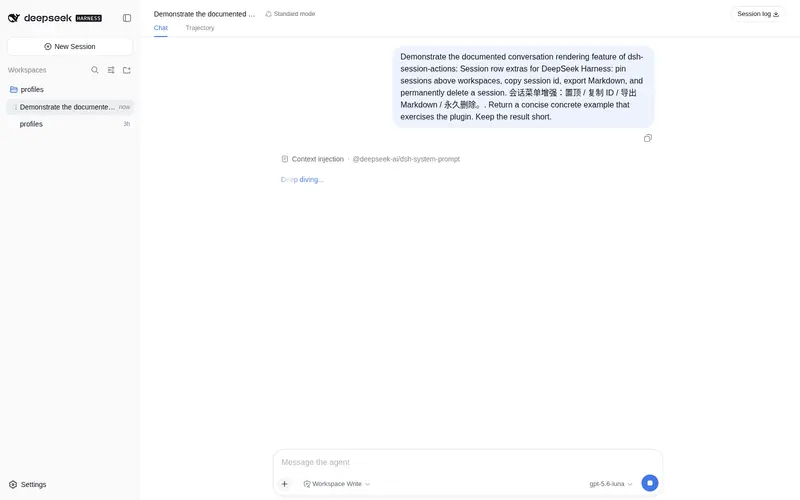
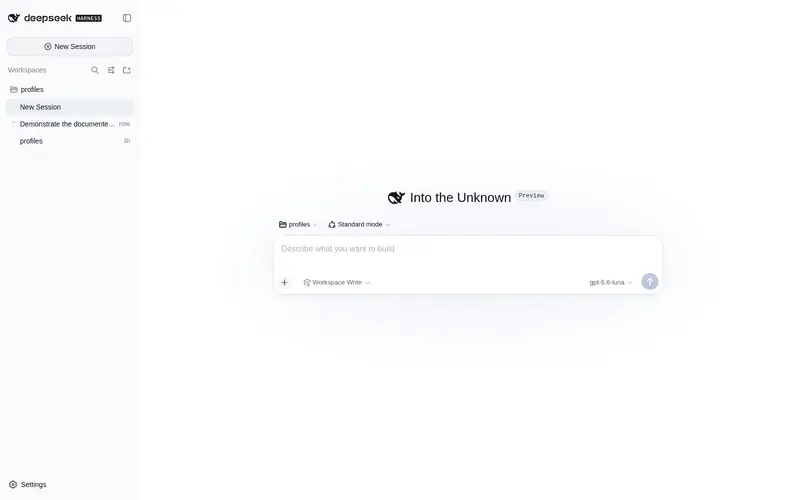
What it does
Session row menu extras for DeepSeek Harness: pin sessions, copy session id, export structured Markdown, and permanently delete sessions.
Best for
- Users managing many DSH sessions who need a persistent, reorderable pinned group.
- Support and development workflows that frequently need a session ID copied to the clipboard.
- Users archiving conversation details externally through structured Markdown exports.
- Administrators who need an explicit permanent-delete action in addition to native archiving.
Not ideal for
- Users satisfied with the native rename, fork, and archive actions.
- Workflows needing exported formats other than the documented structured Markdown.
- Users who may confuse deletion with archiving; confirmed deletion permanently removes the session directory.
- Environments outside DSH Web where session-row menus and the sidebar pinned group are unavailable.
README
dsh-session-actions · 会话菜单增强
DeepSeek Harness Web 插件:在会话行「⋯」菜单末尾加上复制 ID、置顶、导出 Markdown、永久删除。侧栏所有工作区上方可以出现「置顶」分组。不改官方组件。
English UI follows the DSH locale.

菜单在官方「重命名 / 分叉 / 归档」下面追加:
| 项 | 作用 |
|---|---|
| 复制会话 ID | 把 session-… 写进剪贴板 |
| 置顶会话 | 钉到侧栏最上方的「置顶」分组;原工作区里仍保留 |
| 导出 Markdown | 导出结构化记录(思考、工具调用、用户/助手正文) |
| 删除会话 | 确认后永久删除该会话目录(不是归档;归档仍用官方菜单) |
置顶分组:默认可折叠(图钉 / 悬停实心三角),行上显示相对时间,悬停出 ⋯。置顶行可在组内拖动排序。置顶名单落在 ~/.dsh/dsh-session-actions/pins.json。
安装
前置:本机已能运行 dsh web。
dsh plugin --profile web add github:xingyingyuzhui/dsh-session-actions
装完重启 dsh web。
本地开发:
dsh plugin --profile web add link:/abs/path/to/dsh-session-actions
卸载
dsh plugin --profile web remove dsh-session-actions
开发
Client 源码在 session-*.mjs。改完后生成 client.js,不要手改那份产物:
npm run build
npm test
License
MIT
Frequently Asked QuestionsFAQ
Use the verified command dsh plugin --profile default add github:xingyingyuzhui/dsh-session-actions in a DSH-enabled shell. The command resolves the public package metadata and keeps the plugin attached to the catalog identity shown on this page.
Compatibility follows the bundle and profile status shown above. If a profile is not detected, keep the plugin disabled there and check the repository documentation before enabling it in production.
The GitHub link and activity metadata are the source of truth for releases and maintenance. Revisit this page after a new release to confirm the catalog has observed the latest version.