yunxiiQwQ/dsh-maid-whale-webUI#maid-whale-webui
DeepSeek Harness Web UI 鲸鱼女仆主题插件
Listed
13
Theme
Bundle verified
Preview
What it does
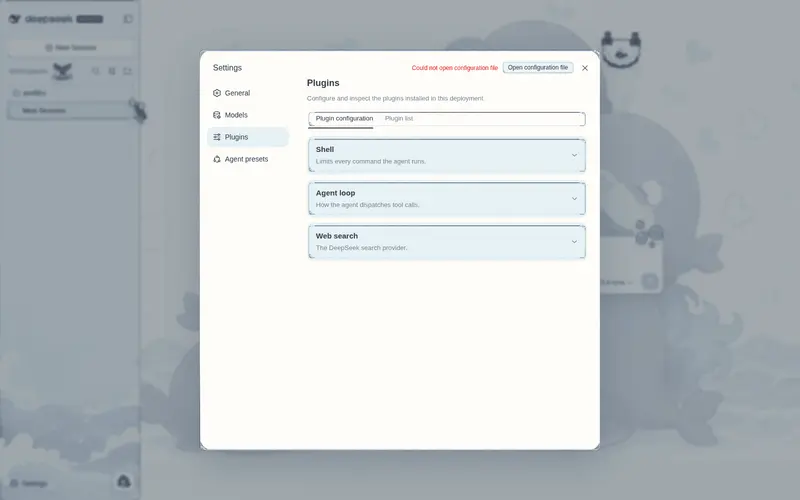
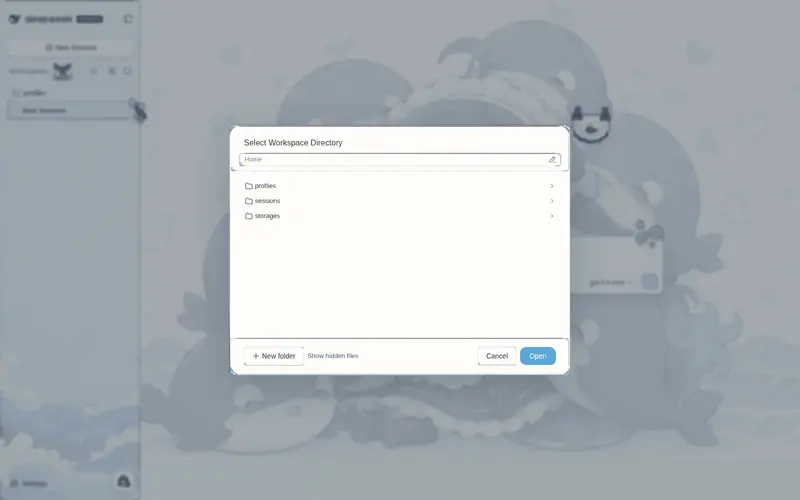
Whale-maid paper theme for the DSH Web UI with light and dark palettes, ocean illustrations, hand-drawn frames, decorative assets, and a persistent pet.
Best for
- Users who want a decorative whale-maid paper theme across DSH Web rather than functional workflow changes.
- Users who value coordinated light and dark palettes, ocean artwork, hand-drawn frames, and a persistent pet.
- Personal DSH Web environments where a visually expressive community theme is appropriate.
Not ideal for
- Users seeking navigation, automation, model, or productivity features; this plugin changes presentation only.
- Minimal or distraction-free interfaces where illustrations, decorative assets, and a persistent pet are unwanted.
- Setups that must run multiple UI themes simultaneously; the documentation recommends enabling only one.
README
dsh-maid-whale-webUI

| English | 中文 |
DeepSeek Harness Web UI 的鲸鱼女仆主题插件,包含亮暗模式、海洋插画背景、手绘九宫格边框、装饰素材与常驻 pet。
效果预览
| 亮色模式 | 暗色模式 |
|---|---|
 |
 |
安装
懒人版
对你的 DSH 说:
安装一下这个皮肤包:https://github.com/yunxiiQwQ/dsh-maid-whale-webUI/tree/main/maid-whale-webui
手动安装
git clone https://github.com/yunxiiQwQ/dsh-maid-whale-webUI.git
cd dsh-maid-whale-webUI
dsh plugin --profile web add ./maid-whale-webui
安装后刷新或重启 DeepSeek Harness Web UI。同一时间建议只启用一个界面主题。
开发
cd maid-whale-webui
pnpm install
pnpm art:embed
pnpm test
pnpm build
插件只使用官方 DSH 客户端插件机制,不修改 DeepSeek Harness 源码,也不影响模型请求。
许可与声明
代码使用 BSD-3-Clause 许可。本项目是非官方社区主题,素材来源于社区二创,与 DeepSeek 官方无隶属关系。
Frequently Asked QuestionsFAQ
Use the verified command dsh plugin --profile default add github:yunxiiQwQ/dsh-maid-whale-webUI#path:/maid-whale-webui in a DSH-enabled shell. The command resolves the public package metadata and keeps the plugin attached to the catalog identity shown on this page.
Compatibility follows the bundle and profile status shown above. If a profile is not detected, keep the plugin disabled there and check the repository documentation before enabling it in production.
The GitHub link and activity metadata are the source of truth for releases and maintenance. Revisit this page after a new release to confirm the catalog has observed the latest version.