zhengjy01/dsh-flomo
Send notes and memos to flomo (浮墨笔记) from DeepSeek Harness: flomo_send / flomo_config / flomo_status agent tools
Listed
0
Memory
Bundle verified
Preview
What it does
Write notes and memos to flomo (浮墨笔记) from any agent via the flomo_send tool, configured once with the flomo API URL or API Key.
Best for
- Agents that need to save notes, summaries, ideas, or tasks directly to flomo.
- Users who want optional flomo tags and supported inline formatting in captured memos.
- Teams that prefer one-time credential setup through an agent tool or Web settings panel.
Not ideal for
- Users who do not use flomo or only need local note storage.
- Setups without a flomo API URL or API Key.
- Environments older than Node 22, because sending relies on Node's built-in fetch.
README
dsh-flomo
English 中文
Send notes, memos, and summaries straight into flomo (浮墨笔记) from DeepSeek Harness. Configure your flomo API URL or API Key once, then any agent can record ideas via the flomo_send tool.
Features
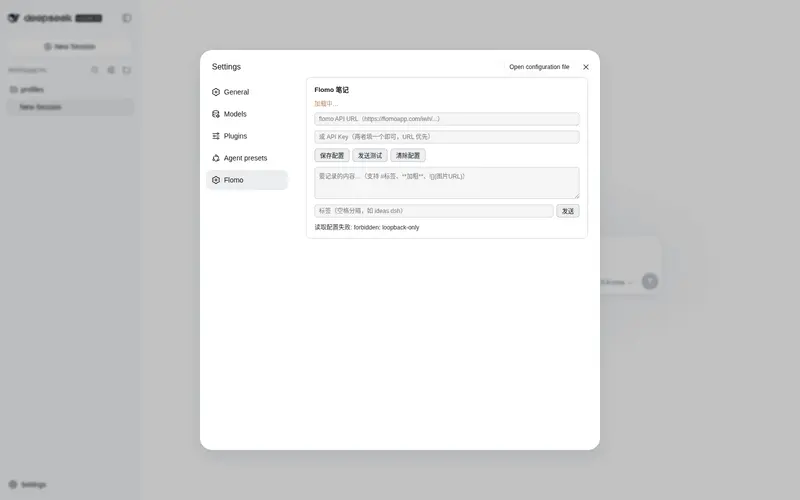
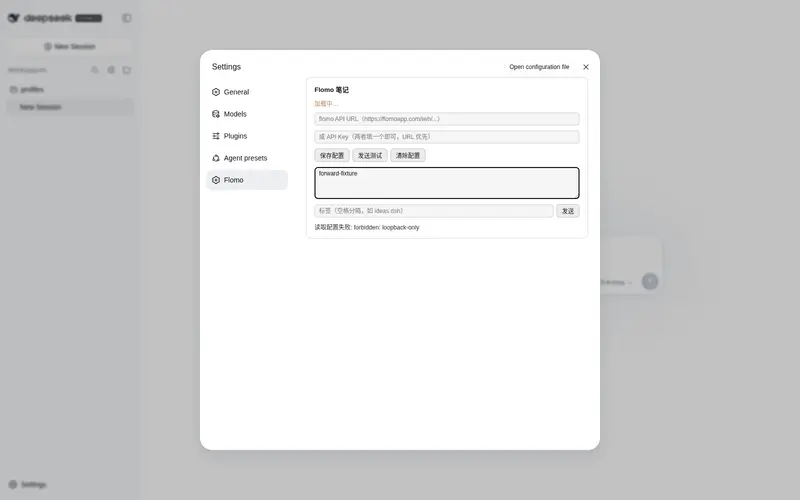
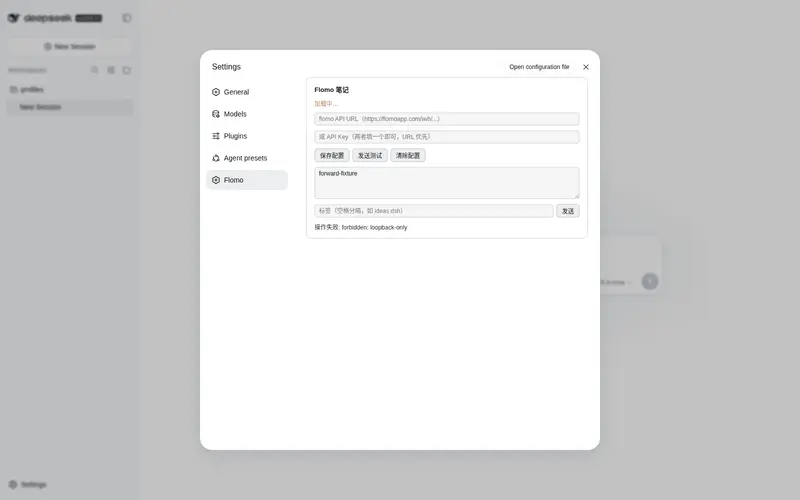
- Settings panel — configure the API URL / API Key from the web GUI: Settings → Flomo. Save, test, clear, and a quick-send box.
-
flomo_send — write a memo with optional tags (
tagsbecome#tags), supporting#tag,**bold**, andinline syntax. -
flomo_config — set
apiKey(newer key format) orwebhookUrl(the API URL from the flomo settings page, typicallyhttps://flomoapp.com/iwh/<token>/);reset: trueclears the credential. - flomo_status — report whether the plugin is configured and where the credential lives, without echoing the full key.
- Credential persisted to
~/.dsh/dsh-flomo.jsonwith mode0600. - System-prompt announcement so agents know when to use the plugin.
Install
# after publishing to GitHub (repo tagged with the `dsh-plugin` topic)
dsh plugin --profile web add github:zhengjy01/dsh-flomo

# local development
dsh plugin --profile web add link:/path/to/dsh-flomo
Restart dsh web. The plugin needs no build step — lib/index.js is plain ESM.
Configuration
Get your API URL at https://flomoapp.com/mine?source=incoming_webhook. Then either paste it into the plugin’s cordis.patch.yml config, or let the agent configure it for you:
帮我配置 flomo,API URL 是 https://flomoapp.com/iwh/xxxx/
The agent calls flomo_config with your webhookUrl (or apiKey) and persists it to ~/.dsh/dsh-flomo.json (mode 0600). From then on:
把这句话记到 flomo:#ideas
The flomo API URL is a credential: anyone with it can write memos to your flomo. Keep it private; use
flomo_config(reset: true)to clear it if it leaks.
Notes
- Sending uses Node’s built-in
fetch(Node 22+), no extra dependencies. - The web settings panel talks to the host through the loopback-only
/api/dsh-flomoroute family. - Respects flomo’s content syntax:
#tag,**bold**,.
License
MIT
Frequently Asked QuestionsFAQ
Use the verified command dsh plugin --profile default add github:zhengjy01/dsh-flomo in a DSH-enabled shell. The command resolves the public package metadata and keeps the plugin attached to the catalog identity shown on this page.
Compatibility follows the bundle and profile status shown above. If a profile is not detected, keep the plugin disabled there and check the repository documentation before enabling it in production.
The GitHub link and activity metadata are the source of truth for releases and maintenance. Revisit this page after a new release to confirm the catalog has observed the latest version.