EvilIrving/dsh-proof
Read-only acceptance layer for DeepSeek Harness: a verifier gates every turn and steers gaps back into the agent.
已收录
1
Workflow
Bundle 已验证
预览
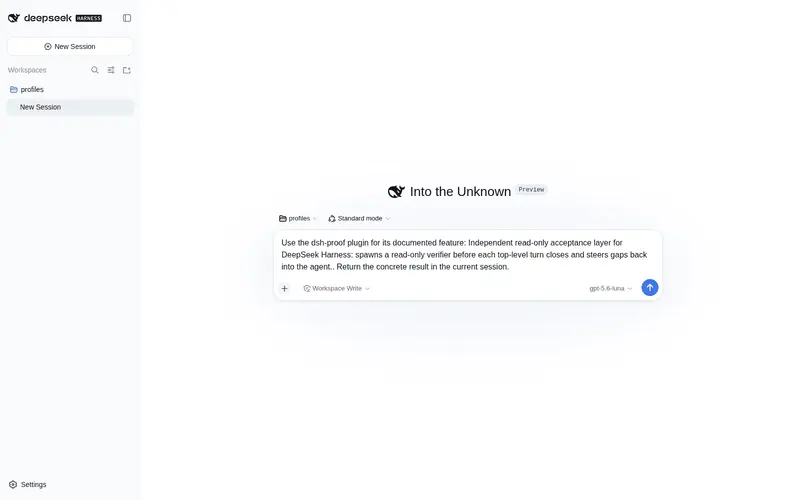
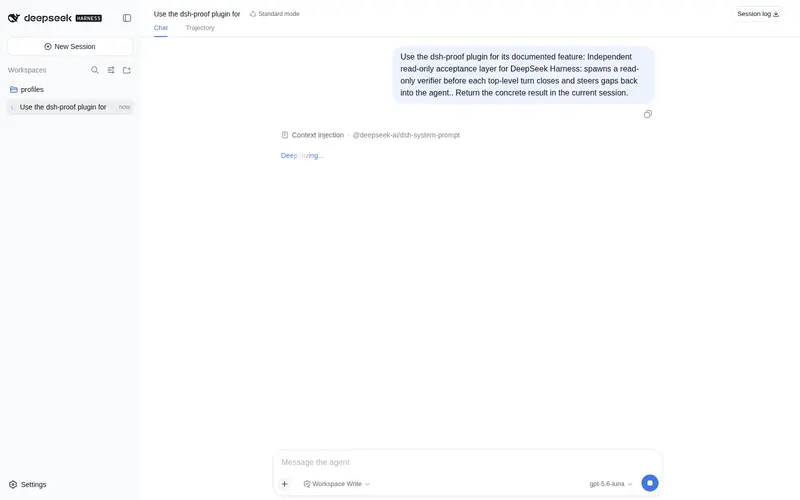
功能介绍
独立只读验收层:顶层 turn 收尾前 spawn 只读 verifier,未通过时把缺口注回主 agent。
适合
- 需要在每个顶层 turn 结束前进行独立只读完成度检查的 agent 工作流。
- 希望把验收缺口自动注回主 agent、促使其再次处理的团队。
- 能够维护准确拒绝列表,同时允许 verifier 使用只读发现工具的部署。
不适合
- 没有可用 subagent 提供方的部署;verifier 启动失败会降级为记录日志后不执行。
- 拒绝列表中的工具名与实际注册工具不匹配的环境,因为 verifier 启动会直接失败。
- 要求确定性执行测试或 lint 门禁的工作流;插件不统一证据,verifier 未完整运行时按无异议处理。
README
dsh-proof
Independent read-only acceptance layer for the DeepSeek Harness.

Before each top-level turn closes, dsh-proof spawns a read-only verifier
subagent, collects its structured verdict, and steers any non-pass gaps back
into the driving agent. It is the harness’s missing “is the agent actually
done” gate — no other plugin can substitute for it.
Install
dsh plugin --profile <name> add github:EvilIrving/dsh-proof
Or, from a checkout:
dsh plugin --profile <name> add ./dsh-proof
The bundle patch inserts one plugin row (dsh-proof); it needs the
subagents service (the official dsh-subagent providers), which the base
profile already mounts.
How it works
| Step | Mechanism |
|---|---|
| Intercept “about to close” |
agent/turn-stopping (serial, awaited before the turn commits) |
| Spawn a read-only verifier |
ctx.subagents.start('spawn', …) with toolFilter.deny + outputSchema
|
| Block recursion |
delegationDepthOf(agent) > 0 filter + maxDepth: 0
|
| Steer gaps back |
agent.inject(gap details) + agent.steer(followup) on fail / insufficient-evidence
|
The verifier inherits the parent’s tool set and is narrowed by the deny list
(see deny list); it never sees a whitelist that could
accidentally hide a newly added read-only tool. A verifier that ends with
stopReason !== 'completed' or a missing structured result is treated as
“no objection”, so a failed proof never fails the user’s turn.
Config
export interface Config {
  providerName: string          // default 'spawn'
  maxAttemptsPerTurn: number    // default 3
  denyTools: string[]           // default mutating-tool deny list
  verifierPrompt: string        // read-only acceptance instruction
  followupInstruction: string   // steering text after a failed verdict
}
Set any field from cordis.yml:
plugins:
  dsh-proof:
    config:
      maxAttemptsPerTurn: 2
      denyTools: [write, edit, str_replace_editor, bash, run_code, subagent]
Deny list
toolFilter.deny removes tools from the verifier’s inherited full set.
tools.restrict validates every name loudly, so denyTools must name tools the
deployment actually registers. The default is
write, edit, str_replace_editor, bash, run_code, subagent, which keeps
read-only discovery tools (read, read_image, glob, grep) available. A
deployment that adds its own mutating tools must extend the list; a deployment
that forbids even shell/read access should switch to an explicit allow
whitelist (set denyTools and verifierPrompt to match, or extend the plugin
for an allowTools field).
Model Experience
Request context and condition
What the model sees
The top-level agent receives an injected user message listing the verifier’s
gaps and evidence, followed by the configured followupInstruction. Only a
non-pass verdict injects anything; a passing turn adds nothing.
Token effect
Zero-direct effect on passing turns. A failing turn adds one bounded injected message (gaps + evidence) plus the short follow-up line.
KV Cache effect
Append-only: the injected context and follow-up are appended as new user messages, never rewriting earlier request tokens.
Known Limitations and Deferred Work
-
Deny list must match the deployment’s tools —
tools.restrictfails loud on unknown names, so a mismatched default blocks verifier startup. The exact mutating-tool set is deployment-specific and is resolved at first install. -
No evidence normalization — the verifier gathers evidence itself; this
plugin does not re-implement diff/test/typecheck/lint. A deployment wanting
specific evidence channels should extend
verifierPrompt. - Best-effort spawn — a provider that is absent or rejects the request degrades to a no-op (logged), rather than failing the user’s turn.
常见问题常见问题
在启用了 DSH 的终端中执行已验证命令 dsh plugin --profile default add github:EvilIrving/dsh-proof。命令会解析公开 package 元数据,并保持插件与本页展示的目录身份一致。
兼容性以页面上展示的 bundle 与 profile 状态为准。如果某个 profile 尚未检测到,请先保持禁用,并在生产启用前阅读仓库文档。
GitHub 链接和 activity 元数据是 release 与维护状态的来源。新版本发布后重新查看本页,确认目录已经观察到最新版本。