katsos/dsh-claude-cli
DeepSeek Harness LLM provider that runs your installed Claude Code CLI as the model backend — no API key.
Listed
2
Model
Bundle verified
Preview
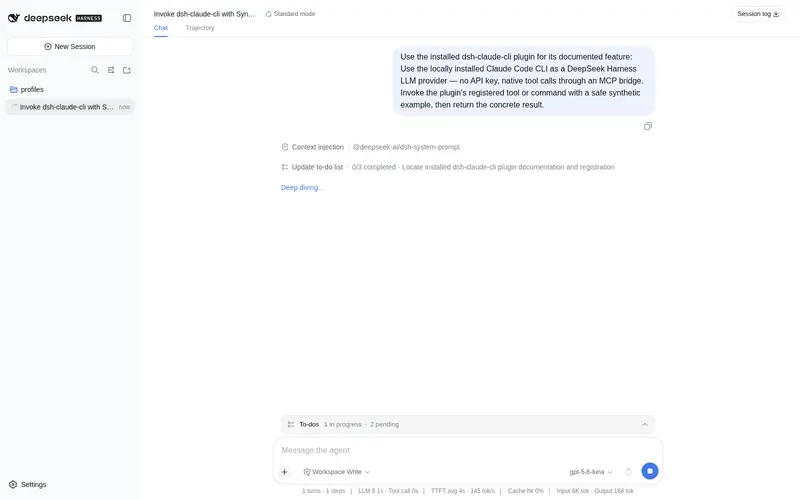
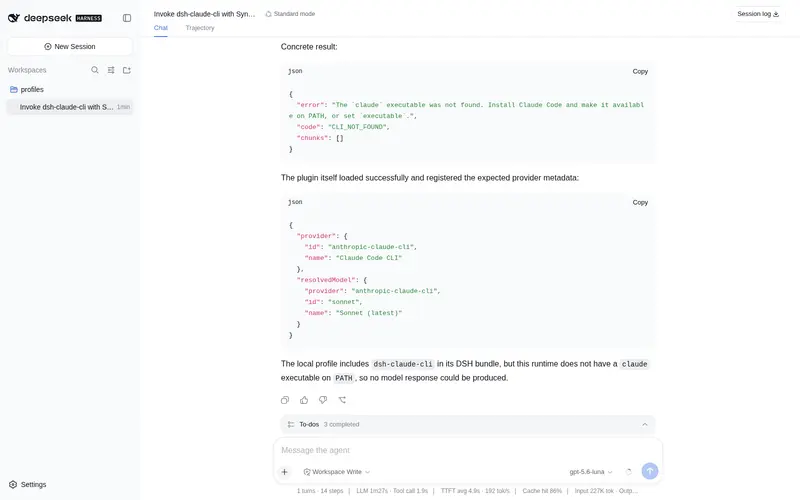
What it does
LLM provider that runs the locally installed Claude Code CLI as the model backend, so requests go through an existing Claude subscription instead of a metered API key; native tool calls are bridged over MCP.
Best for
- DSH users with an existing Claude Code installation and login who want it as an LLM backend.
- Subscription-based Claude workflows that prefer existing CLI authentication over a metered API key.
- Harness-native agent workflows that need Claude tool calls translated through an MCP schema bridge while DSH executes the tools.
Not ideal for
- Machines without a working `claude` executable on PATH, a compatible Node version, or the required DSH LLM package.
- Deployments needing npm-based installation; the plugin is currently installed from a local directory.
- Users who have not confirmed that automating their existing Claude login complies with their subscription's usage terms.
README
dsh-claude-cli
Use the Claude Code CLI you already have installed as a DeepSeek Harness LLM provider.
No API key. The plugin runs claude as a subprocess and streams its output back through the harness’s LLM seam, so requests authenticate as whatever claude is already logged in as — a login you should check your plan’s usage terms against before automating.
The harness stays the agent. The CLI’s own agent loop, tools, settings, memory files, and MCP servers are all switched off; what is left is the model call, driven by the harness’s system prompt, history, and tools.
Install
Requires a working claude on PATH (Claude Code), Node ^22.19 || >=24, and a harness with @deepseek-ai/dsh-llm.
Install it into the profile you actually run, pointing at your checkout of this repository. The package declares dsh.bundle, so it joins that profile’s layer stack and the anthropic-claude-cli route is composed on every start:
dsh plugin --profile web add ../dsh-claude-cli
A path relative to where you run the command is fine here. This plugin is not on npm, so the directory is the only way to install it today.
Restart the harness afterwards — a profile’s layer stack is read at startup, so a running server keeps the composition it booted with. The models then appear under Claude Code CLI in the model picker.
Invoking dsh
The commands here assume dsh resolves. How you reach it depends on how the harness is installed:
| Harness install | Command |
|---|---|
| Global | dsh … |
| Source checkout | pnpm dsh … |
| Neither | npx @deepseek-ai/dsh … |
Use the scoped name with npx. Unscoped dsh on npm is an unrelated JavaScript shell, last published in 2022.
That said, the third row is the odd one: this is a plugin for a harness, so a profile to install it into has to exist already. If you have never run dsh, install the harness first rather than reaching for npx.
Frequently Asked QuestionsFAQ
Use the verified command dsh plugin --profile default add github:katsos/dsh-claude-cli in a DSH-enabled shell. The command resolves the public package metadata and keeps the plugin attached to the catalog identity shown on this page.
Compatibility follows the bundle and profile status shown above. If a profile is not detected, keep the plugin disabled there and check the repository documentation before enabling it in production.
The GitHub link and activity metadata are the source of truth for releases and maintenance. Revisit this page after a new release to confirm the catalog has observed the latest version.